AI tool
Superhuman 2.0
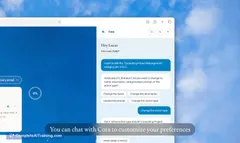
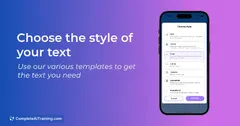
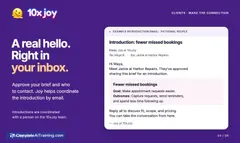
Superhuman 2.0 crafts complete emails from brief notes, matching your unique voice and tone to ensure every message sounds authentically you—saving time while keeping communication seamless and professional.
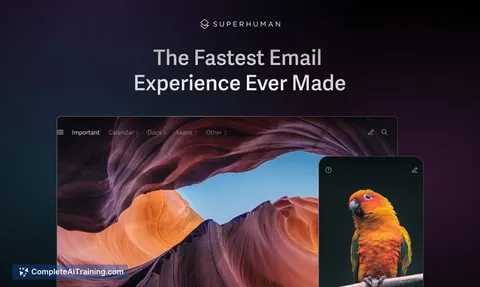
About Superhuman 2.0
Superhuman 2.0 is an AI-powered email client designed to optimize your email experience by increasing speed and efficiency. It combines smart features with a clean interface to help users manage their inboxes more effectively.
Review
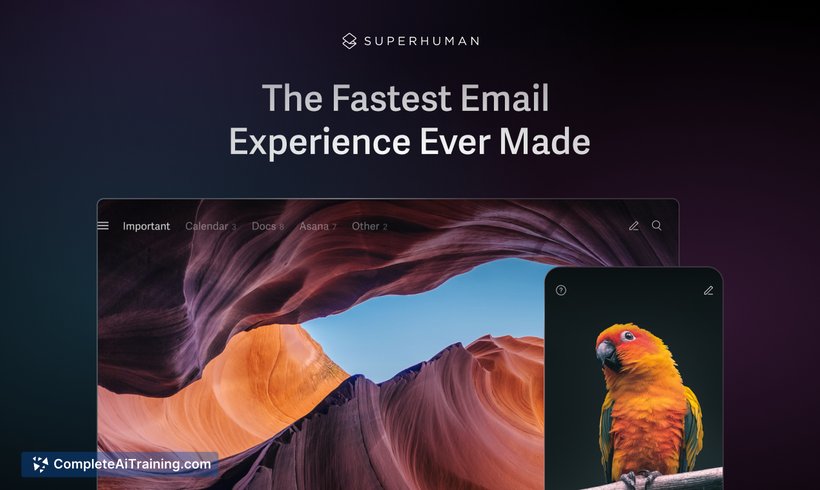
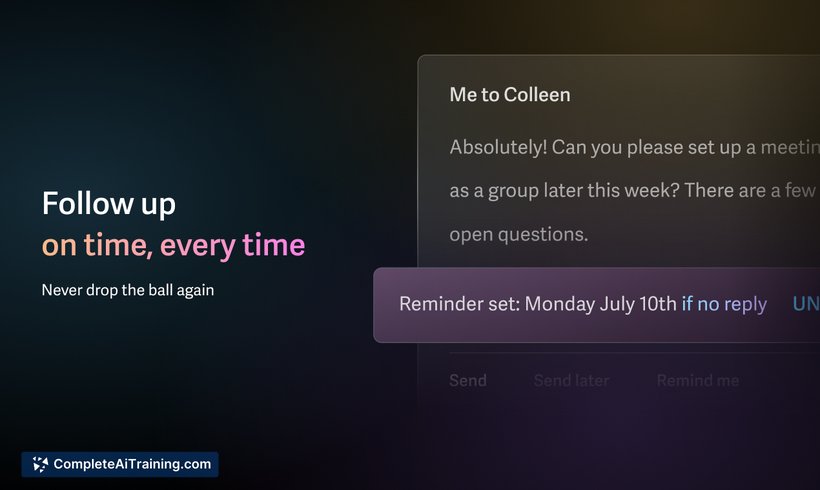
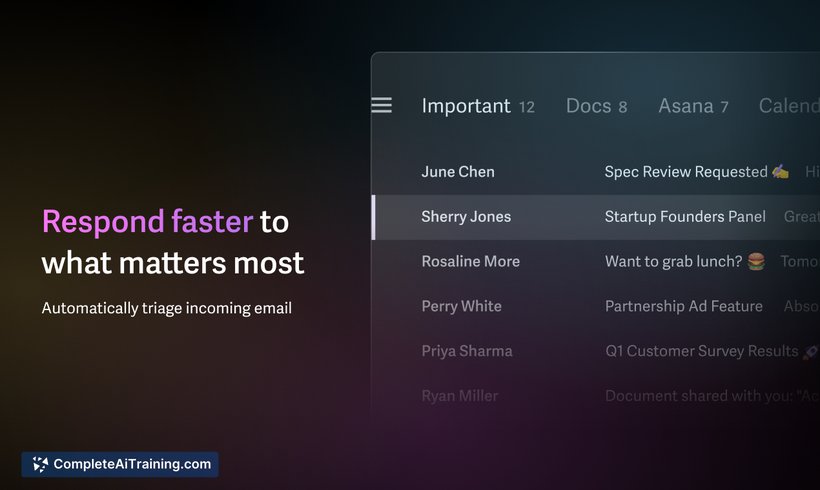
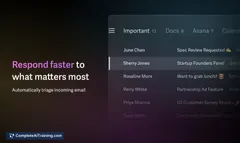
Superhuman 2.0 offers a streamlined approach to email management, focusing on speed and user productivity. Its AI capabilities assist in prioritizing important messages and reducing inbox clutter, making it suitable for professionals who handle large volumes of email daily.
Key Features
- AI-driven email prioritization to highlight important messages
- Advanced search functionality with natural language queries
- Keyboard shortcuts for rapid navigation and email handling
- Read status indicators to track email engagement
- Integration with popular calendar and task management tools
Pricing and Value
Superhuman 2.0 operates on a subscription model with a monthly fee. While it might be priced higher than standard email clients, the added productivity features and time-saving tools offer good value for professionals who rely heavily on email communication. There is also a trial period available to test the service before committing.
Pros
- Fast and responsive user interface that reduces email handling time
- Smart AI features that help prioritize and organize emails effectively
- Strong integration options with other productivity tools
- Customizable keyboard shortcuts enhance user efficiency
- Clear read receipts and status indicators improve communication tracking
Cons
- Subscription cost may be high for casual users
- Learning curve for users unfamiliar with keyboard shortcuts
- Limited support for some less common email providers
Overall, Superhuman 2.0 is best suited for professionals and heavy email users seeking to improve their email workflow and save time. Its features cater well to those managing a high volume of messages and needing quick access to important communications.
Jobs Superhuman 2.0 suits
Useful in almost any job. We checked Superhuman 2.0 against 500+ jobs; these get the most out of it.
Alternatives to Superhuman 2.0
Other tools that do the same main job. Our AI compared Superhuman 2.0 with similar tools and kept the ones you could use instead.