AI tool
TabTasker
TabTasker: a local browser toolbox for quick tasks-format JSON, convert files, run AI prompts-processing 100% on your device for instant results, zero uploads, and full privacy. Free to use with no sign-ups.
About TabTasker
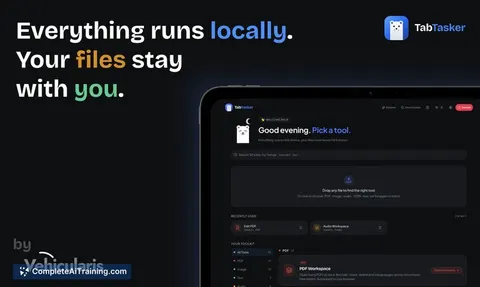
TabTasker is a free web toolbox that runs entirely inside your browser, keeping files and data on your device. It offers a broad set of utilities - from PDF editing and image processing to audio transcription - without requiring uploads or account creation.
Review
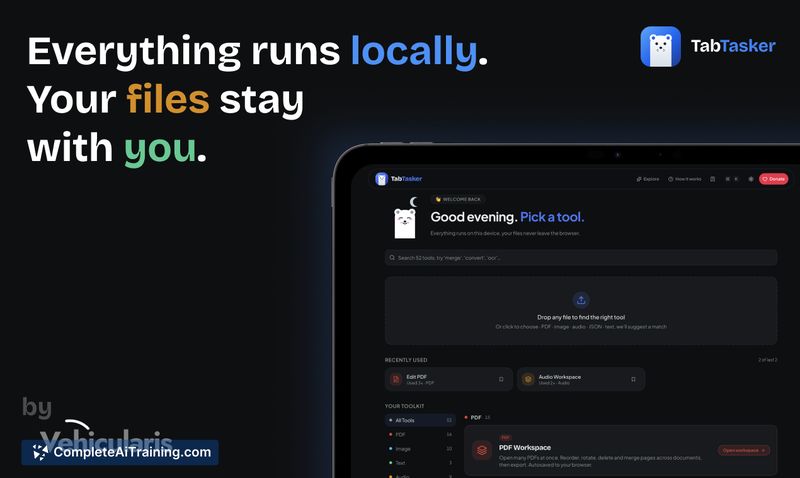
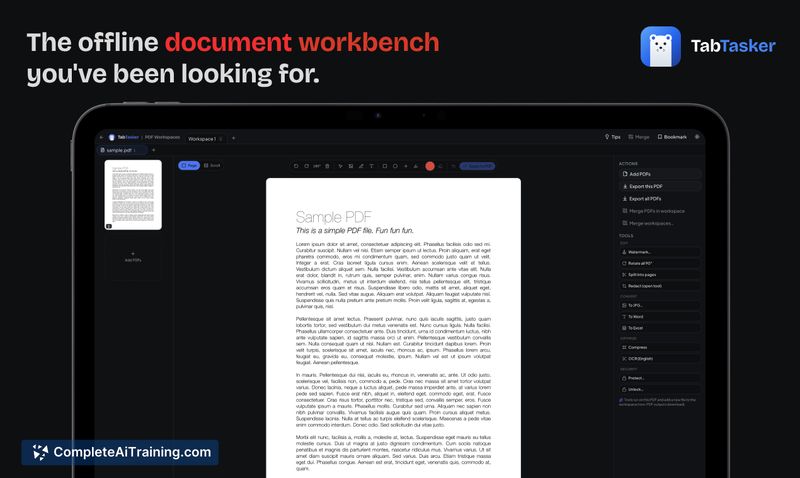
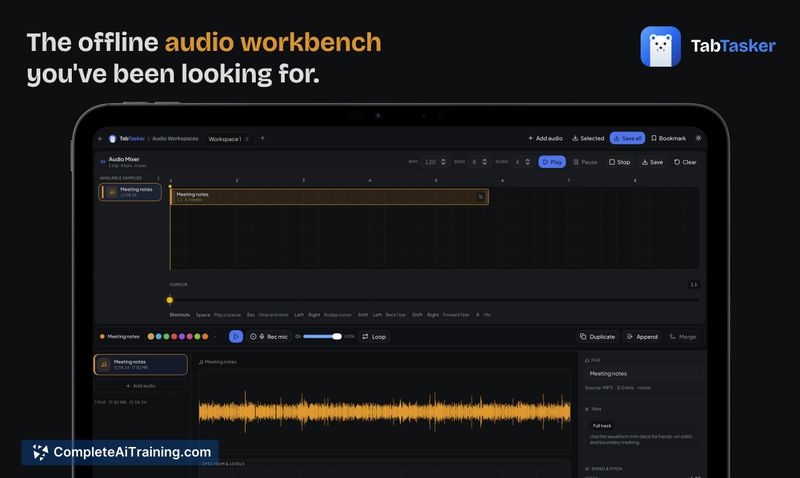
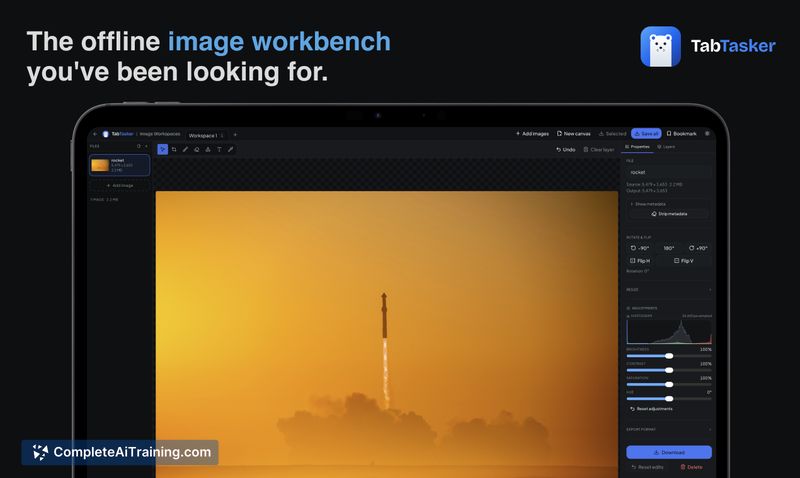
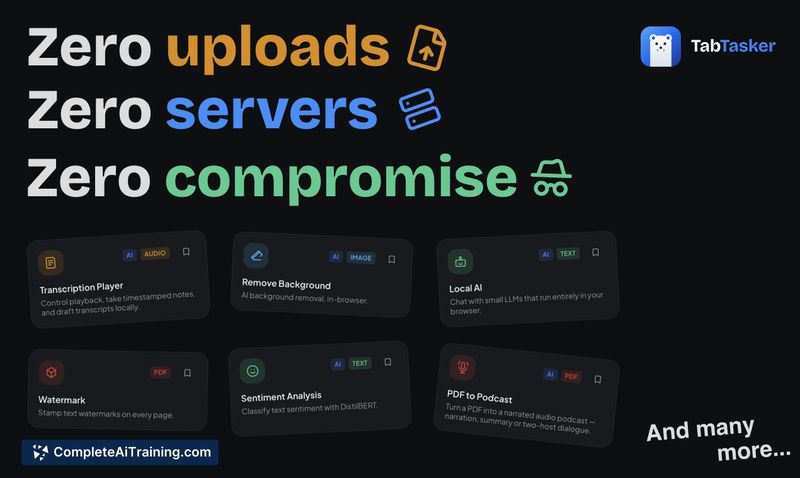
TabTasker focuses on privacy-first, client-side processing so users can handle sensitive files without sending data to external servers. The toolset is extensive and practical for everyday tasks, but running everything in a browser introduces trade-offs related to performance and resource limits.
Key Features
- Zero-upload local processing: all work happens in your browser tab so files do not leave your device.
- 50+ utilities: PDF editor and converters, image background removal and upscaling, audio editor and transcription, developer helpers (JSON, hashing, regex, etc.).
- On-device AI tools: transcription, summarization, tagging and a local chat option that load model assets once and cache them for offline use.
- Multi-layer execution: pure JavaScript tools for instant tasks, compiled codecs and OCR for heavier media work, and GPU/compiled fallbacks for model-based features.
- Free with no sign-up or paywalls, and minimal network traffic after initial model or asset downloads.
Pricing and Value
TabTasker is free to use with no required sign-up or subscription. Because processing is performed locally, there are no server costs passed to the user, and model/asset downloads are cached to enable subsequent offline use. The value is strongest for users who prioritize privacy and quick one-off edits without cloud uploads; organizations that need centralized logging or heavy compute may find the trade-offs less favorable.
Pros
- Strong privacy posture: files and inputs remain on your device during processing.
- Wide feature set in a single place - many small utilities reduce the need to visit multiple sites.
- Offline-friendly after initial downloads; many tools run instantly with low latency.
- No cost to the user and no account barrier to start using the toolbox.
- Clear fallbacks so tools still run on a variety of browsers and devices.
Cons
- Performance and memory are limited by the user's hardware and browser; large files or bigger models can be slow or constrained.
- Initial model or asset downloads can be sizable and require time and storage before offline use is smooth.
- Because there is no server-side telemetry, troubleshooting depends on user reports and local inspection tools, which can make diagnosing rare bugs harder.
TabTasker is best for privacy-conscious individuals, journalists, legal or compliance teams, and anyone who frequently needs quick file conversions or edits without trusting third-party servers. It's less suited to users who require heavy centralized compute, enterprise monitoring, or consistently high-performance GPU resources for very large models.
Jobs TabTasker suits
We checked TabTasker against 500+ jobs; these get the most out of it.