AI tool
Talk To Your Computer
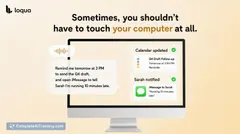
Talk To Your Computer lets you speak naturally while sharing your screen, providing a voice-powered AI assistant that sees and interprets everything on your display for seamless multitasking and instant support.
About Talk To Your Computer
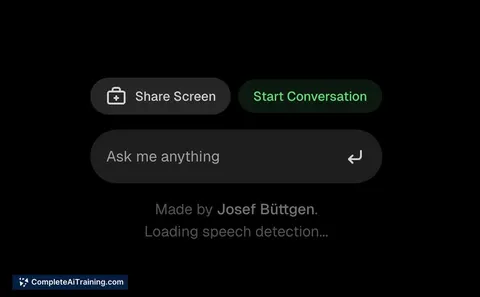
Talk To Your Computer is a web-based AI voice assistant that allows users to share their screen and communicate with the AI in real time. It offers a seamless experience by enabling the AI to see and understand everything displayed on the screen, eliminating the need to explain what is being viewed.
Review
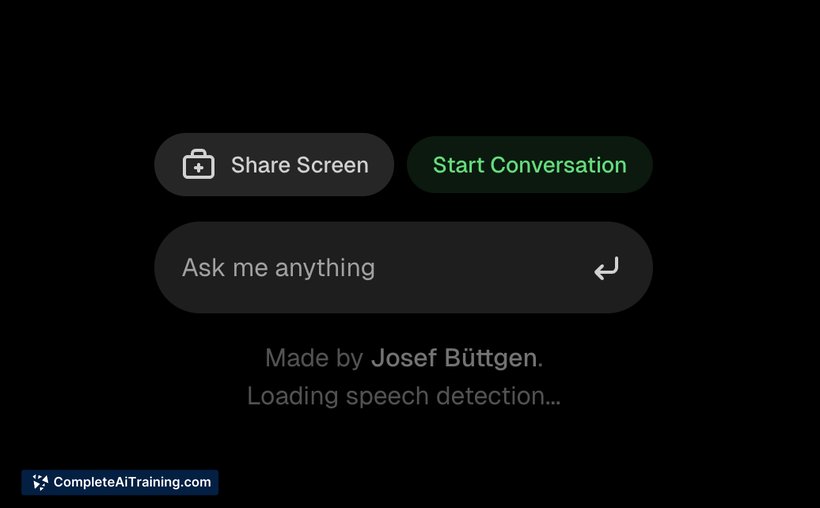
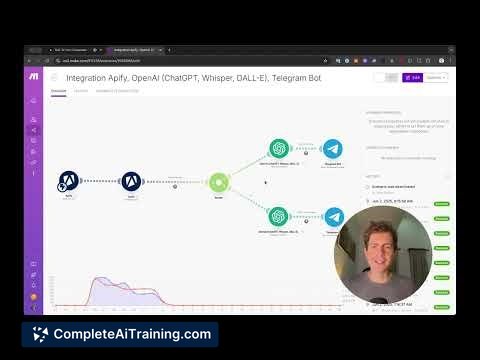
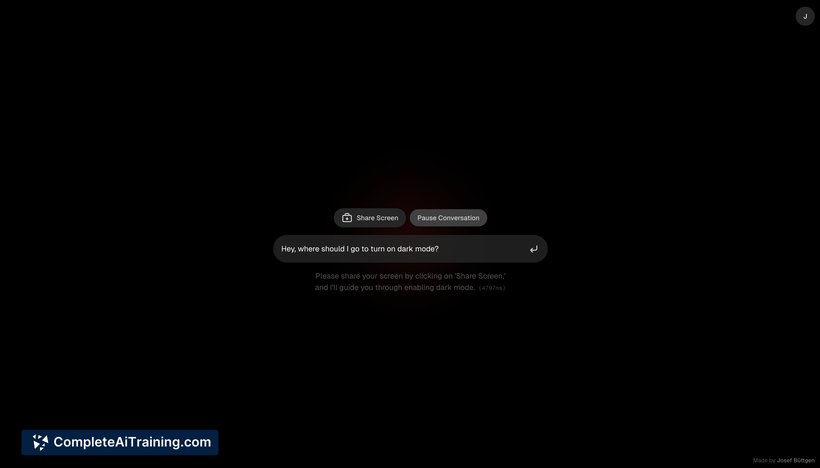
Talk To Your Computer introduces a straightforward way to interact with an AI assistant while working on various tasks such as spreadsheets, presentations, or automation setups. By sharing the screen and speaking naturally, users can receive immediate responses from the AI without switching windows or providing detailed descriptions.
Key Features
- One-click screen sharing for instant AI visibility of your workspace
- Live transcription of natural speech for smooth communication
- Context-aware AI responses based on what is visible on the screen
- Maintains chat history throughout the session for multi-step workflows
- Designed to assist makers and operators in maintaining workflow focus
Pricing and Value
The tool is currently available for free, providing significant value for users looking to enhance productivity without added costs. Its combination of screen sharing and conversational AI offers an accessible option for professionals who want to streamline tasks without investing in more complex software solutions.
Pros
- Easy to set up and start using with minimal effort
- Enables hands-free interaction with on-screen content
- Supports multi-step processes by keeping track of conversation history
- Useful for a variety of tasks including design, data management, and automation
- Improves workflow efficiency by reducing context switching
Cons
- Limited information on advanced customization options
- Performance may depend on screen complexity and content type
- Currently focused on web app usage, which may restrict integration with other platforms
Talk To Your Computer is well-suited for professionals and creators who frequently multitask and benefit from having an AI assistant that can follow along with their work visually and verbally. It is particularly helpful for those who want to reduce the friction of switching between applications or explaining screen content manually.
Jobs Talk To Your Computer suits
Useful in almost any job. We checked Talk To Your Computer against 500+ jobs; these get the most out of it.
Alternatives to Talk To Your Computer
Other tools that do the same main job. Our AI compared Talk To Your Computer with similar tools and kept the ones you could use instead.