AI tool
Loqua
Loqua is a voice assistant built on an omni model that understands both speech and what's on your screen. It is for researchers and professionals who want to speak naturally to ask about documents or code, capture context, and delegate multi-step ...
About Loqua
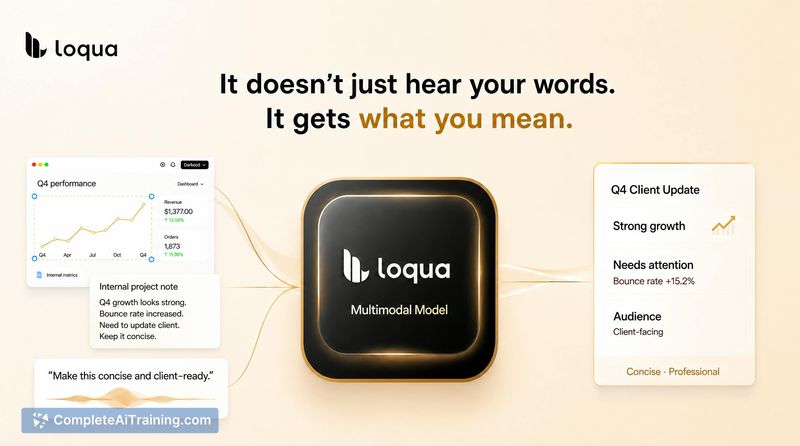
Loqua is a voice-first AI layer for desktop that transcribes, rewrites, and acts on spoken input across applications. It uses a single multimodal model-not a cascade of separate speech and language components-so voice and screen context share the same processing path. The tool runs on macOS and Windows, supports around 100 languages, and includes a "Capture to Ask" function that lets users point at on-screen content and ask about it by voice.
Review



Loqua enters a crowded voice-tool market with a specific architectural claim: one omni model instead of stitched-together ASR and LLM pieces. The maker describes it as a response to repetitive strain injuries that made typing painful, combined with frustration that existing voice products didn't understand intent well enough for real work. This review walks through what the tool actually does today, what's still on the roadmap, and who might find it useful.
Key Features
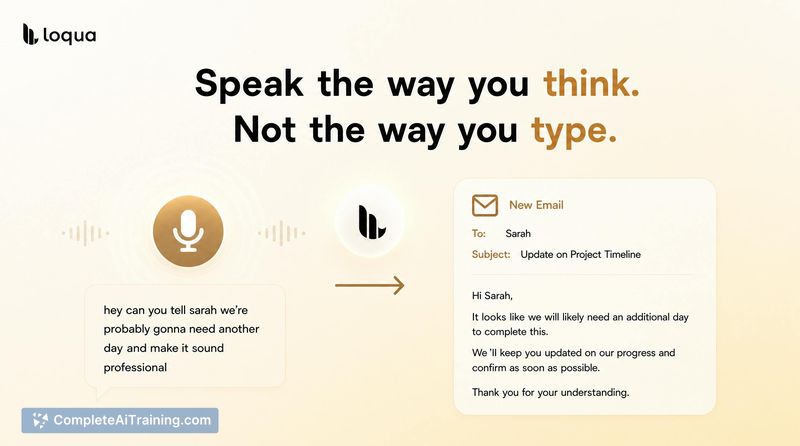
- Voice dictation with polished output. Speak naturally and Loqua converts rough thoughts into ready-to-use text inside any application, cleaning up grammar and structure as it goes.
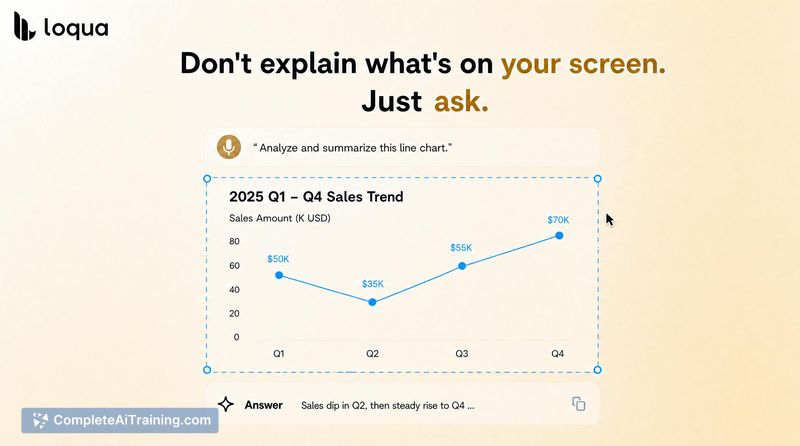
- Capture to Ask. Take a screenshot of a chart, error message, table, or code block, then ask questions about it by voice. The model reads the visual context alongside the spoken query. This works from a static capture, not a continuous live screen feed.
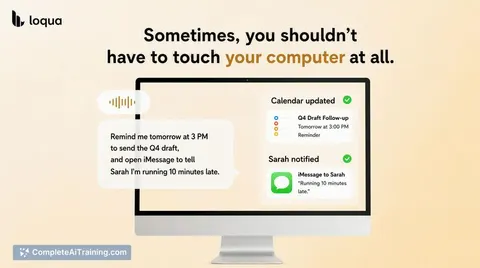
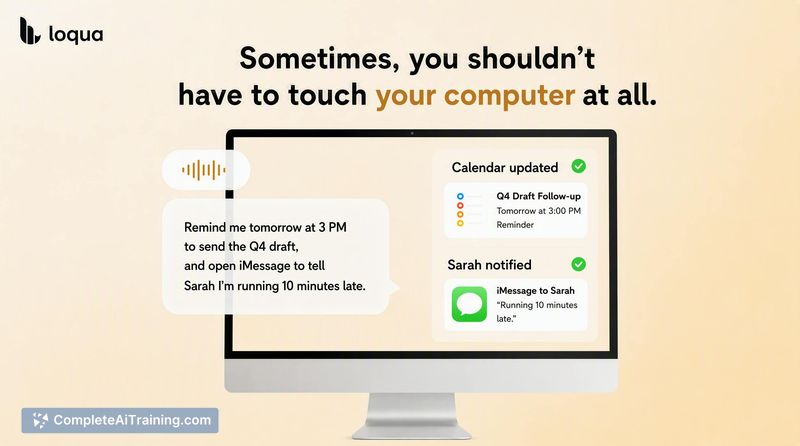
- Desktop voice commands. Trigger actions across macOS-opening apps, setting reminders, scheduling-by speaking. The maker notes that agentic, multi-step task handling is a planned expansion, not a current capability.
- Listen instead of read. Have on-screen text read aloud, which lets users step away from the display while consuming content.
- Cross-app voice layer. Operates as an overlay that works inside existing tools like email clients, Slack, and coding environments rather than requiring a separate chat interface.
Pricing and Value
Loqua offers a free tier with limited usage. The Pro plan's standard pricing is not explicitly listed in the available materials. For the Product Hunt launch, the team offers a 30-day Pro trial via promo code, a 14-day welcome trial for new users, and an additional 7 days of Pro access for each friend referred (both parties receive the extra days, with no stated limit).
Pros
- Single-model architecture avoids the latency and error propagation common in cascaded ASR-plus-LLM pipelines.
- Capture to Ask combines visual and spoken context in one query, which is useful for discussing charts, error logs, or code without typing descriptions.
- Works across applications rather than locking voice interaction inside a dedicated chat window.
- Handles natural, conversational speech-pauses, corrections, mid-sentence direction changes-without requiring careful dictation style.
- Team includes speech and LLM researchers who train the model in-house, which means updates can target specific user-reported failure modes.
Cons
- Capture to Ask relies on static screenshots, not live screen awareness. Users who need continuous, real-time screen understanding won't find that here yet.
- Agentic multi-step task execution-"remind me to send the Q4 draft at 3pm, and FaceTime Sarah"-is described as a future direction, not something the tool does today.
- Loqua is not well suited for people whose work requires precise, symbol-heavy input (spreadsheet formulas, LaTeX, complex code syntax) where voice dictation introduces more correction effort than it saves.
Loqua fits best for professionals who already spend hours talking to LLMs-developers dictating changes to coding agents, PMs turning spoken thoughts into structured updates, researchers capturing ideas mid-flow. It's less helpful for tasks where typing speed isn't the bottleneck or where the output needs character-level precision. The team is actively gathering feedback on which workflows users want to make voice-native, and the tool's shape will likely shift as that input arrives.
Jobs Loqua suits
We checked Loqua against 500+ jobs; these get the most out of it.
Alternatives to Loqua
Other tools that do the same main job. Our AI compared Loqua with similar tools and kept the ones you could use instead.