AI tool
Uselink
Uselink turns HTML or Markdown into a shareable live link instantly. Send pages to clients or teammates, collect inline comments, and keep editing while the same link stays active. Free alpha.
About Uselink
Uselink hosts HTML or Markdown and gives you a persistent, shareable link under your handle so you can distribute pages instantly. It supports interactive HTML, inline comments without accounts, and a live editor plus version history for easy edits and rollbacks.
Review
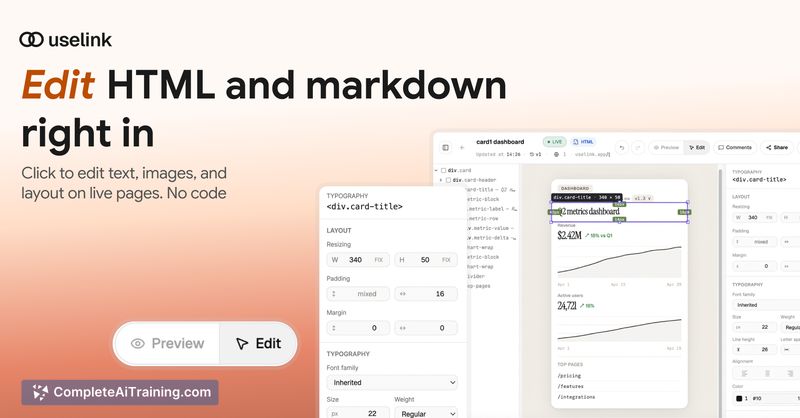
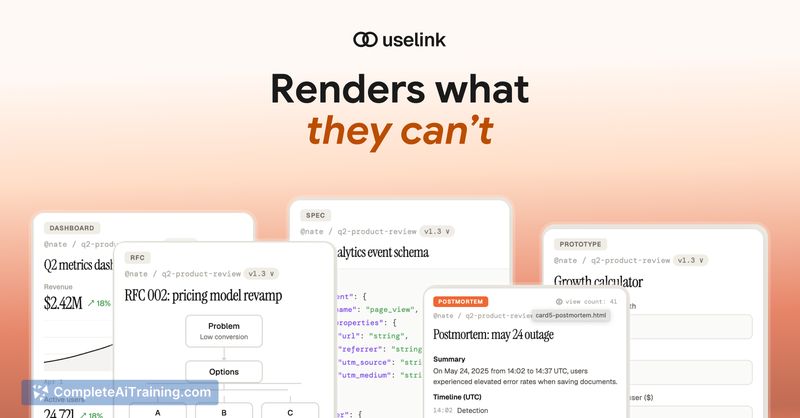
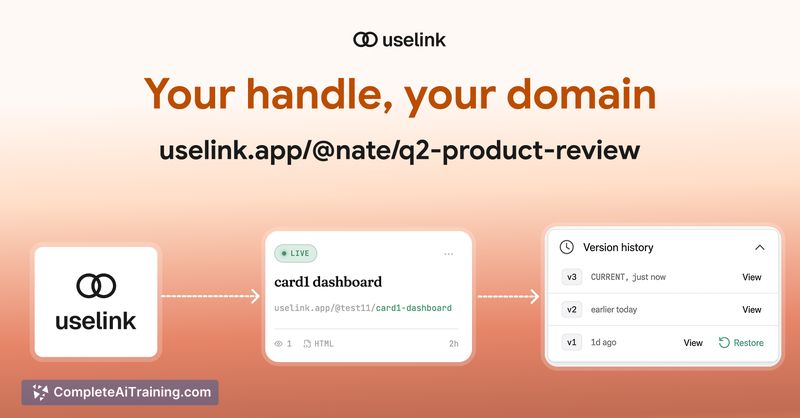
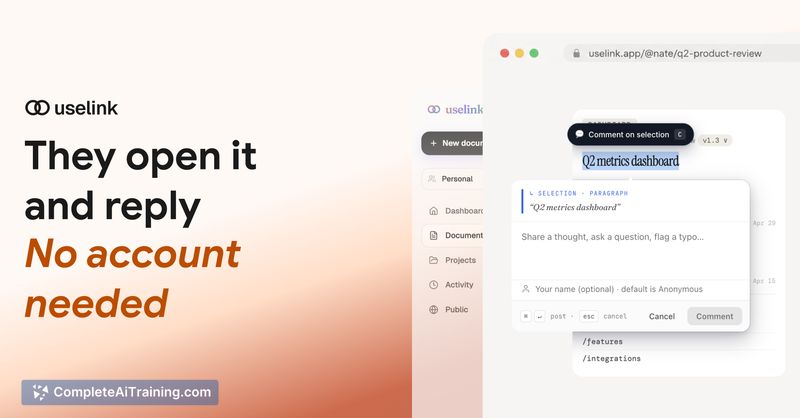
Uselink addresses a common friction: sharing HTML output from generators or editors without setting up hosting or losing interactivity in doc apps. The app focuses on fast sharing, anchored commenting, and a simple editing workflow that keeps a single permanent link active.
Key Features
- Instant hosting of HTML or Markdown with a URL under your handle; interactive HTML runs as authored.
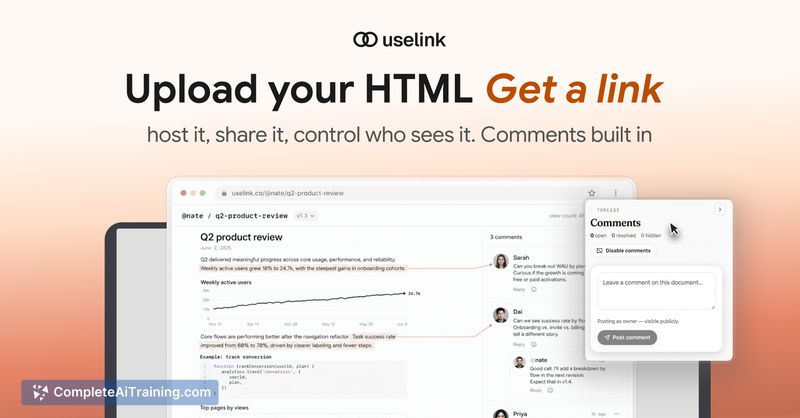
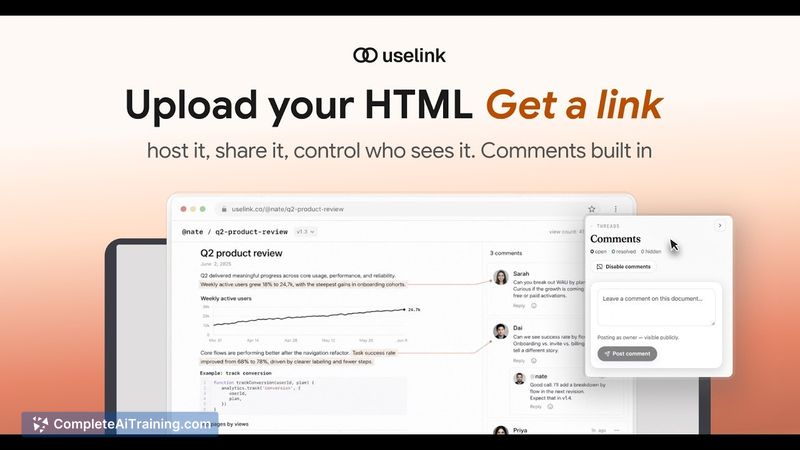
- Threaded comments that readers can post without creating an account; highlights remain tied to content across versions.
- Visual live editor that lets you modify pages with no code while keeping the same link.
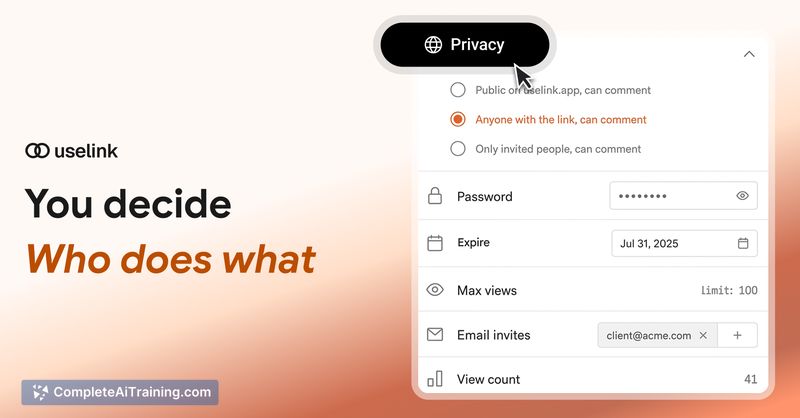
- Access controls including password protection, expiry dates, view limits, and selective publishing for private audiences.
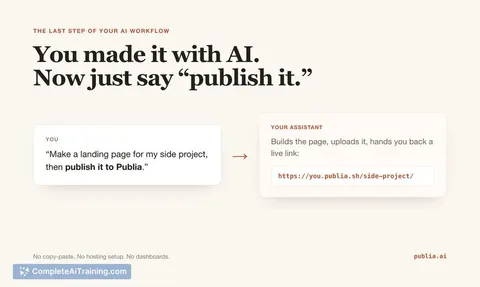
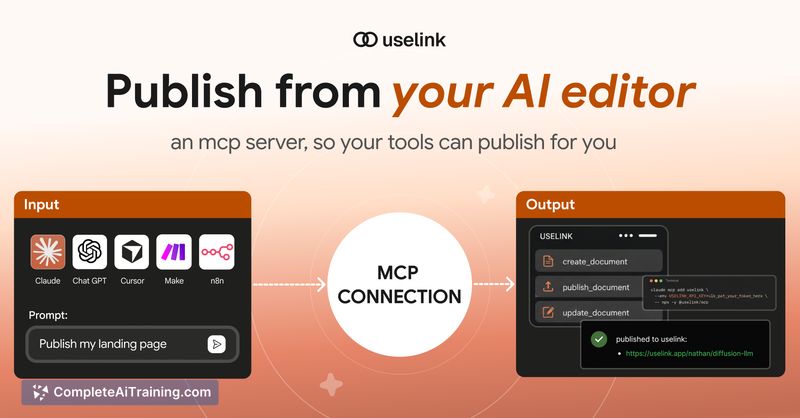
- Publishing automation support so external assistants and automation tools can push content programmatically.
Pricing and Value
Uselink is currently in alpha and free to use. Pricing is expected to arrive soon, with plans for a limited free tier and an inexpensive option for light users. For people who frequently generate HTML or need quick, commentable shares of interactive pages, Uselink can save time and reduce the workaround steps required with traditional docs or chat paste-ins.
Pros
- Very fast path from paste to shareable URL for HTML and Markdown.
- Comments without accounts and anchored highlights help keep feedback contextual and persistent.
- Live visual editor combined with immutable version history makes edits safe and reversible.
- Flexible access controls (passwords, expiries, view limits) suit both public and private shares.
- Supports interactive content and automated publishing from external tools.
Cons
- Early alpha status means some features and polish are still in development.
- Long-term pricing, quotas, and enterprise capabilities are not yet finalized.
- Real-time multi-editor collaboration is not available today.
Uselink is well suited for AI writers, designers, developers, consultants, and small teams who need a fast, lightweight way to share interactive HTML and collect feedback. Organizations needing mature enterprise controls or full real-time collaboration may prefer to wait for later releases, but early adopters will likely find the workflow time-saving and straightforward.
Jobs Uselink suits
We checked Uselink against 500+ jobs; these get the most out of it.
Alternatives to Uselink
Other tools that do the same main job. Our AI compared Uselink with similar tools and kept the ones you could use instead.