AI tool
VoiceRec: AI Vocal Recorder
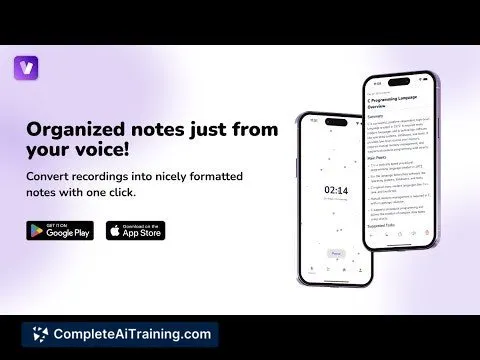
VoiceRec: AI Vocal Recorder lets you easily capture, transcribe, and share voice recordings with accuracy and speed. Streamline your audio workflow and turn spoken words into text instantly for efficient communication and documentation.
About VoiceRec: AI Vocal Recorder
VoiceRec: AI Vocal Recorder is a mobile application that enables users to capture voice and audio recordings with ease. It integrates AI-powered transcription to convert spoken words into text quickly, making it convenient to review and share recorded content.
Review
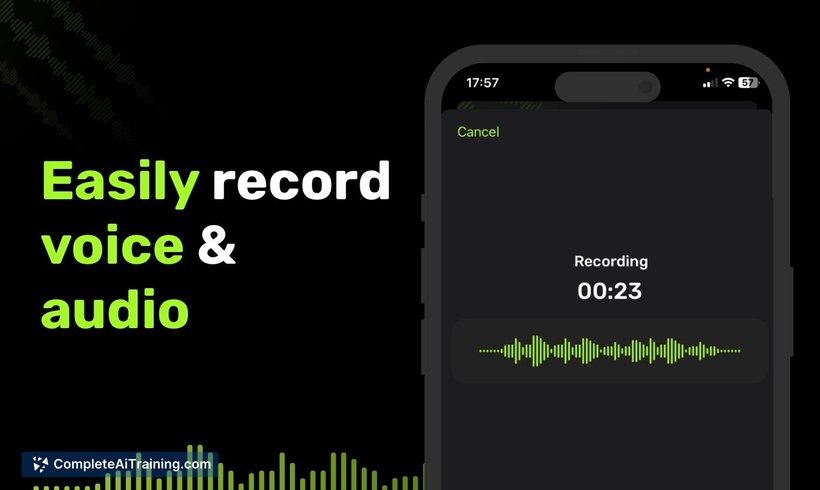
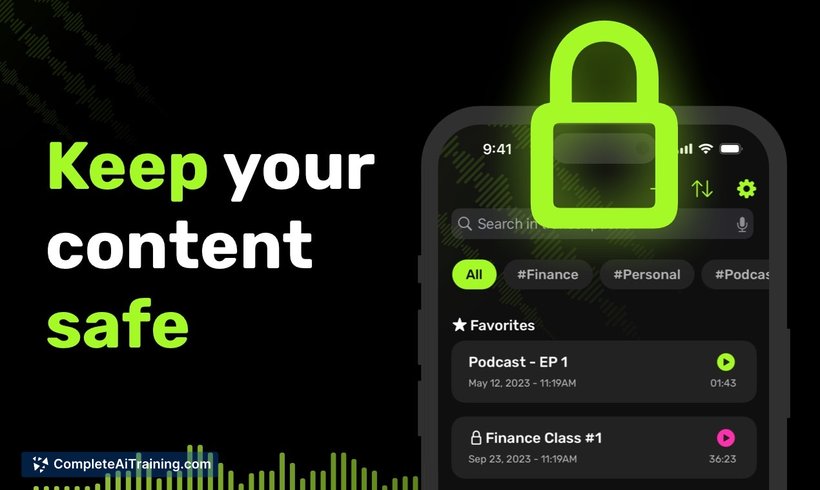
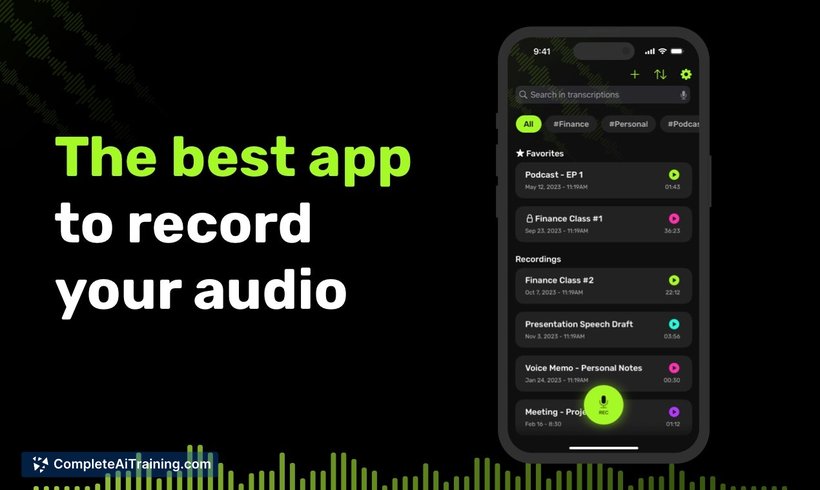
VoiceRec provides a straightforward solution for recording and transcribing audio, aimed at improving productivity for meetings, lectures, and spontaneous idea capturing. Its user-friendly interface and efficient transcription capabilities make it a practical tool for users who frequently work with voice notes and audio documentation.
Key Features
- Effortless voice recording with background recording support to ensure no moment is missed.
- AI-powered transcription that converts speech to text accurately and swiftly.
- Search functionality that allows users to find specific words or phrases within transcriptions.
- Seamless sharing options for both audio files and transcribed text with others.
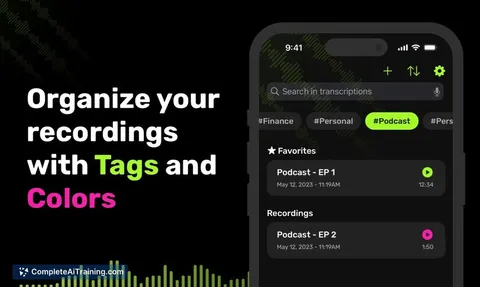
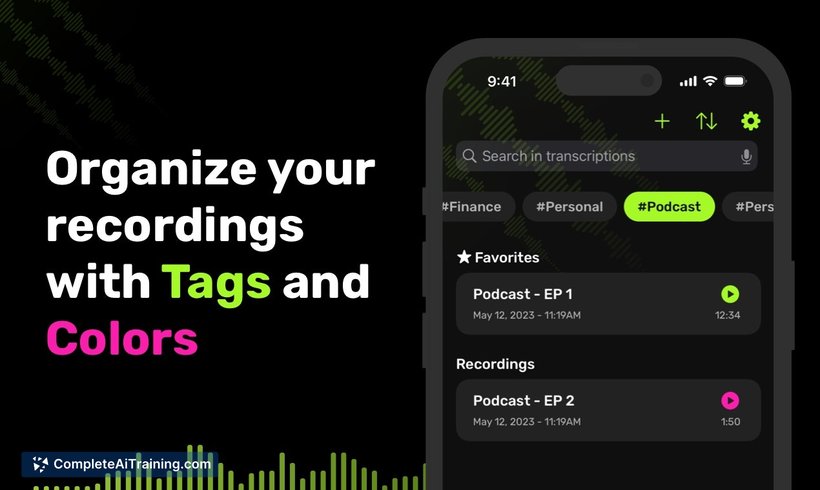
- Customizable tags to organize and categorize recordings for easy retrieval.
Pricing and Value
The tool is available as a free launch product, providing core features without cost which makes it accessible to a broad range of users. This pricing model offers good value, especially for individuals and professionals looking for efficient voice recording and transcription without subscription fees. Additional features or premium plans, if introduced, could further enhance its value proposition.
Pros
- Quick and accurate transcription saves time on manual note-taking.
- Simple and intuitive user interface suitable for all skill levels.
- Background recording ensures continuous capture even when multitasking.
- Organizational tools such as tagging improve file management.
- Easy sharing capabilities facilitate collaboration and communication.
Cons
- Currently limited information on advanced editing or export formats.
- Being a newer app, it may lack some integrations with other productivity tools.
- Performance and accuracy may vary with different accents or noisy environments.
VoiceRec: AI Vocal Recorder is ideal for students, professionals, and anyone who frequently records spoken content and needs quick transcription. Its combination of recording, transcription, and organizational features make it a helpful companion for meetings, lectures, and creative brainstorming sessions.
Jobs VoiceRec: AI Vocal Recorder suits
We checked VoiceRec: AI Vocal Recorder against 500+ jobs; these get the most out of it.
Alternatives to VoiceRec: AI Vocal Recorder
Other tools that do the same main job. Our AI compared VoiceRec: AI Vocal Recorder with similar tools and kept the ones you could use instead.