
AI tool
Wispro
Wispro is a software tool for installation companies. It allows contractors to organize projects, track inventory, and process invoices from a single dashboard.
About Wispro
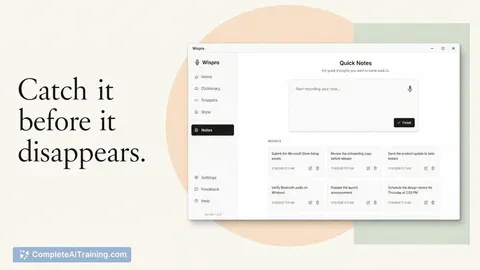
Wispro is a voice-to-text dictation application that transcribes speech and pastes the resulting text directly into the active application. It uses three distinct modes-Basic, Smart, and Command-each triggered by its own hotkey to handle straight transcription, polished prose, or instruction-based drafting. The software runs on Windows and relies on a personal Groq API key for its processing.
Review
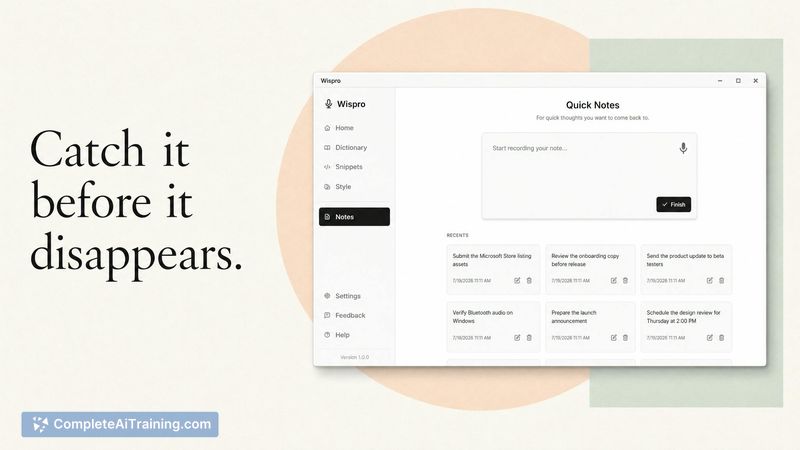
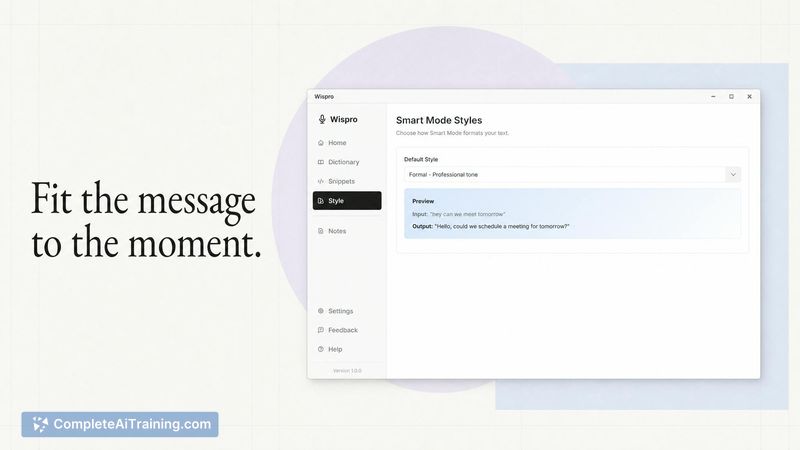
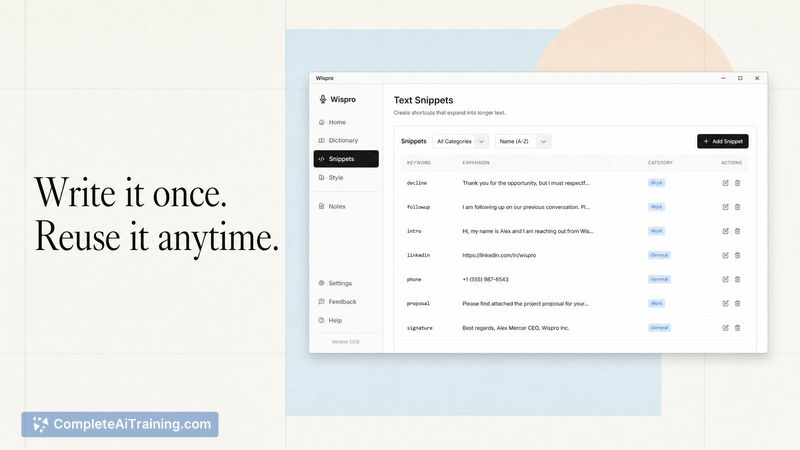
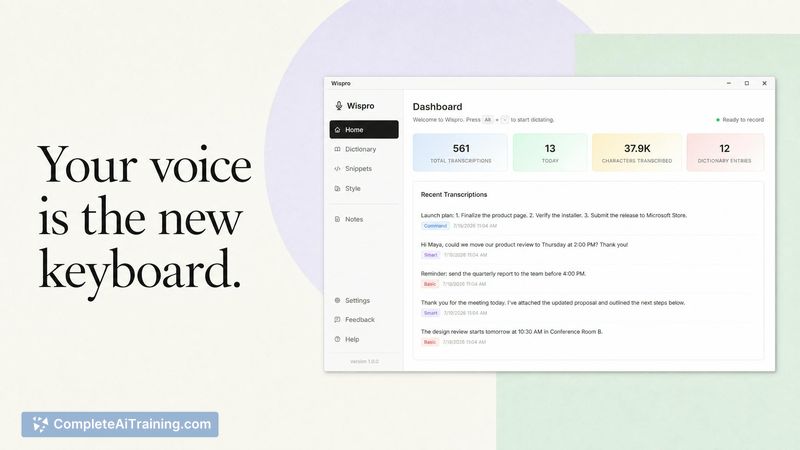
Wispro launched this week as a free dictation tool built around customizable output. Instead of fixed tone presets, users can write their own style instructions per application. The tool captures voice input and immediately converts it to text according to the selected mode, placing it into whatever you're working on.
Key Features
- Three writing modes with separate hotkeys: Basic Mode records an exact transcript, Smart Mode removes filler words and reshapes rambling into formatted prose, and Command Mode turns a spoken request like "write me a tweet about XYZ" into a finished draft.
- Custom writing styles defined by the user in their own words, applied per application, not limited to a shortlist of presets.
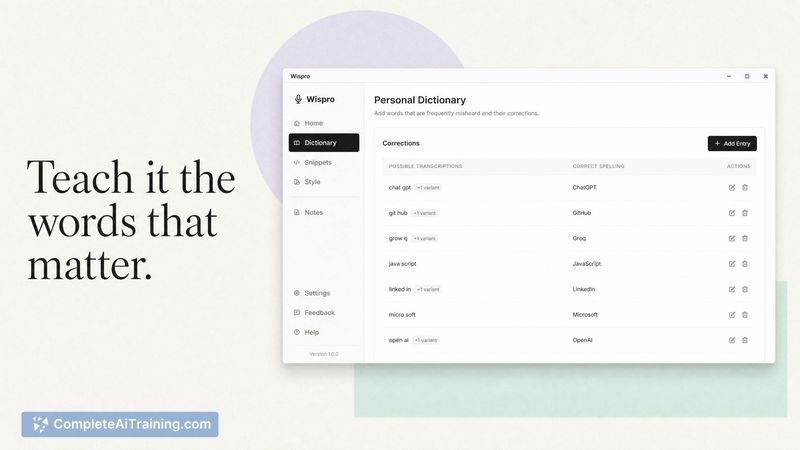
- Personal dictionary and snippets included at no cost, letting you standardise terminology and reuse common blocks of text.
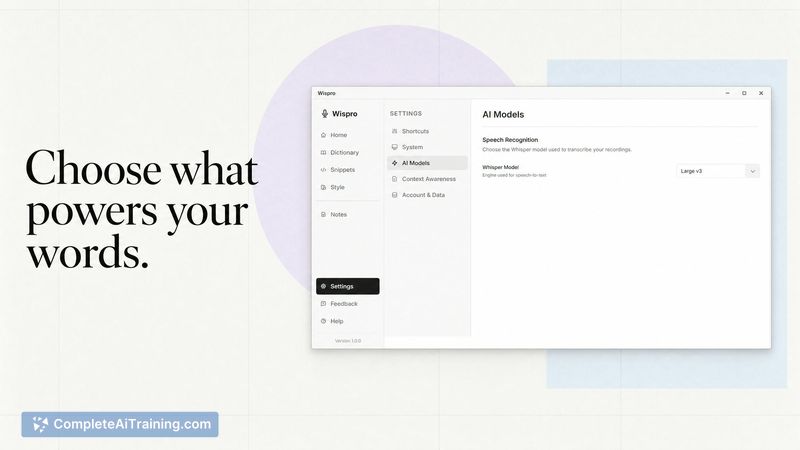
- Multi-language support through Whisper large-v3, which covers languages including Swedish, according to the maker.
Pricing and Value
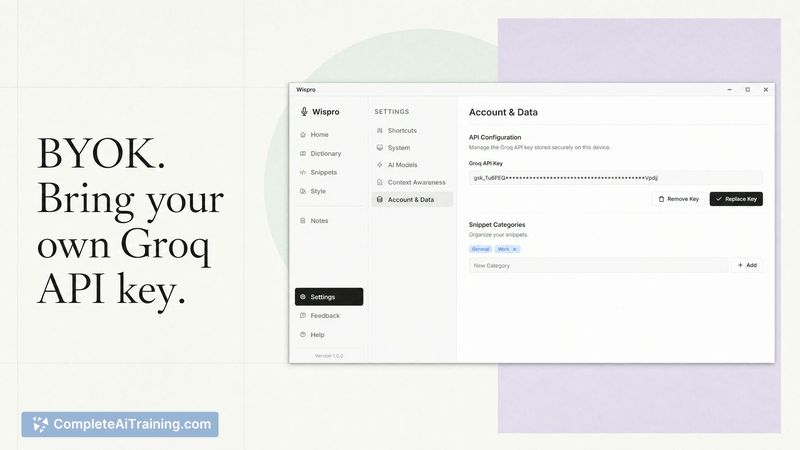
Wispro is free. All features-custom styles, personal dictionary, snippets-are available without a paid tier. It runs on a user-supplied Groq API key, which takes a few minutes to obtain. The Groq free tier provides enough monthly usage for typical daily dictation, as stated by the maker. No subscription, no hidden fees. A Mac version is on the roadmap but not yet shipped.
Pros
- No charge for any feature; custom dictionary and snippets aren't locked behind a paywall.
- Explicit hotkey modes remove ambiguity about whether the tool should transcribe, clean up, or execute a command.
- Custom instructions let you define exactly how Smart Mode structures output for different contexts.
- No recurring software costs-the free Groq API key covers everyday use.
Cons
- Windows-only at launch; Mac and other platforms are still planned.
- Setup requires a separate Groq API key, adding an external dependency and a small configuration step.
- Not well suited for users who need offline transcription or want a self-contained tool with no third‑party account.
Wispro fits people who dictate often across multiple applications and want to define their own clean-up rules instead of picking from a preset list. The free model with a personal API key keeps it accessible, but the Windows-only restriction and external dependency mean it's not for everyone. If managing an API key or working offline is a dealbreaker, existing commercial dictation tools may be a more straightforward fit.
Jobs Wispro suits
We checked Wispro against 500+ jobs; these get the most out of it.



