
Learning path
Learning AI as a Construction Project Manager
This path shows construction project managers how to use AI for schedules, budgets, subcontractor coordination, safety, and client updates. You start with setup, connect your AI, then work through prompts built for the job.
Your path
Everything in the Construction Project Manager AI kit, in the order that makes sense. Members tick off each step and see their progress.
Set up your AI
We guide you through each click.
Let skills do your everyday tasks
Connect your apps and pick your AI apps
Hand whole tasks to AI agents
Build your own tools
Keep growing
Everything for construction project managers
All the courses, certifications, AI tools, MCP servers and apps for construction project managers, most relevant first. Open any list to see more.
Take the prompt courses
A short framework course to learn how to ask, then 8 lessons with ready-to-use prompts for construction project managers.
Start with this framework: how to talk to AI
RISEN helps you draft a site safety plan as ordered steps, roles, and checks so your crew follows one clear process.
Then your prompt course for construction project managersWatch the video courses or add them to your Favorites for later
95 video courses our AI picked for construction project managers, most useful first. Save the ones you want to watch later with the heart.
Favorites are saved to your account: sign in or get your AI kit first.
Show all 95 video courses
Get certified, or add certifications to your Favorites
Every course ends in an exam and a certificate you can add to LinkedIn. Save the certifications you are aiming for with the heart.
Favorites are saved to your account: sign in or get your AI kit first.
More certifications for construction project managersShow all 24 certifications
Try the AI tools for construction project managers
19 AI tools our AI matched to the work of construction project managers, best fit first. Each review shows what it does, its alternatives and the jobs it suits.
Favorites are saved to your account: sign in or get your AI kit first.
Show all 19 AI tools
Connect your AI to the apps construction project managers use
MCP servers let ChatGPT, Claude or Copilot look things up and get work done in other apps, like your email, calendar or bookkeeping software. These 12 fit the work of construction project managers best, well-known apps first.

Procore MCP server
by TylerIlungaLets your AI look up and work with your Procore projects, RFIs, submittals, daily logs and budgets.

Box MCP server
by boxLet your AI search your Box files, answer questions about them, and pull out details for you.
Productivity Official
OfficeAgent MCP server
by ilia-sokolovLet your AI edit Word, PowerPoint and Excel files, with changes you can review before saving.
Productivity Official
Excel MCP server
by haris-musaLets your AI create, read and edit Excel workbooks for you, without opening Excel.

SignWell MCP server
by BidsketchSend documents for e-signature, track who signed, and download the signed PDFs, all from your AI chat.
Productivity Official
Google Drive MCP server
by isaacphiLets your AI search and read your Google Drive files and read or edit your Google Sheets.
Show all 12 MCP servers

Google Workspace MCP server
by taylorwilsdonLets your AI read and write your Gmail, Calendar, Drive, Docs, Sheets and more, all from one chat.

Outlook Assistant MCP server
by littlebearappsLets your AI read, search, send, and organise your Outlook email, calendar, and contacts from the chat.
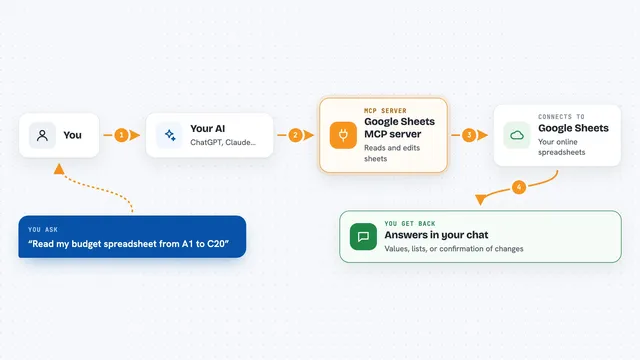
Google Sheets MCP server
by xing5Lets your AI read, write, and manage your Google Sheets for you, right from the chat.

Gmail MCP server
by A1-x-TechLet your AI read, search, draft and send your Gmail, and keep labels and trash tidy, from the chat.

Excel Vision MCP server
by VOYAGER-IncLet your AI read Excel files fully, including the images and colors inside them.
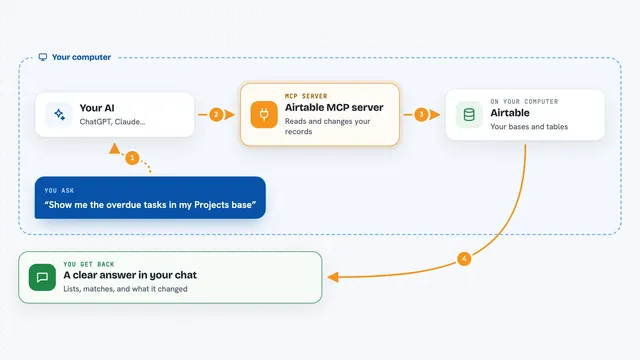
Airtable MCP server
by domdomeggLets your AI read, search, add, update and delete records in your Airtable bases for you.
Build your own AI apps for construction project managers
Apps you build yourself with your own AI, no coding needed and no monthly fee. Our AI picked the 12 that fit the work of construction project managers.
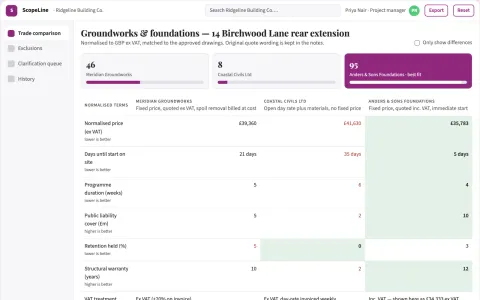
Construction quote comparison
Trade-specific scope comparison exposes unanswered pricing assumptions.
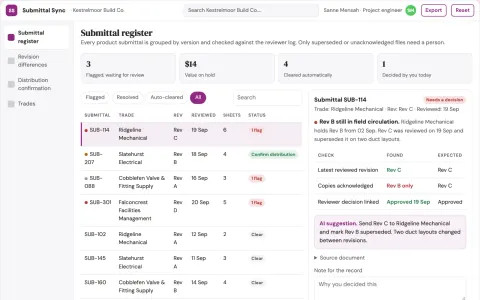
Construction submittal revision tracker
Know which reviewed submittal version each trade holds.
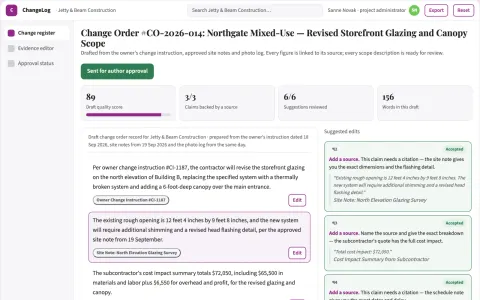
Change order documentation
A traceable change narrative tied to instructions and supporting records.
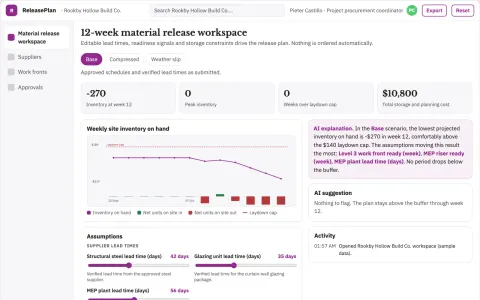
Construction material order synchronization
Reduce storage handling and delay costs from mistimed supply.
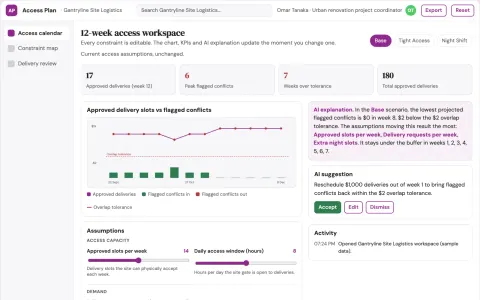
Construction access logistics planner
Plan delivery access using explicit site constraints.
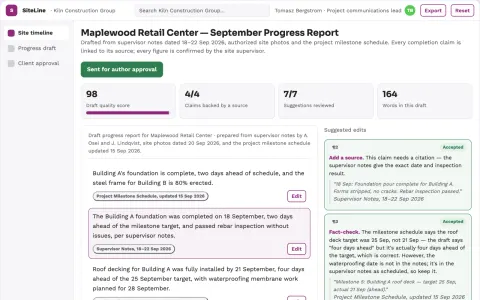
Construction progress reporting
Client reports preserve source dates and supervisor confirmation.
Show all 12 apps
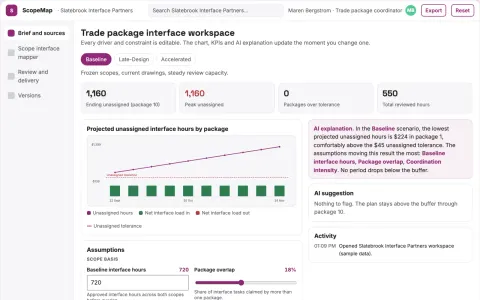
Construction scope interface mapper
Expose scope gaps between trade packages.
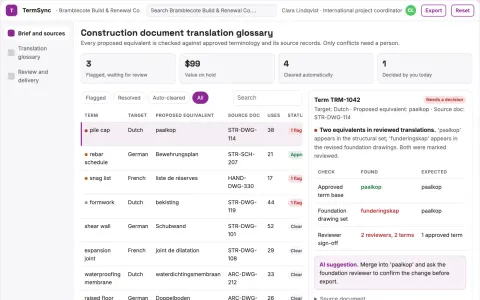
Construction document translation glossary
Project-specific terminology with source evidence.
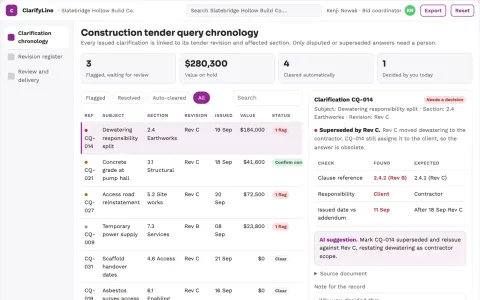
Construction tender query chronology
Current tender context with revision lineage.
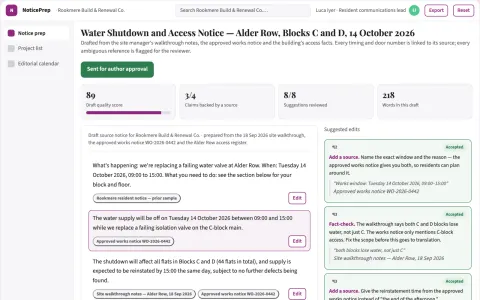
Construction access-notice translation prep
Clear source instructions before translation.
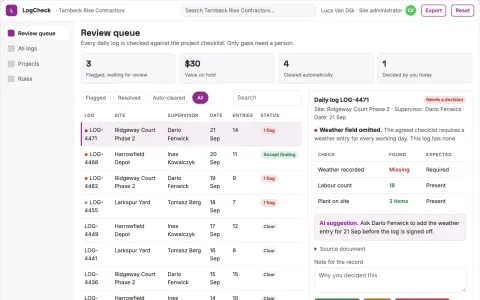
Construction daily-log completeness
Record quality without inferring site safety.
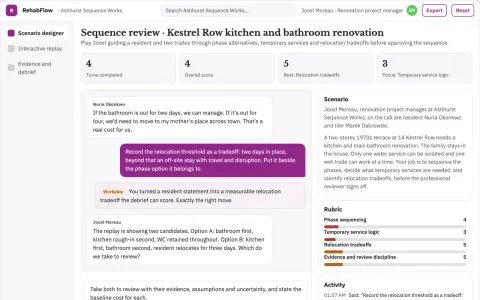
Residential renovation sequencing simulator
Reduce avoidable rework and disruption through explicit sequencing.






























































































About this learning path
6 topicsAI for Construction Project Managers, Step by Step
Construction project managers carry a lot: schedules, budgets, subcontractors, safety, and clients who want clear answers. AI can help you draft, compare, and explain that work faster, without taking over your judgment.
This path is built for busy people who are not technical. You will set up your AI, connect it to the tools you already use, learn skills for the job inside your AI, then take this prompt course and short video courses chosen for construction project managers. Certifications come with those courses.
Why AI matters for this job now
Projects are getting more complex, and paperwork does not slow down. Owners and crews expect quick, clear answers. AI helps you keep up without adding hours to your day.
What the path includes
Setup questions help you choose the right AI tool and plan. Then you connect your AI to your calendar, files, and notes. You learn job skills inside your AI, take this prompt course, and finish with video courses picked for construction project managers. Each video course comes with its certification.
How it saves time
You stop starting from a blank page. AI drafts schedules, change order summaries, safety talks, and client updates. You edit and decide. The time you save goes back to the site, your team, or your evening.
How it protects your career
AI does not replace your experience. It helps you document decisions, catch risks earlier, and keep a clear record. Managers who can use these tools well become more valuable, not less.
How to start
Begin with the setup questions. Pick one task you do every week, like a progress report or a safety talk. Run the prompt course lesson for that task. Then add one more task each week.
Frequently asked questions
Do I need to be technical?
No. The path starts with setup questions and plain steps. If you can write an email, you can use these prompts.Will AI make decisions for me?
No. AI drafts and suggests. You review, adjust, and approve everything. Your judgment stays in charge.How long does the path take?
You can move at your own pace. Most people finish the prompt course in a few short sittings and add video courses as their schedule allows.Is my project data safe?
The course covers safety and privacy for construction work. You learn what to share, what to keep out, and how to use AI without exposing sensitive details.