AI tool
Harker 2.0
Harker 2.0 converts your speech to text locally on your Mac-no audio leaves your device. Core features are free; upgrade to Premium for AI rewrites, summaries and translations.
About Harker 2.0
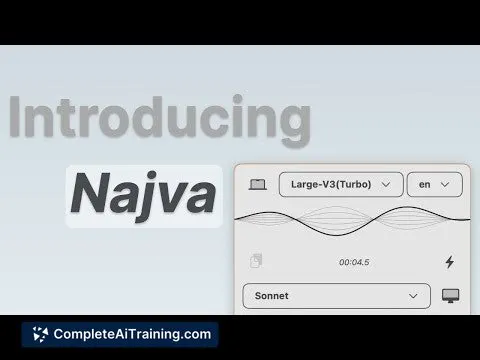
Harker 2.0 is a compact speech-to-text widget that runs locally on Mac and converts spoken words into editable text in any text field. The core transcription engine is free and works without an internet connection; optional cloud-based AI transformations are available as a paid upgrade.
Review
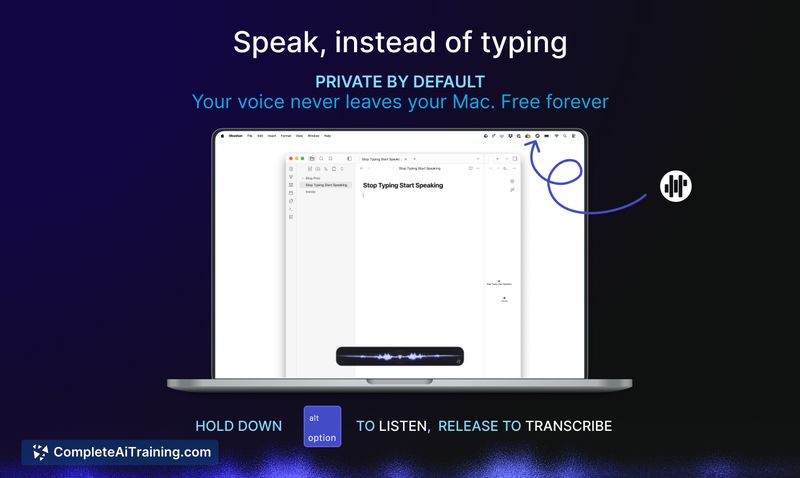
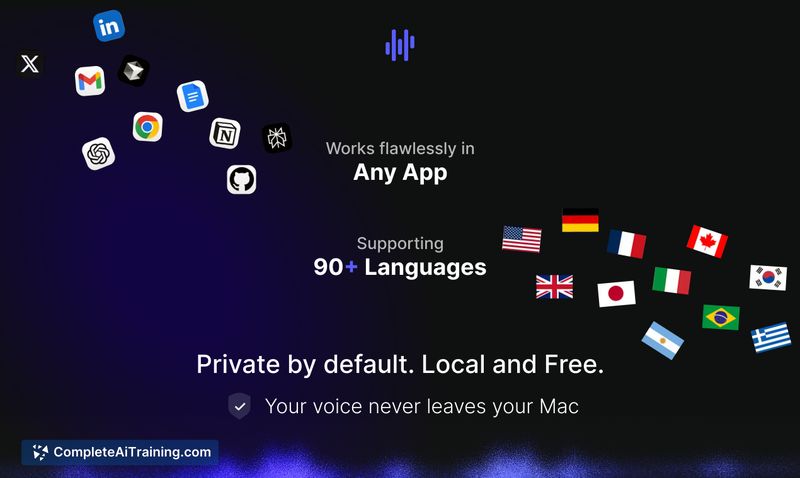
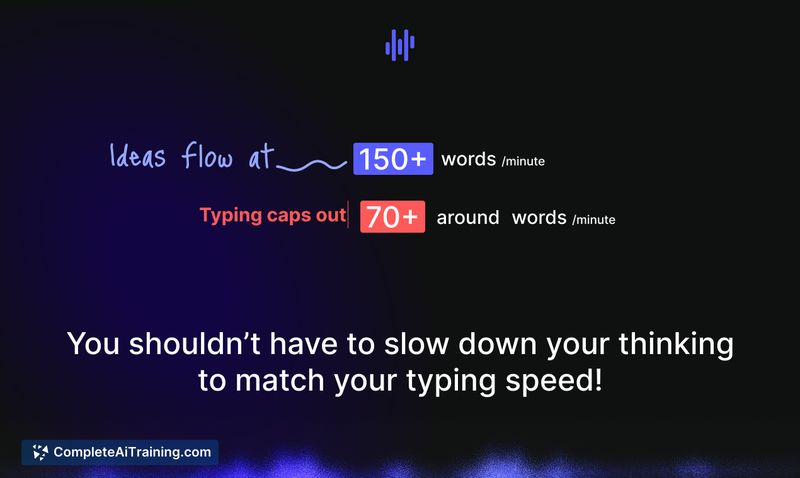
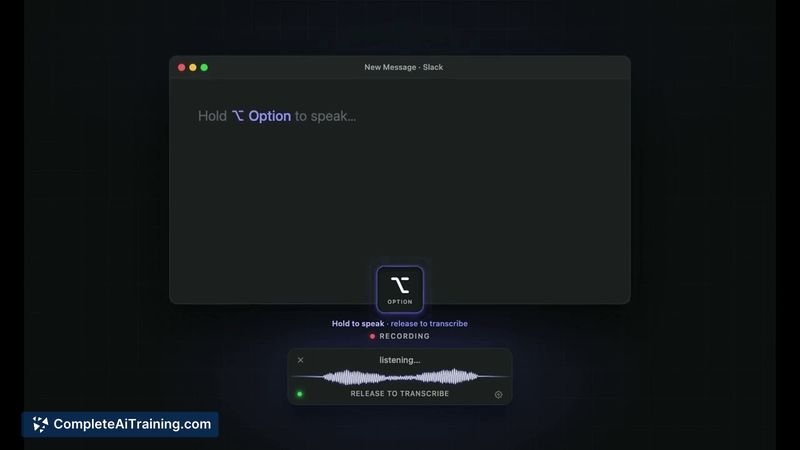
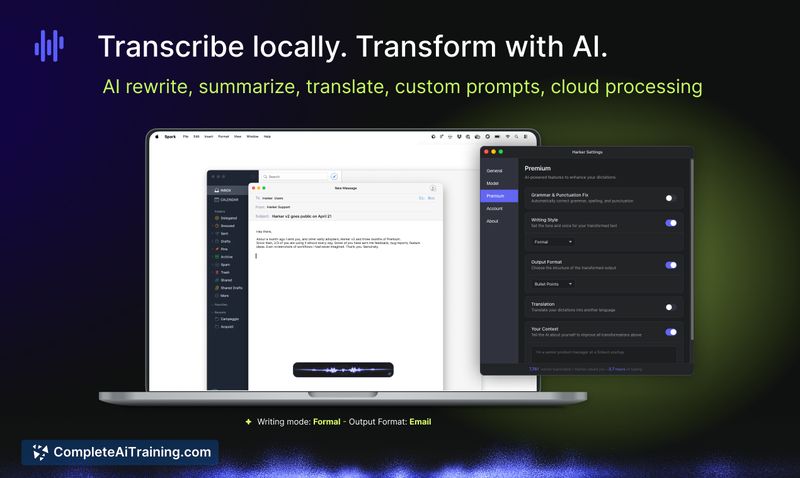
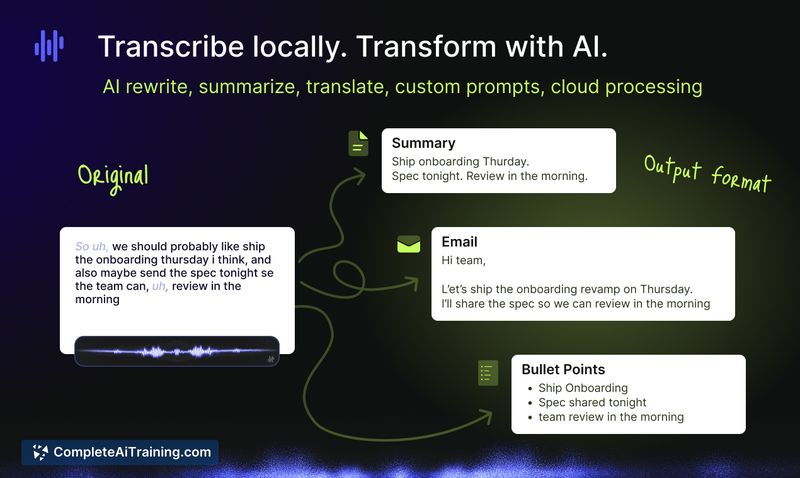
Harker 2.0 focuses on fast, private transcription by performing model inference on-device so audio never leaves your Mac. In practice it offers near-instant text capture via a shortcut, with a simple workflow for optional post-processing (rewrite, summarize, translate) through a Premium subscription.
Key Features
- Fully on-device transcription for macOS - audio remains on your machine and works offline.
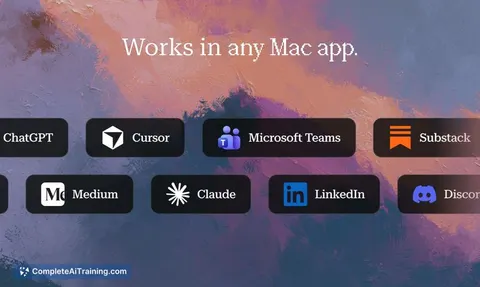
- Quick activation via keyboard shortcut and immediate insertion into any active text field or app.
- Free core offering: the local transcription engine is available without trial limits or feature gates.
- Optional Premium transformations (cloud-based) for rewriting, summarizing, translating and converting speech into emails or tickets.
- Lightweight widget approach that stays out of the way of existing workflows.
Pricing and Value
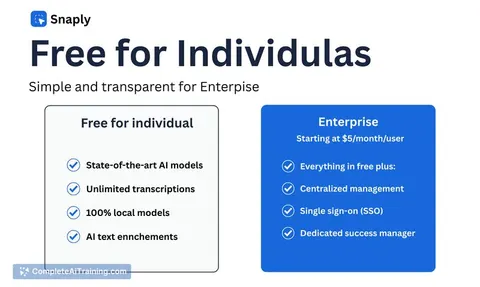
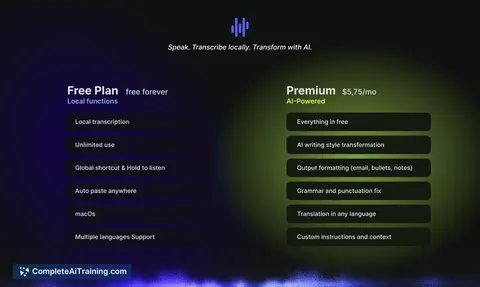
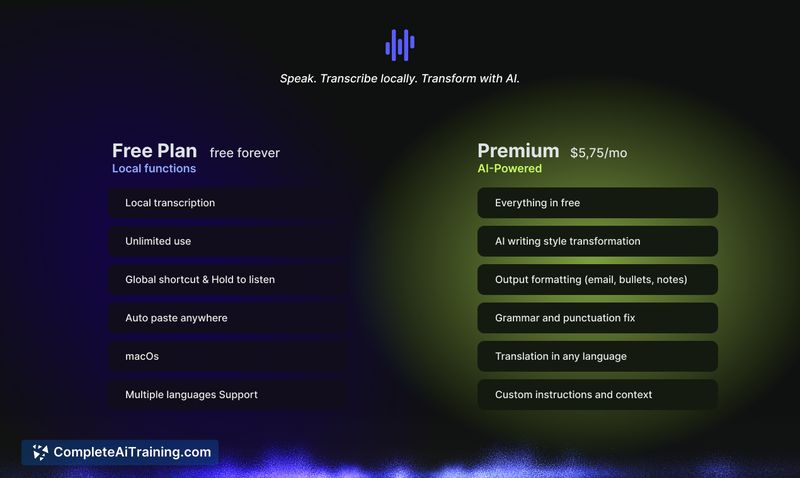
The base transcription features are provided for free and run 100% on-device. Premium is a subscription tier (listed at around $5.75/month) that sends transcribed text (not audio) to cloud AI for additional transformations; this is opt-in for each use. For users who need private, offline transcription most of the time, the free tier delivers strong value; the Premium tier is useful when you want automated rewriting or translation and are comfortable with text-based cloud processing. Limited-time launch discounts for annual plans have been offered.
Pros
- Privacy-first: transcription runs locally so audio and biometric data stay on your Mac.
- Fast, low-latency text output that integrates with any text field or app via a shortcut.
- Generous free tier that includes the full local engine with no account required.
- Clean, minimal interface that is easy to add to daily writing tasks or prompt workflows.
Cons
- macOS-only at present; other platforms are not yet available.
- Premium transformations require sending text to the cloud and incur an extra cost.
- Advanced integrations and mobile clients are still limited compared with some cloud-first alternatives.
Harker 2.0 is a good fit for writers, professionals handling sensitive conversations, or anyone who needs quick, private transcription on a Mac. If you rely on native offline privacy and occasional AI-driven text polishing, the free core plus opt-in Premium workflow offers a practical balance. For teams or cross-platform needs, wait for broader platform support or compare with alternatives that target those environments.
Jobs Harker 2.0 suits
We checked Harker 2.0 against 500+ jobs; these get the most out of it.
Alternatives to Harker 2.0
Other tools that do the same main job. Our AI compared Harker 2.0 with similar tools and kept the ones you could use instead.