AI tool
Epilude
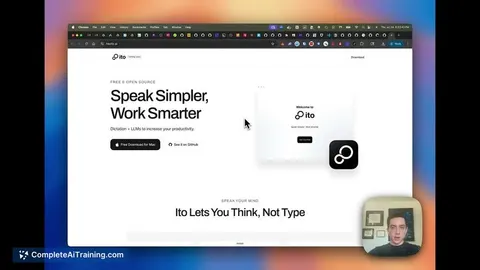
Epilude is a local voice typing tool for Mac that converts speech into finished text. It transcribes, formats, and matches the tone to the active app for writers and developers.
About Epilude
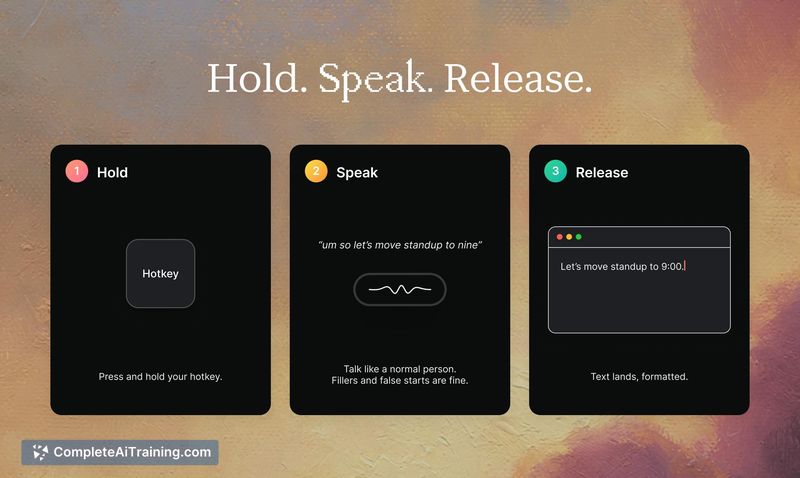
Epilude is a local voice dictation tool for Mac that transcribes speech into finished text directly inside any app. You hold a key, speak, release, and the tool transcribes, punctuates, cleans up filler words, and adjusts tone to match the app you're in-all in about a second. Audio processing stays entirely on-device, so no voice data leaves your Mac.
Review
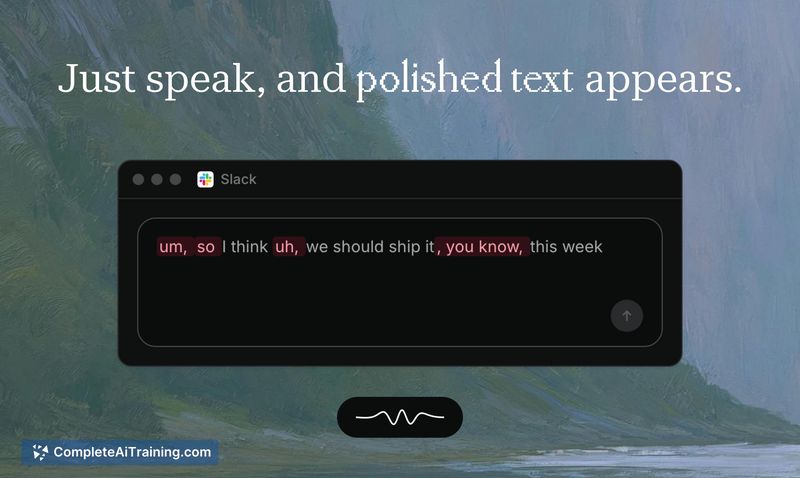
Epilude launched this week with a focus on turning rough dictation into send-ready prose without a cloud round trip. The makers built their own open-weight speech and cleanup models, called Epilude Model 4.1, and fine-tuned them for Apple Silicon. The result is a dictation experience that feels like speaking thoughts and seeing them polished in a text field, with minimal latency.
Key Features
- Hold a configurable key, speak, release-the cleaned text appears in the active text field across any Mac app.
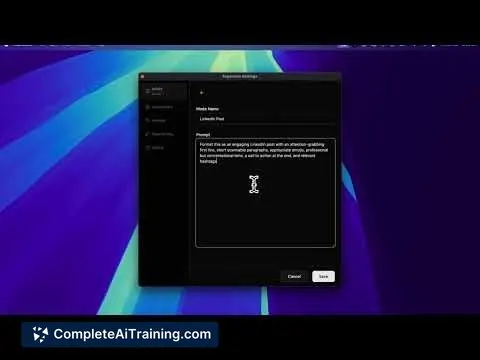
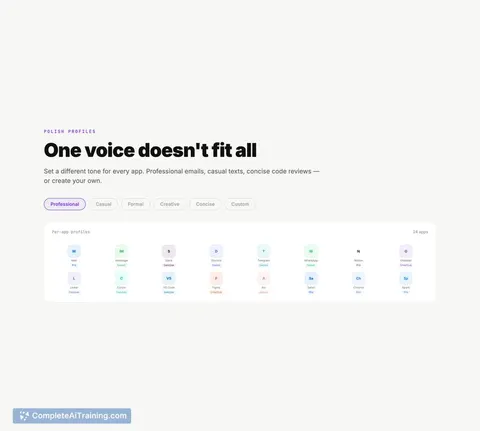
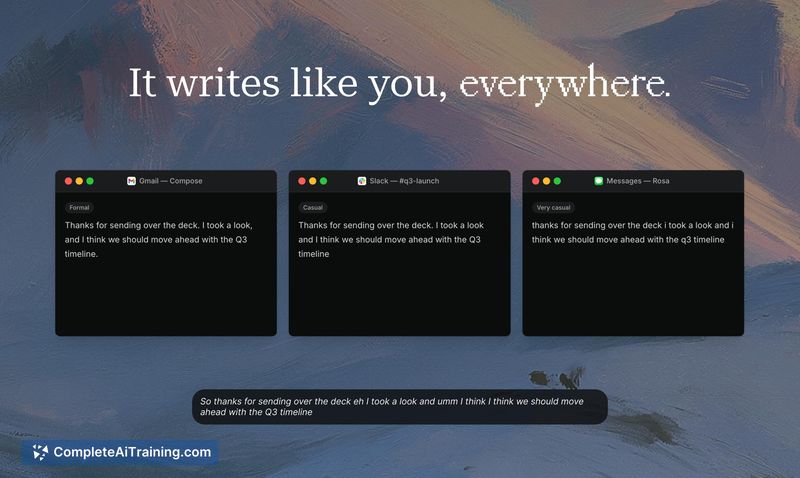
- Transcribes raw speech, then applies punctuation, formatting, and tone-matching (formal for Mail, casual for iMessage).
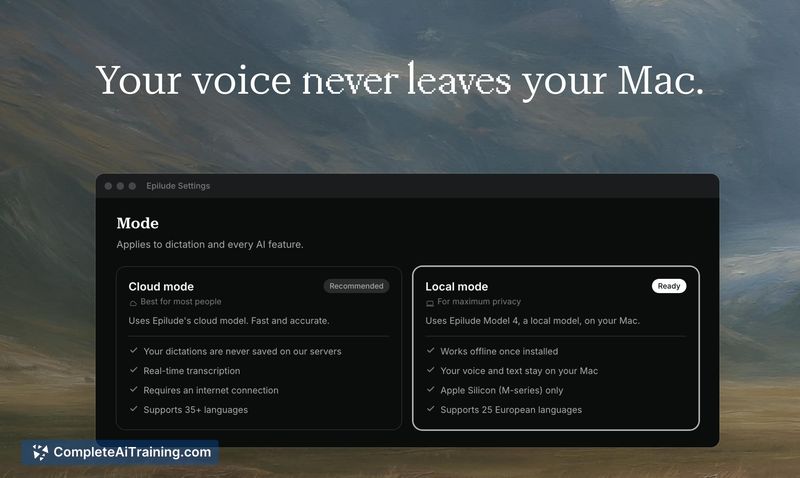
- Runs entirely on-device; no audio is sent to external servers. The transcription and cleanup models execute locally.
- Stores a local history of every dictation with the raw transcript, the cleaned version, and a word-level diff to review what changed.
- Planned for August 2025: locally transcribed meeting notes will be added to the tool.
Pricing and Value
Pricing details are not yet defined. The product launched this week and no purchase or subscription information was available at the time of review.
Pros
- Dictation-to-text latency of roughly one second makes the tool practical for quick messages and longer compositions alike.
- On-device processing means privacy-sensitive users don't have to trust a cloud provider with their voice data.
- The cleanup model trims rambling, restarts, and filler words, which can speed up drafting when you speak loosely.
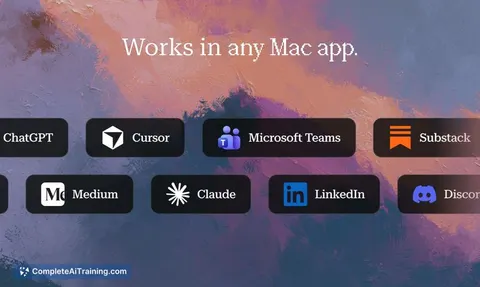
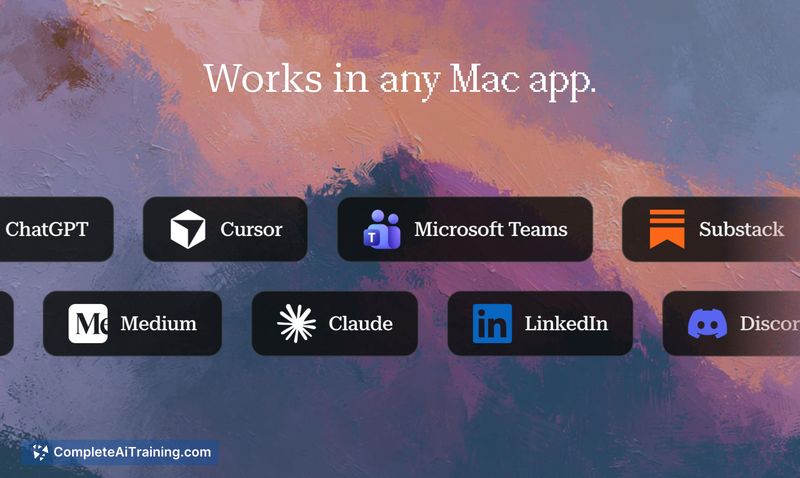
- Works in any text field on the Mac, so you can dictate into email clients, code editors, browsers, and chat apps without switching contexts.
- Raw transcripts and a diff are saved locally, giving you a way to recover original wording if the cleanup cuts something important.
Cons
- Full on-device cleanup (tone matching, punctuation, trimming) requires an Apple Silicon Mac with 16GB of RAM. Macs with less memory get transcription with basic formatting only, and Intel Mac support for the full feature set is not available.
- Trimming is performed automatically and the text lands in the app immediately. You cannot preview what was removed before it appears; the diff is only available afterward in the history.
- The tool is not well suited for dictating highly precise content-such as numbers, caveats, or technical qualifiers-where the automatic trimming might delete critical parts without warning.
Epilude fits a workflow where you want to speak naturally, have the machine clean up filler and punctuation, and see the result quickly in whatever text field you're working in. It's a practical option for Mac users on Apple Silicon who prioritize privacy and are comfortable reviewing a local history to catch any over-trimming. People who need granular control over exactly what gets committed to text, or who work on older hardware, may find the current constraints limiting.
Jobs Epilude suits
We checked Epilude against 500+ jobs; these get the most out of it.
Alternatives to Epilude
Other tools that do the same main job. Our AI compared Epilude with similar tools and kept the ones you could use instead.