AI tool
Voice Anywhere
Voice Anywhere puts a persistent floating mic on top so you can dictate into any app, website, or IDE. Uses Apple on-device speech recognition by default with AI STT fallback for fast, private transcription for founders and coders.
About Voice Anywhere
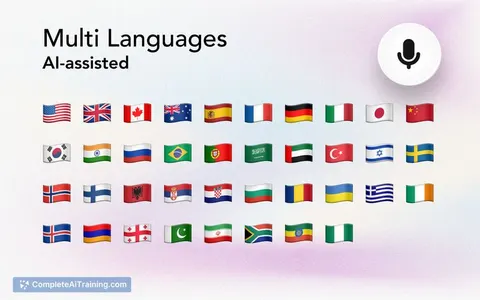
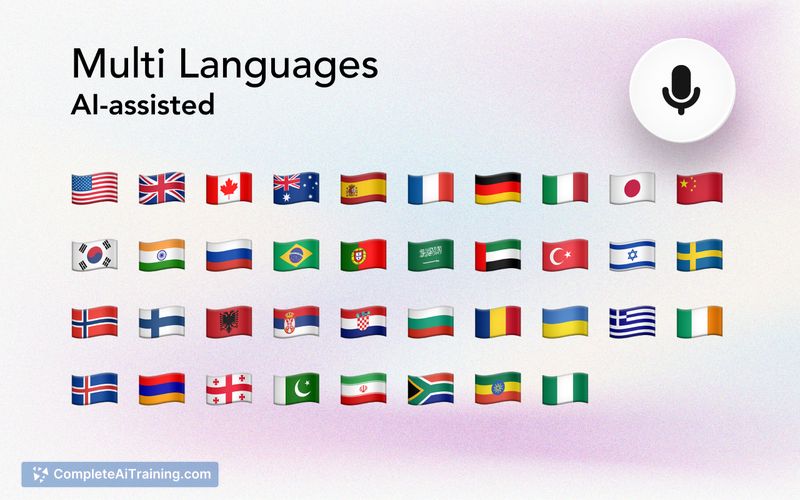
Voice Anywhere is an AI-powered speech-to-text app that provides a floating, pinnable microphone which lets you dictate directly into almost any app, website, or coding IDE. It uses on-device speech recognition by default with an optional AI fallback, and supports over 100 languages.
Review
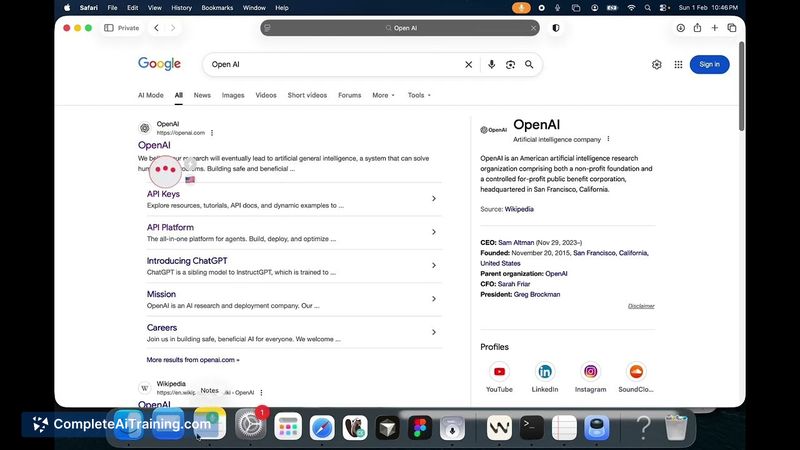
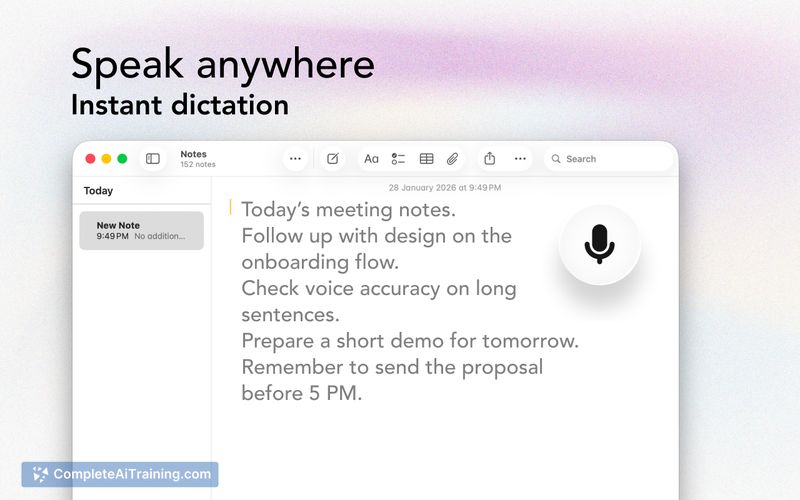
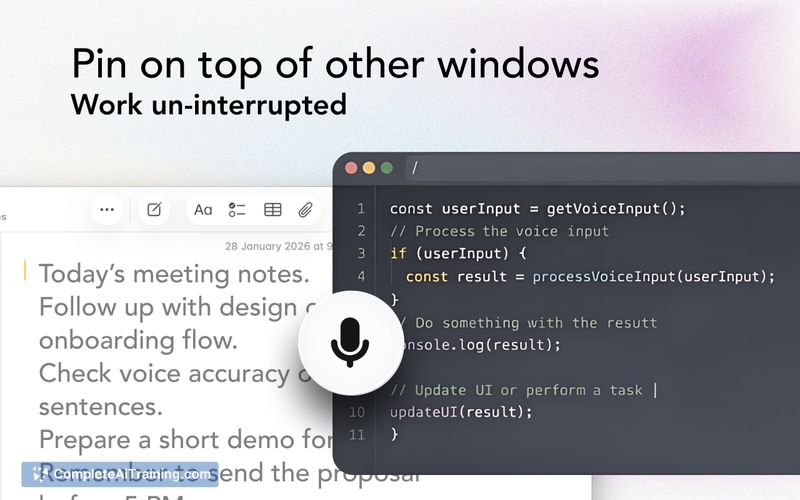
Voice Anywhere focuses on making dictation accessible wherever you can type, keeping a mic visible above all windows so you don't lose it while switching tasks. The app emphasizes speed and privacy by preferring on-device recognition and offering an AI engine when needed.
Key Features
- Floating, pinnable microphone that stays above all windows for seamless dictation across apps and IDEs.
- Primary on-device speech recognition with an optional AI STT fallback for broader device support.
- Supports 100+ languages, including multiple Chinese variants (Simplified, Traditional, Hong Kong).
- Keyboard toggle (SHIFT + R) to quickly turn dictation on and off; mic remains active until toggled off.
- Cross-device workflow planned (currently on Apple platforms with PC and mobile coming soon) and the ability to connect a phone as an input when a PC lacks a mic.
Pricing and Value
The product page highlights free options and a launch discount (50% off for early adopters), suggesting a freemium or subscription model with promotional pricing for the launch period. For people who spend a lot of time writing, coding, or switching between windows, the convenience of always-available dictation can offer solid time savings and justify paid tiers if transcription quality and reliability meet expectations.
Pros
- Practical floating mic that makes dictation truly available across apps and IDEs.
- On-device recognition by default improves privacy and responsiveness for supported devices.
- Wide language coverage and fallback to an AI engine when native recognition is unavailable.
- Simple keyboard shortcut for quick toggling and a persistent mic state that fits continuous workflows.
- Active developer communication and visible roadmap items based on user feedback.
Cons
- Currently focused on Apple devices; PC and mobile support are planned but not yet available.
- No built-in custom vocabulary or snippet management at launch, which can slow domain-specific dictation.
- Press-to-speak/hold-to-talk behavior preferred by some users is not implemented yet (only a toggle mode exists).
Voice Anywhere is best suited for writers, founders, and developers who want to dictate directly into multiple apps without switching tools. If you prioritize privacy-friendly on-device transcription and need quick, anywhere dictation on Apple devices, this app is worth trying-especially while the launch discount and free options are available.
Jobs Voice Anywhere suits
We checked Voice Anywhere against 500+ jobs; these get the most out of it.
Alternatives to Voice Anywhere
Other tools that do the same main job. Our AI compared Voice Anywhere with similar tools and kept the ones you could use instead.