AI tool
AI dication by Snaply
AI dication by Snaply: fast, private AI dictation for macOS that runs locally. Real-time grammar and punctuation fixes, zero cloud uploads, and free for personal use.
About AI dication by Snaply
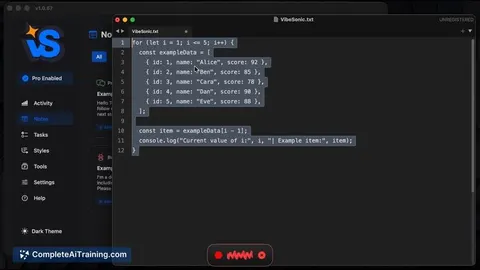
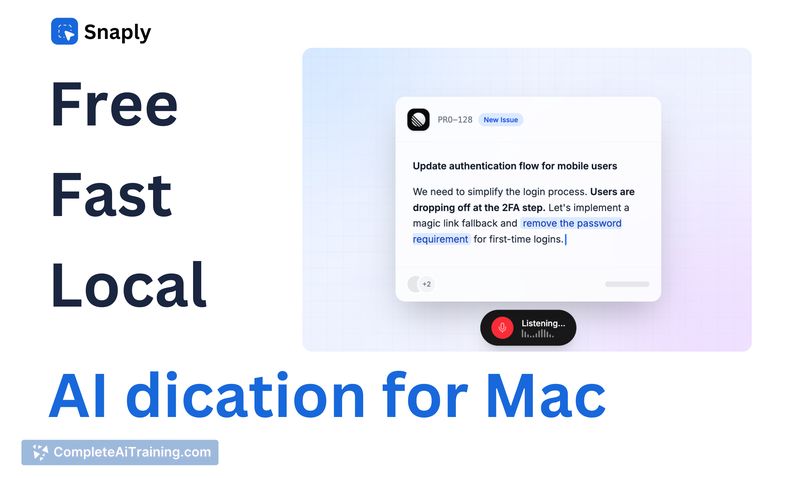
AI dication by Snaply is an AI-powered dictation app for macOS that converts speech to text directly on your device. It emphasizes local processing for privacy and offers instant typing into any app or website on a Mac.
Review
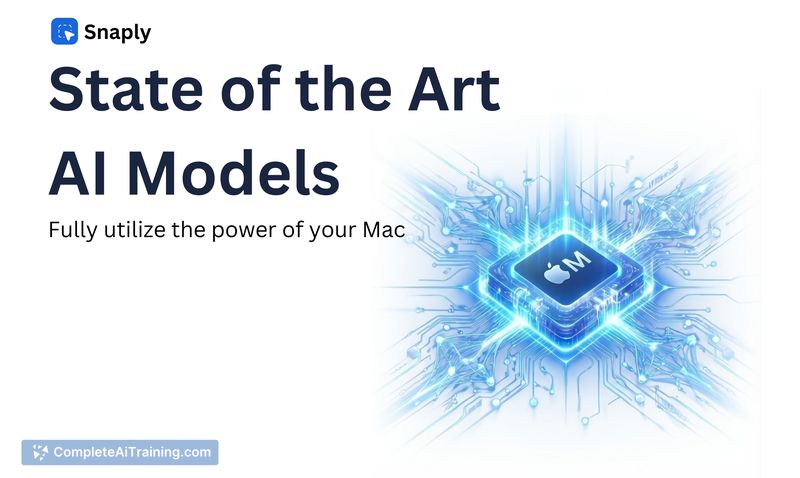
AI dication by Snaply delivers a straightforward, privacy-first approach to dictation by running models entirely on the user's machine. The app is aimed at individuals who want fast, offline speech-to-text without a subscription fee for personal use.
Key Features
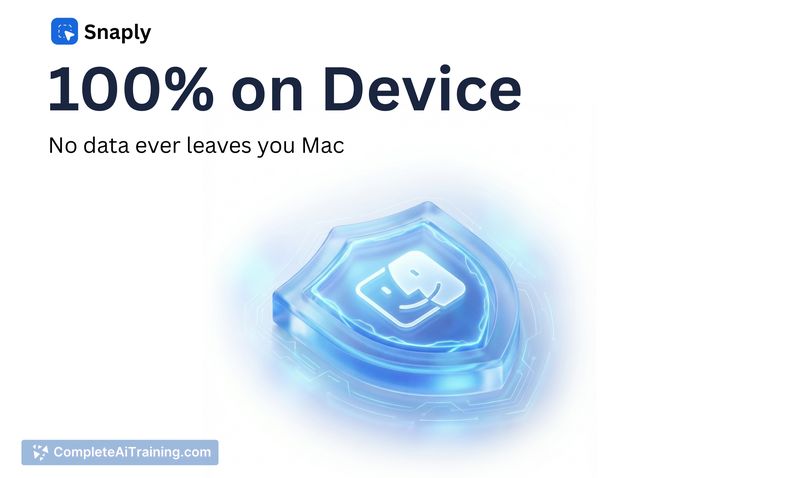
- 100% local on-device processing to keep voice data private.
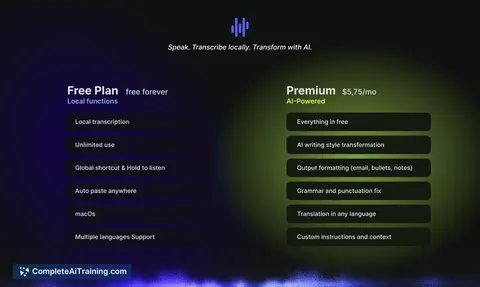
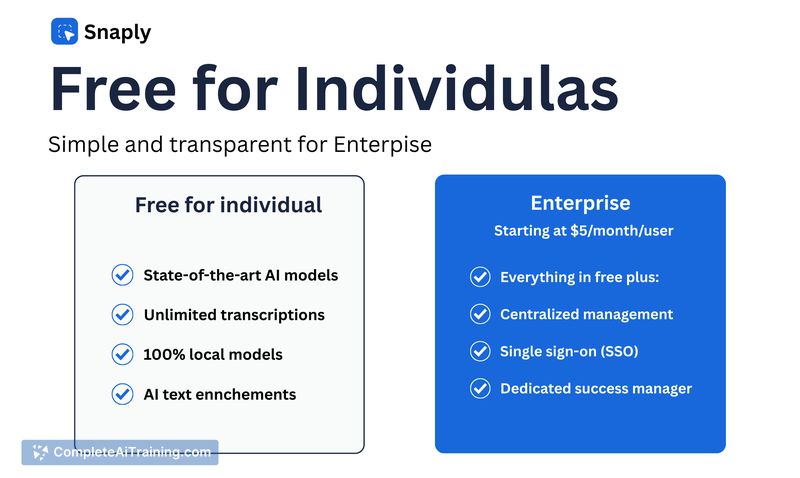
- Free for individual users with no recurring personal subscription.
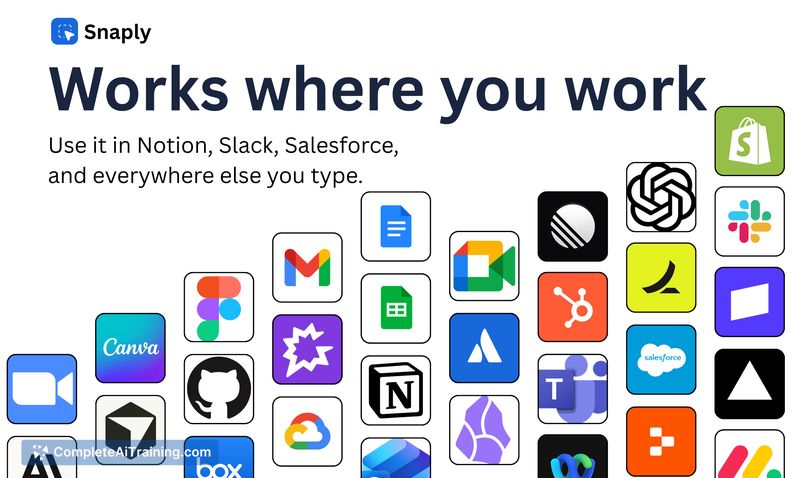
- Low-latency, near real-time typing that works across most Mac apps and websites via a shortcut.
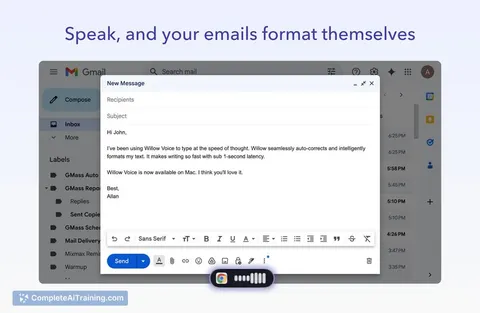
- Automatic grammar and punctuation adjustments during transcription.
- Lightweight setup with quick activation using a keyboard shortcut.
Pricing and Value
The core offering is free for individual users, which provides strong value for anyone who needs reliable, private dictation without ongoing costs. Information about paid plans, team or enterprise pricing is not detailed at launch, so organizations that need volume licensing or centralized management should expect limited clarity until additional plans are announced.
Pros
- Local processing keeps sensitive audio on your Mac, improving privacy.
- No cost for personal use, making it accessible for students and solo professionals.
- Responsive performance with minimal delay thanks to on-device transcription.
- Built-in grammar and punctuation improvements reduce editing time.
- Simple activation and broad app compatibility make it easy to integrate into daily workflows.
Cons
- Mac-only at launch; no native support for other desktop platforms yet.
- Some advanced features (custom dictionary, external model options) are still being rolled out.
- Enterprise or team pricing and support details are limited at release.
Overall, AI dication by Snaply is a strong option for Mac users who prioritize privacy and want a free, easy-to-use dictation tool. It suits individuals, writers, and professionals who need fast, local speech-to-text; teams and organizations should watch for expanded features and clearer pricing.
Jobs AI dication by Snaply suits
Useful in almost any job. We checked AI dication by Snaply against 500+ jobs; these get the most out of it.
Alternatives to AI dication by Snaply
Other tools that do the same main job. Our AI compared AI dication by Snaply with similar tools and kept the ones you could use instead.