AI Tools for Video Editors in 2026: Practical Workflows to Save Time
Spend less time on repetitive edits and more time shaping the story. Explore practical AI workflows for video editors, from text-based cuts and audio cleanup to captions, visual effects, and faster client revisions.
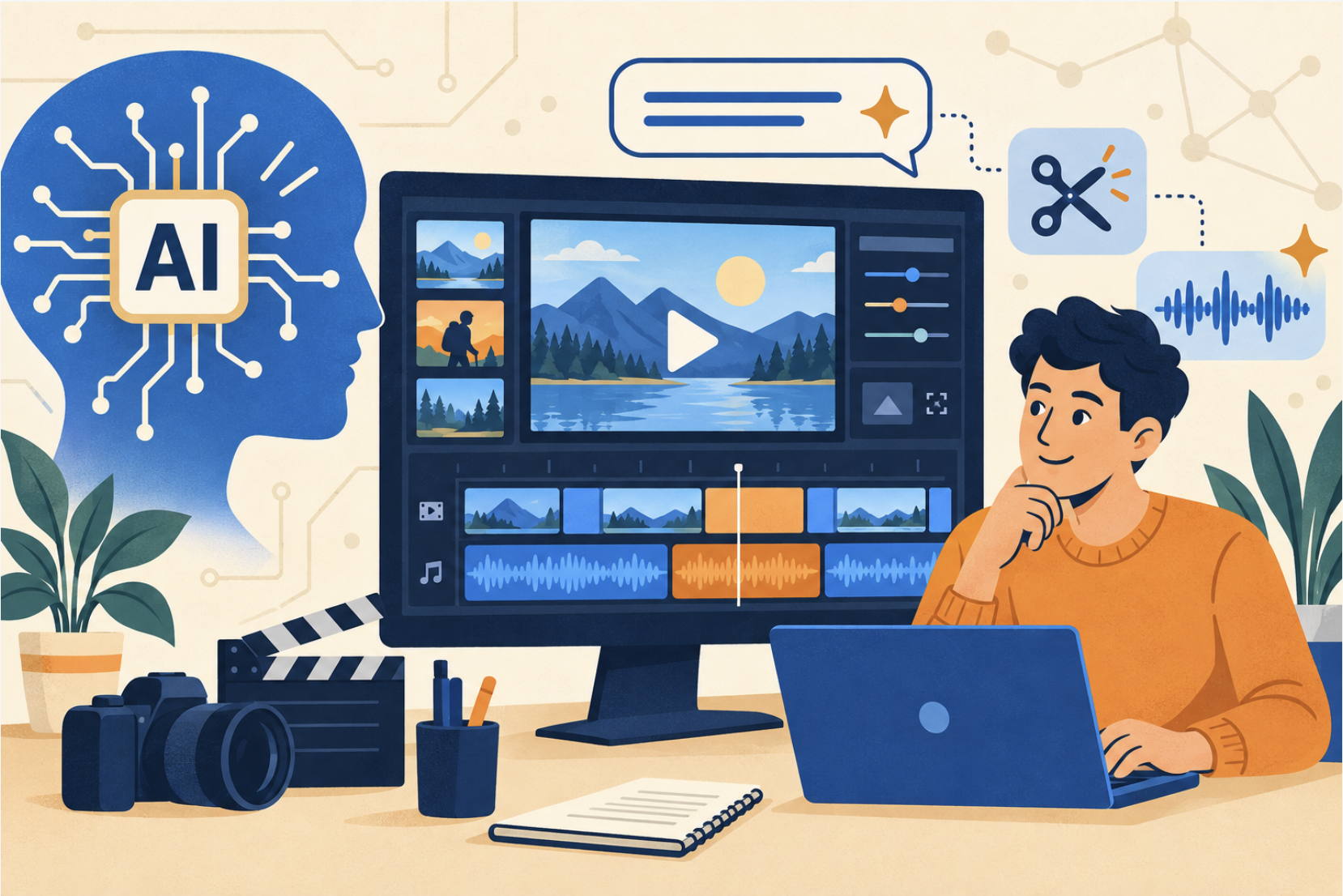
AI Video Editing: What Matters Now
A useful AI editing workflow starts with a bottleneck: finding the right take, tightening an interview, cleaning dialogue, or making another version for social media. Choose a tool for that specific task, then judge the result against the original footage and the client brief.
Text commands, transcript editing, footage search, and generative changes are now practical options. They solve different problems, though. A searchable transcript helps you locate a quote; a generative video model can change what appears in a shot. Your job is to decide which intervention serves the story and how much review it needs.
Everyday Tasks ChatGPT Can Simplify for Video Editors
Scripts and Caption Review
Use ChatGPT to turn a brief into a script outline, suggest a tighter opening, or shorten narration to a target length. Provide the audience, approved facts, tone, and intended call to action. Read the draft aloud to check its actual running time.
For subtitles, start with a transcript and timings generated from the recording in your editing or transcription software. Then use ChatGPT to suggest punctuation fixes or clearer line breaks. A description of a video is not enough to produce accurate, synchronized captions. Check names, specialist terms, speaker changes, and timing against playback.
Content Ideas and Shot Planning
Ask for alternative hooks, an interview structure, or a shot list based on footage you actually have. Specify available locations, people, and assets so the suggestions are usable. For documentary or testimonial edits, require exact quotes from the transcript and keep the speaker's meaning intact.
Titles, Descriptions, and Client Notes
Draft several titles and descriptions from the finished video's content, then choose the clearest accurate option. You can also turn timecoded client feedback into an edit checklist. Have the assistant flag conflicting requests and missing information before you make changes.
Essential Prompts for Video Editors Using ChatGPT
Give each prompt source material, constraints, and a concrete output format. Try these starting points:
Build a paper edit: “Using this timecoded transcript, propose a 60-second interview cut about [topic]. Use only exact quotes. List each source time range, its purpose, and any context that would be lost by cutting it.”
Review captions: “Check this SRT for punctuation, spelling, and readable line breaks. Keep cue numbers and timestamps unchanged. Flag uncertain names rather than guessing. Return the revised SRT and a short change list.”
Plan supporting shots: “Using this approved script and footage inventory, suggest B-roll for each paragraph. Separate available footage from missing shots. Do not invent product features or customer claims.”
Organize revisions: “Convert these timecoded client notes into an editing checklist. Group duplicate requests, identify contradictions, and list questions that need an answer before editing.”
Beyond ChatGPT: Other AI Tools That Elevate Video Editing
Choose tools around your footage and deliverables. Start with features in your existing editor, then add a specialist tool where it removes a recurring obstacle.
Invideo Editor
Invideo Editor lets you edit video with AI through simple text commands, delete a scene, swap the voiceover, adjust an effect, without touching a timeline.
It is a useful option for command-based revisions and quick alternative cuts. Give one specific instruction at a time, preview the change, and check the surrounding edit before moving on.
Adobe Premiere
For editors working in Adobe, look at specific Premiere features instead of the broad “Adobe Sensei” label. Media Intelligence and the Search panel help locate footage by its content, reducing the time spent manually browsing clips.
Generative Extend can add frames or extend ambient audio at a clip boundary, helping a reaction or transition fit the edit. Review generated sections carefully for continuity; check Adobe's current media requirements before building a workflow around it.
Descript
Descript's Underlord combines an AI assistant with transcript-based editing. Its tools include Studio Sound, filler-word removal, and clip creation. Consider it for interviews, podcasts, tutorials, and other speech-led projects.
Listen after cleanup and watch every proposed cut. An intentional pause can make a point land, and removing every hesitation can make a speaker sound unnatural.
DaVinci Resolve
DaVinci Resolve 21's AI IntelliSearch can find people, objects, and dialogue keywords in analyzed media. That makes it relevant when locating material is taking longer than assembling the edit. Check the installed version, hardware requirements, and whether the feature you need requires Studio.
Runway
Runway's Aleph 2.0 supports changes to existing video through edited frames and prompts, including background changes, relighting, and object replacement. It is useful for creative shot transformations and visual experiments.
Test on a short representative shot first. Check faces, hands, products, text, and motion across the whole result. A convincing preview frame does not guarantee consistency throughout the clip.
A Practical AI Video Editing Workflow
- Define the deliverable. Record the audience, duration, aspect ratio, approved claims, and required assets. Keep a copy of the original media and project.
- Prepare searchable material. Transcribe speech and analyze footage with your chosen editor. Correct key names and label important takes.
- Build a rough cut. Use transcript selections or specific editing commands. Check that reordered quotes still make sense in context.
- Refine picture and sound. Apply cleanup, reframing, or generated fixes selectively. Compare with the source and keep changes reversible.
- Make delivery versions. Check each crop, caption layout, and opening separately. Review translated captions with someone who understands the language.
- Watch the final export. Check sync, spelling, transitions, audio balance, missing frames, and the call to action. Do this after rendering, not only inside the project.
Measure the Time You Actually Save
Test one recurring task across a few comparable projects. Track preparation, processing, correction, and export time, alongside any tool credits used. A faster first pass is valuable only if it does not create more repair work later.
Before uploading client footage, check the client's rules and the tool's data settings. Obtain permission for synthetic voices or likeness changes, and confirm that generated or stock assets fit the project's usage requirements. Keep an asset record so revisions and handoffs are straightforward.
The skills worth practicing are clear instructions, good source preparation, and editorial judgment. Start with one repeatable improvement, such as finding interview quotes faster, and expand when the results hold up under review.
How Complete AI Training Can Help
Explore AI for Video Editors at Complete AI Training to build your AI skills around the work you do. Bring a real brief, practice on a short project, and compare the AI-assisted result with your usual process.
For additional reading, the accompanying guide is available on Amazon Kindle and in paperback. Use current product documentation alongside training materials, as features and availability change.