
Certification
Certification in AI-Powered Image Editing with Photoshop Generative Fill
Become certified in Photoshop AI features and Generative Fill. Prove you can choose local vs cloud, control AI credits, build cost-efficient workflows, and deliver client-ready composites, extensions, and edits at speed.
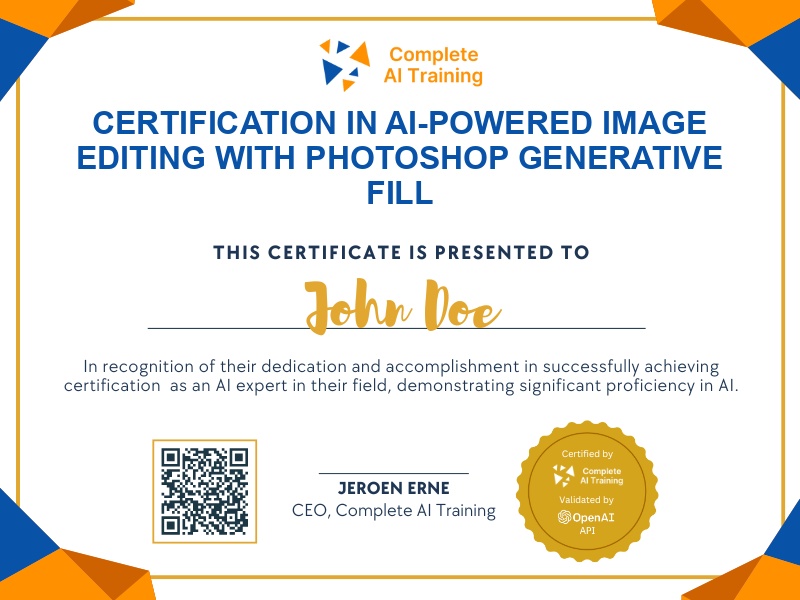
The exam
Take the certification exam
Multiple-choice questions about the course. Pass with 70% or more and your certificate is issued at once, with a public page and an "Add to LinkedIn" button.
What the exam covers
2 questions from each of the 12 chapters of the course
20 multiple-choice questions, drawn fresh for every attempt. Pass with 70% or more.
- 01What's new and premium features2:06
- 02Temperature, tint and Select Subject2:04
- 03Generative upscale and Topaz1:42
- 04Topaz Bloom1:41
- 05Harmonize1:16
- 06AI denoise1:19
- 07AI sharpen and free stock1:52
- 08Beta: Generative Fill and Expand1:54
- 09Improved reference images1:36
- 10The Remove tool1:58
- 11Future features1:15
- 12The credit catch and verdict2:29
Photoshop AI: 12 New Features, Generative Fill & the Credit Catch (Video Course) is a certification that digs into Photoshop 2026's biggest update,12 new AI-powered tools and the fine print around credit-based features. You'll build skills for Increased Productivity, Improved Decision-Making on local vs. cloud workflows, and a real Competitive Advantage that supports a Future-Proof Career and Higher Income Potential. Enroll today to learn what's worth your time, avoid wasteful credits, and leave with ready-to-use workflows you can apply on day one.
This certification covers the following topics:
- The credit system: tiers, limits, and the new Photoshop economy
- Standard vs. Premium access and what unlocks which tools
- Generative Fill: Gemini and Flux models compared
- Generative Upscale: Firefly vs. Topaz options
- Harmonize, AI Denoise, and AI Sharpen in real projects
- No-credit wins: Color & Vibrance, on-device Select Subject, and Adobe Stock integration
- Next-gen Firefly Fill & Expand, better reference images, and Remove Tool 3 (beta)
- Local vs. cloud processing: quality, speed, and cost trade-offs
- Credit management, budgeting, and forecasting to control spend
- Prompting, selections, and masking techniques that make AI look good
- Model selection playbook: strengths, weaknesses, and best-fit use cases
- Workflow recipes and two end-to-end project walkthroughs
Jobs this certification suits
Our AI checked this certification against 500 jobs; these get the most out of it. Each job links to its learning path.