
Learning path
Learning AI as a Fine Artist
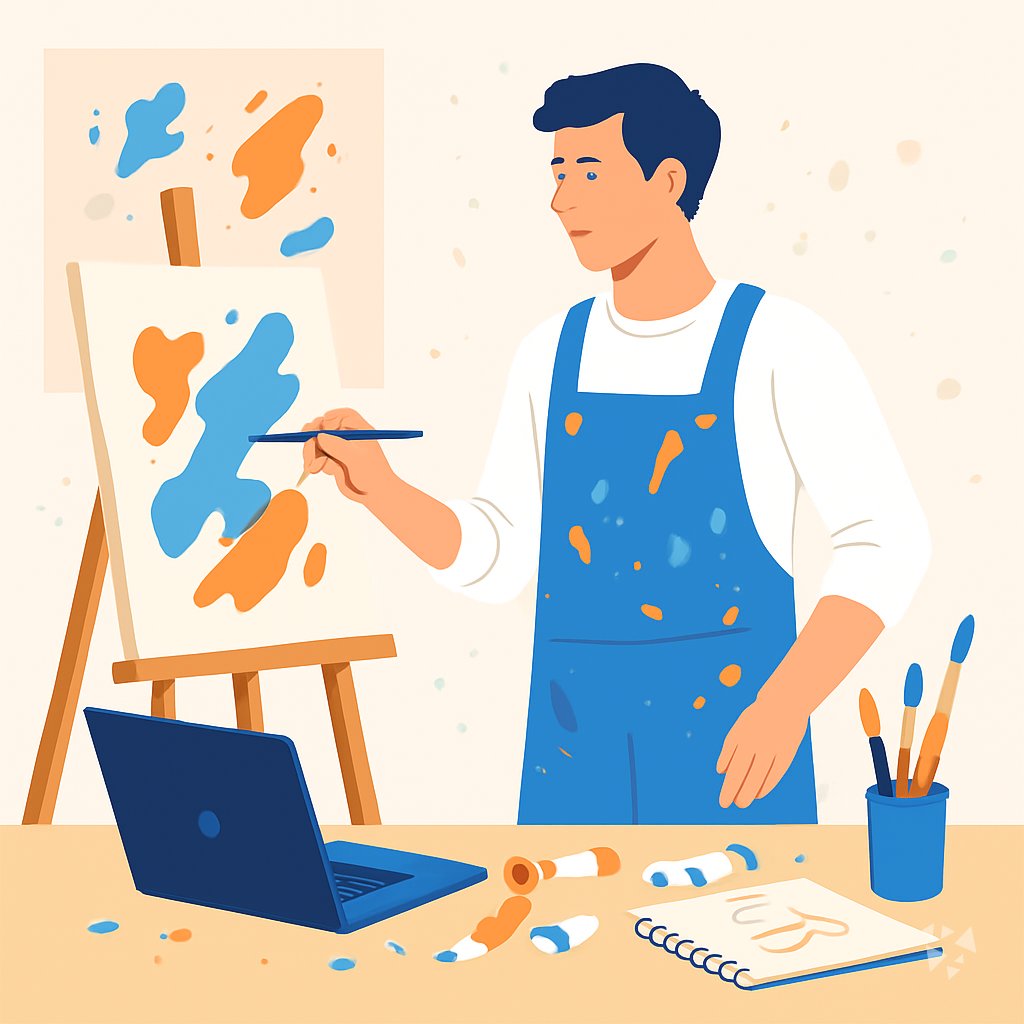
This path helps fine artists use AI for studio planning, writing, research, and applications. You will set up an assistant, learn job skills, and take a prompt course built for artists.
Your path
Everything in the Fine Artist AI kit, in the order that makes sense. Members tick off each step and see their progress.
Set up your AI
We guide you through each click.
Let skills do your everyday tasks
Connect your apps and pick your AI apps
Hand whole tasks to AI agents
Build your own tools
Keep growing
Everything for fine artists
All the courses, certifications, AI tools, MCP servers and apps for fine artists, most relevant first. Open any list to see more.
Take the prompt courses
A short framework course to learn how to ask, then 8 lessons with ready-to-use prompts for fine artists.
Start with this framework: how to talk to AI
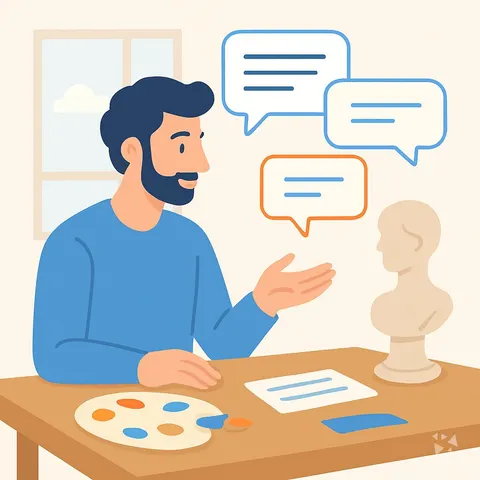
As a fine artist, CRAFT helps you draft artist statements by defining context, role, action, format, and tone for each gallery submission.
Then your prompt course for fine artistsWatch the video courses or add them to your Favorites for later
107 video courses our AI picked for fine artists, most useful first. Save the ones you want to watch later with the heart.
Favorites are saved to your account: sign in or get your AI kit first.
Show all 107 video courses
Get certified, or add certifications to your Favorites
Every course ends in an exam and a certificate you can add to LinkedIn. Save the certifications you are aiming for with the heart.
Favorites are saved to your account: sign in or get your AI kit first.
More certifications for fine artistsShow all 24 certifications
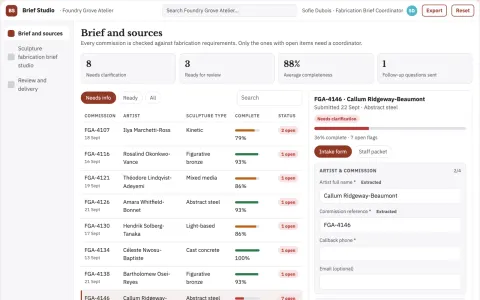
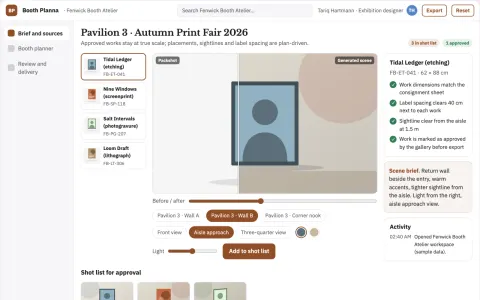
Build your own AI apps for fine artists
Apps you build yourself with your own AI, no coding needed and no monthly fee. Our AI picked the 3 that fit the work of fine artists.










































































About this learning path
7 topicsAI for Fine Artists: A Practical Learning Path
AI can feel far from the studio, but it helps with the parts of art work that take time: writing, planning, research, and applications. This path shows you how to use it while keeping your own voice and ideas at the center.
You begin with setup questions, connect an AI tool, and learn skills for the job inside your AI. Then you take this prompt course and short video courses chosen for fine artists, with certificates when you finish.
Why AI matters for artists
Galleries, grant panels, and collectors often ask for clear writing and organized plans. AI can help you meet those needs without turning your practice into a marketing exercise.
Many artists work alone, and admin can crowd out studio time. A simple AI assistant can hold the details so you can get back to making.
What the path includes
First you answer setup questions so the path fits your medium and goals. Then you connect ChatGPT, Claude, or Gemini and learn how to give it context about your work.
The path includes this prompt course, video courses picked for fine artists, and the certifications that come with those courses. You can move at your own pace and return when a deadline appears.
How it saves you time
Prompts can turn a blank page into a rough draft for statements, proposals, and newsletters. You still edit every word, but you start with something to shape.
Planning prompts help you sort materials, deadlines, and shipping details in one place. That means fewer late nights before an open call or show.
How it protects your career
Good records and clear writing make it easier to apply for grants, residencies, and gallery opportunities. They also help you explain your prices and process with confidence.
AI does not replace your hand or your judgment. It supports the business side of art so your practice can keep growing.
Video courses and certificates
The video courses are short and chosen for working artists. They cover topics like photographing your work, writing applications, and caring for materials.
Each course offers a certificate you can keep for your records. You can list completed training on grant applications or residency bios if it feels useful.
How to start this week
Pick one task that always slows you down, such as an artist statement or a supply list. Open the first lesson and try one prompt with your own details.
Keep a small file of prompts that work for you. Add to it after each deadline, and the path becomes more useful over time.
Frequently asked questions
Do I need to be technical?
No. The path starts with setup questions and simple steps. If you can write an email, you can use these tools.Will AI make my art less original?
AI can help you think through ideas, but the artwork and final choices remain yours. Use it for questions, drafts, and organization, not for replacing your voice.Which AI tool should I use?
ChatGPT, Claude, and Gemini all work for the prompts in this course. You can try one, or switch between them when a task feels easier in another tool.How much time does the path take?
You can start with one lesson in a sitting. The full path is designed to fit around studio work, so you can pause and return when you have a deadline or a quiet afternoon.