
Video course · 15 chapters · 57 min · certificate
Generating Images & Photo's with MidJourney
Futurepedia's complete Midjourney guide using the website: organisation, one-word prompts, every parameter (aspect, stylize, weird, variety, raw, versions), seeds and permutations, a prompt structure, Midlibrary, logos and vector art, text, edit tools (vary, upscale, pan, zoom, remix, repaint), image, style and character references, sref codes, personalisation, tiles, 360 photos and multi-prompts.
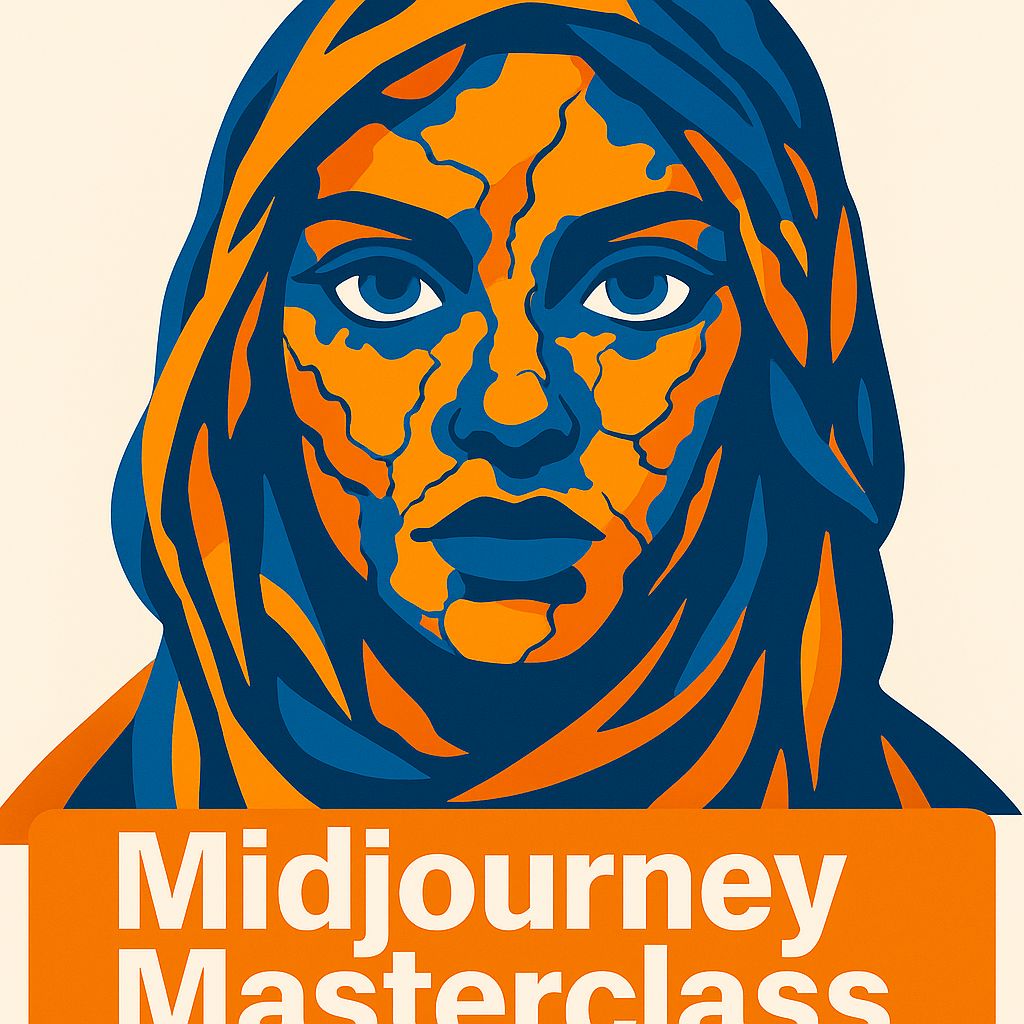
What you'll learn
- Navigate the Midjourney website and organise images
- Control output with parameters and modes
- Write structured prompts and use seeds
- Create logos, vector art and text
- Edit images with vary, pan, zoom and repaint
- Use style/character references, srefs and personalisation
Chapters
15 chapters · 57:23-
 5:02
01Start Members
Site overview and one-word prompts
The website.
5:02
01Start Members
Site overview and one-word prompts
The website.
-
 4:04
02Parameters Members
Parameters: size and stylization
Shape the look.
4:04
02Parameters Members
Parameters: size and stylization
Shape the look.
-
 3:17
03Aesthetics Members
Weirdness, variety and raw mode
Push or restrain.
3:17
03Aesthetics Members
Weirdness, variety and raw mode
Push or restrain.
-
 2:12
04Versions Members
Versions, personalisation and speed
Pick a model.
2:12
04Versions Members
Versions, personalisation and speed
Pick a model.
-
 4:19
05Prompting Members
Seeds, permutations and prompt structure
Four S's.
4:19
05Prompting Members
Seeds, permutations and prompt structure
Four S's.
-
 2:58
06Detail Members
Multiple characters and power tokens
Describe each subject.
2:58
06Detail Members
Multiple characters and power tokens
Describe each subject.
-
 3:52
07Logos Members
Midlibrary, describe and logos
Inspiration to brand.
3:52
07Logos Members
Midlibrary, describe and logos
Inspiration to brand.
-
 4:05
08Tips Members
Vector art, text and prompting tips
Precise wording.
4:05
08Tips Members
Vector art, text and prompting tips
Precise wording.
-
 4:28
09Editing Members
Vary, upscale, reframe, remix and repaint
Refine images.
4:28
09Editing Members
Vary, upscale, reframe, remix and repaint
Refine images.
-
 3:51
10Style Members
Style references
Borrow the vibe.
3:51
10Style Members
Style references
Borrow the vibe.
-
 3:30
11Character Members
Character references
Consistent people.
3:30
11Character Members
Character references
Consistent people.
-
 5:00
12srefs Members
Style reference codes
Reusable styles.
5:00
12srefs Members
Style reference codes
Reusable styles.
-
 2:57
13Personal Members
Personalisation
Your aesthetic.
2:57
13Personal Members
Personalisation
Your aesthetic.
-
 2:58
14Advanced Members
Combining features, tiles and 360 photos
Seamless and panoramic.
2:58
14Advanced Members
Combining features, tiles and 360 photos
Seamless and panoramic.
-
 4:50
15More Members
Stop, multi-prompts and video
Extra controls.
4:50
15More Members
Stop, multi-prompts and video
Extra controls.
Jobs this course suits
Our AI checked this course against 500 jobs; these get the most out of it. Each job links to its learning path.