
Video course · 7 chapters · 33 min · certificate
Canva AI + ChatGPT for Teachers: Interactive Games & Worksheets
Teachers: use Canva AI and ChatGPT to build interactive classroom games and printable worksheets from a prompt, test them, publish and share them with learners, and keep a teacher answer key.
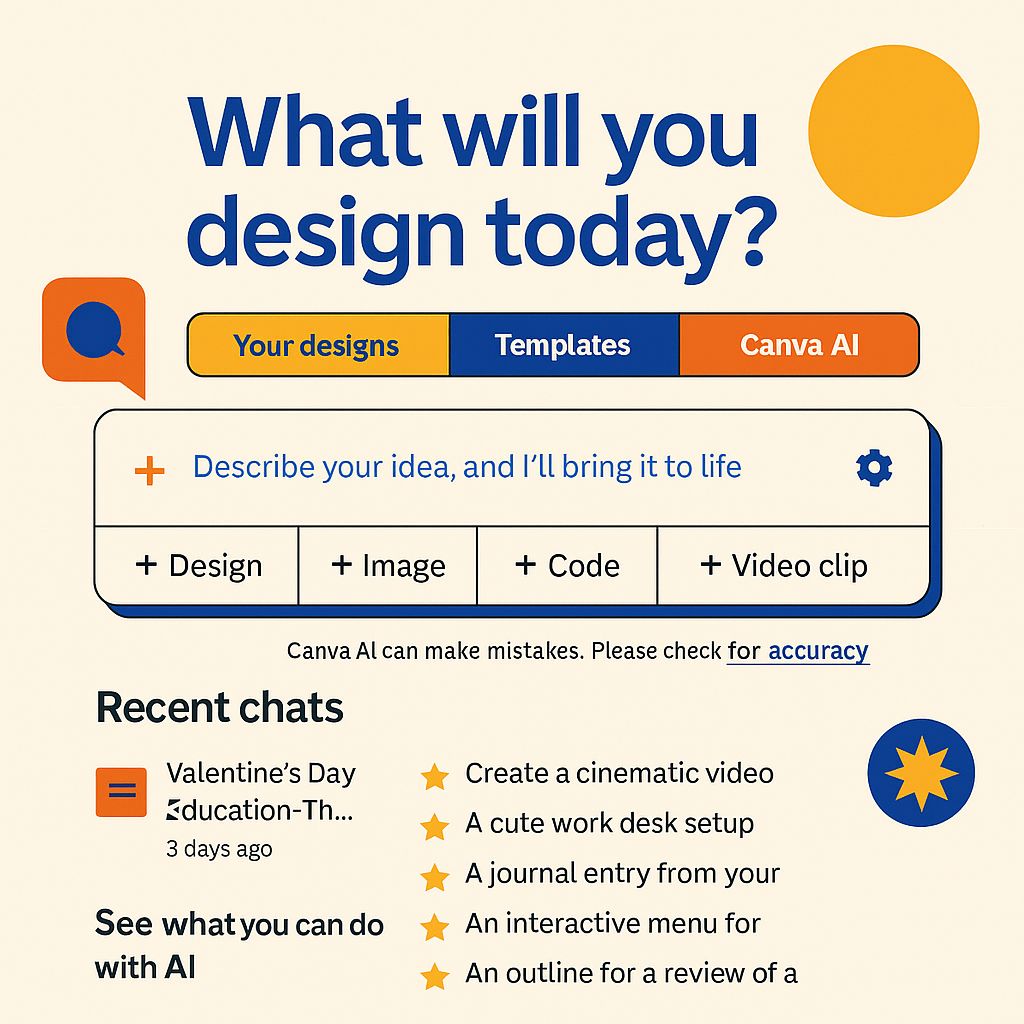
What you'll learn
- Write prompts that produce classroom games
- Build an interactive game in Canva AI
- Test and fix a generated game
- Publish and share with learners
- Turn the prompt into a worksheet with answer key
Chapters
7 chapters · 33:17-
 2:03
01Intro Free preview
Introduction and setup
A short session on creating interactive teaching material with Canva AI.
2:03
01Intro Free preview
Introduction and setup
A short session on creating interactive teaching material with Canva AI.
-
 1:52
02Prompts Members
Prompting with AI
Using ChatGPT to draft prompts and code for Canva AI.
1:52
02Prompts Members
Prompting with AI
Using ChatGPT to draft prompts and code for Canva AI.
-
 5:38
03Build Members
Designing a game in Canva
Dictating or typing the prompt and letting Canva AI build the game.
5:38
03Build Members
Designing a game in Canva
Dictating or typing the prompt and letting Canva AI build the game.
-
 6:11
04Testing Members
Testing the game
Playing the generated game and fixing issues.
6:11
04Testing Members
Testing the game
Playing the generated game and fixing issues.
-
 4:05
05Sharing Members
Publishing and sharing
Publishing the game as a site and sharing the link.
4:05
05Sharing Members
Publishing and sharing
Publishing the game as a site and sharing the link.
-
 4:37
06Worksheets Members
Creating a worksheet
Tweaking the prompt so the same content becomes a worksheet.
4:37
06Worksheets Members
Creating a worksheet
Tweaking the prompt so the same content becomes a worksheet.
-
 8:51
07Wrap-up Members
Q&A and conclusion
Reviewing the worksheet, handling the answer key, and questions.
8:51
07Wrap-up Members
Q&A and conclusion
Reviewing the worksheet, handling the answer key, and questions.
Jobs this course suits
Our AI checked this course against 500 jobs; these get the most out of it. Each job links to its learning path.