
Learning path
Learning AI as a Language Teacher
A step by step path for language teachers who want to plan, teach, and give feedback with AI support. It covers setup, prompts, video courses, and certificates chosen for your classroom.

Your path
Everything in the Language Teacher AI kit, in the order that makes sense. Members tick off each step and see their progress.
Set up your AI
We guide you through each click.
Let skills do your everyday tasks
Connect your apps and pick your AI apps
Hand whole tasks to AI agents
Build your own tools
Keep growing
Everything for language teachers
All the courses, certifications, AI tools, MCP servers and apps for language teachers, most relevant first. Open any list to see more.
Take the prompt courses
A short framework course to learn how to ask, then 9 lessons with ready-to-use prompts for language teachers.
Start with this framework: how to talk to AI
RACE helps language teachers define their role, task, class context, and expected quality when creating a grammar lesson rubric for students.
Then your prompt course for language teachers- 1Lesson Planning Basics5 prompts
- 2Vocabulary Activities3 prompts
- 3Speaking And Conversation3 prompts
- 4Creating Learning Materials3 prompts
- 5Grading And Feedback7 prompts
- 6Assessing Progress5 prompts
- 7Explaining Grammar And Culture3 prompts
- 8Student Communication3 prompts
- 9Admin And Professional Development6 prompts
Watch the video courses or add them to your Favorites for later
107 video courses our AI picked for language teachers, most useful first. Save the ones you want to watch later with the heart.
Favorites are saved to your account: sign in or get your AI kit first.
Show all 107 video courses
Get certified, or add certifications to your Favorites
Every course ends in an exam and a certificate you can add to LinkedIn. Save the certifications you are aiming for with the heart.
Favorites are saved to your account: sign in or get your AI kit first.
More certifications for language teachersShow all 24 certifications
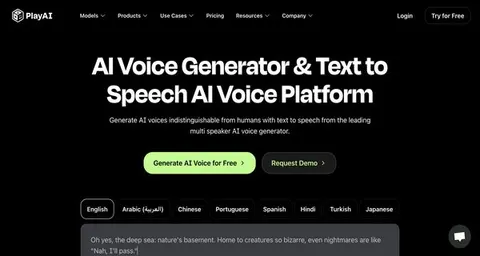
Try the AI tools for language teachers
24 AI tools our AI matched to the work of language teachers, best fit first. Each review shows what it does, its alternatives and the jobs it suits.
Favorites are saved to your account: sign in or get your AI kit first.
Show all 24 AI tools
Connect your AI to the apps language teachers use
MCP servers let ChatGPT, Claude or Copilot look things up and get work done in other apps, like your email, calendar or bookkeeping software. These 12 fit the work of language teachers best, well-known apps first.
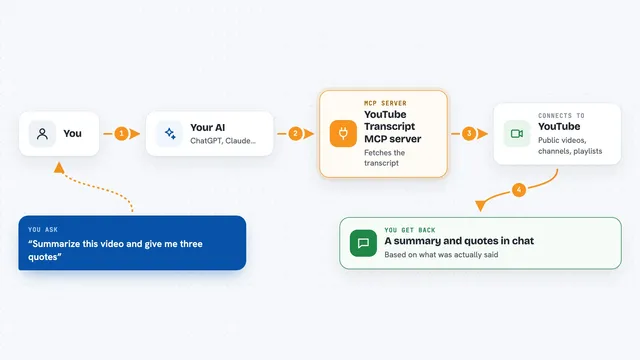
YouTube Transcript MCP server
by artemchuikinLet your AI read YouTube videos, pull transcripts, and search videos, channels, and playlists for you.
Social mediaResearch Official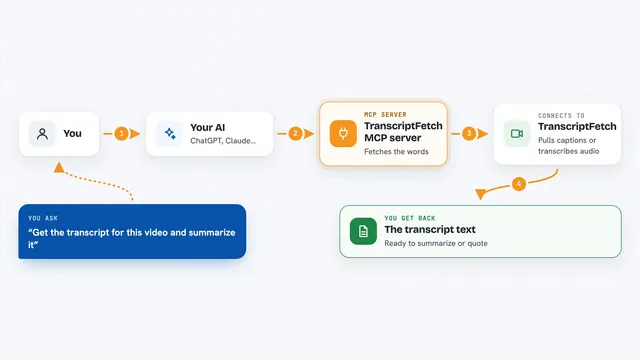
TranscriptFetch MCP server
by TranscriptFetchLets your AI pull transcripts from YouTube, TikTok, Instagram and podcasts, and search videos for you.
Speech to textSocial media Official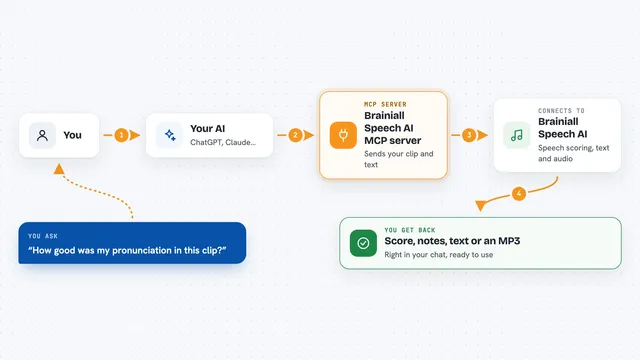
Brainiall Speech AI MCP server
by fasuizu-brCheck pronunciation, turn speech into text, and turn text into spoken audio, all from your chat.
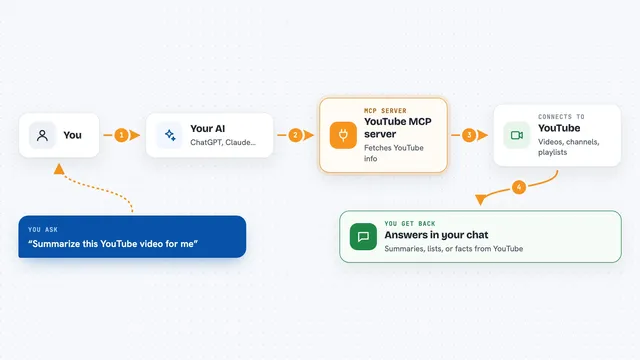
YouTube MCP server
by Klavis-AILets your AI pull YouTube video transcripts, details, search results, channel info and playlists when you ask.

SubDownload MCP server
by SubDownloadAsk your AI about YouTube videos, get transcripts and summaries, and save them for later.
ResearchNo install
rippr MCP server
by mrslbtPull the transcript of any YouTube video into your AI chat as clean text, timestamps, or a saved file.
Show all 12 MCP servers

Scribefy MCP server
by MKirovBGLet your AI pull YouTube transcripts, search videos, and check video details for you.
Research Official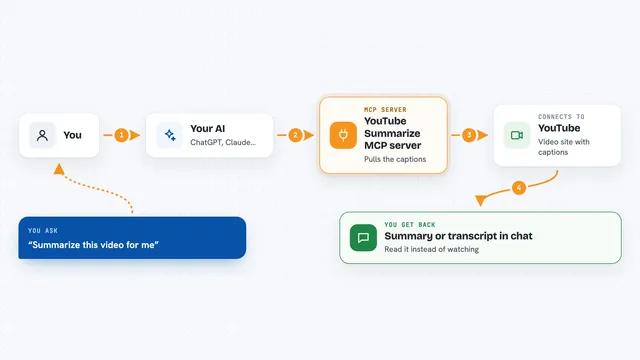
YouTube Summarize MCP server
by zlatkocLet your AI pull YouTube transcripts and summaries so you can read instead of watch.

RAE Dictionary MCP server
by rae-api-comLook up Spanish words and meanings straight from the official Royal Spanish Academy dictionary.

YouTube Transcriber MCP server
by format37Turn YouTube videos into text your AI can read, search, and summarize for you.
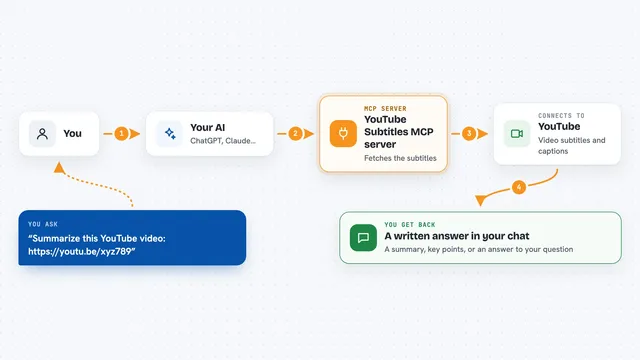
YouTube Subtitles MCP server
by anaisbettsLet your AI read the subtitles of a YouTube video so it can summarize or answer questions about it.

VE Google Workspace MCP server
by HuntsDeskLet your AI read and write your Google Docs, Sheets, Slides, Drive, Gmail and Calendar for you.
Build your own AI apps for language teachers
Apps you build yourself with your own AI, no coding needed and no monthly fee. Our AI picked the 12 that fit the work of language teachers.
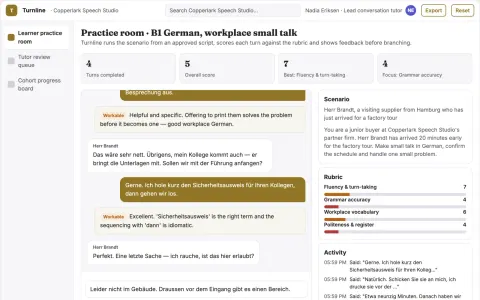
Conversational language practice studio
Increase supervised speaking turns per learner while keeping tutor review in the loop.
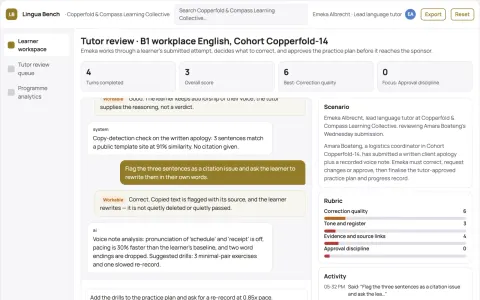
Multi-skill language practice and coaching workbench
Run one owned practice platform instead of several rented language apps.
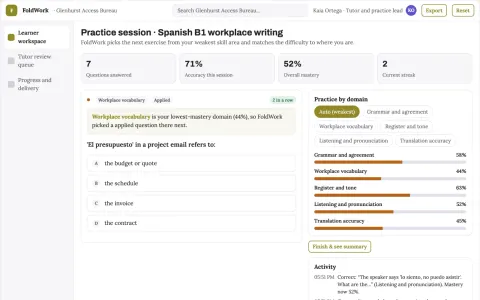
Multilingual practice and translation workbench
Reduce tool switching and lost practice history while keeping one reviewed record of learner progress.
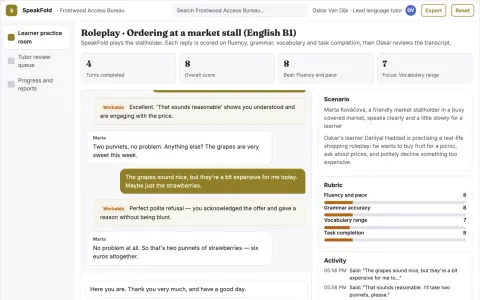
Multilingual speaking and writing practice studio
Increase reviewed practice attempts per learner while keeping tutor oversight.
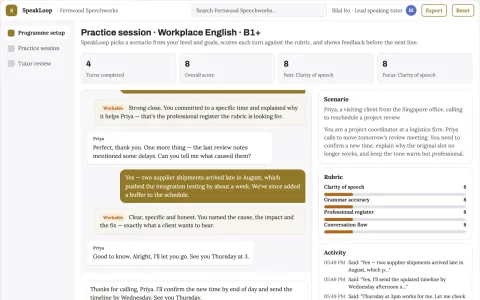
Spoken English practice and feedback studio
Increase reviewed speaking attempts per learner without adding tutor hours.
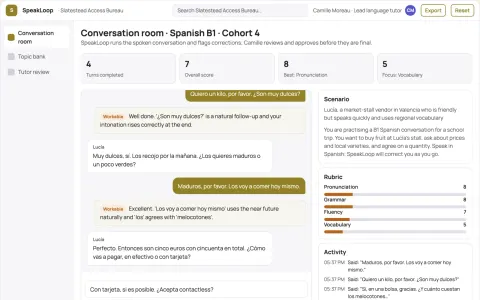
Spoken language practice conversation studio
Increase supervised spoken repetitions per learner while keeping tutor review of corrections.
Show all 12 apps
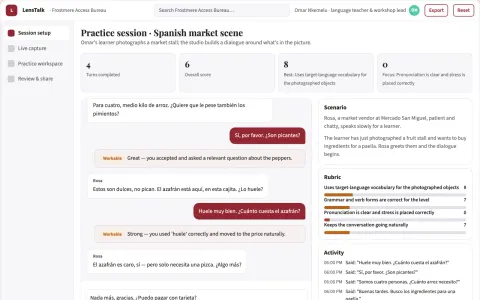
Camera-to-conversation language practice studio
Reduce tool switching while keeping a teacher or editor in control of what learners and writers publish.
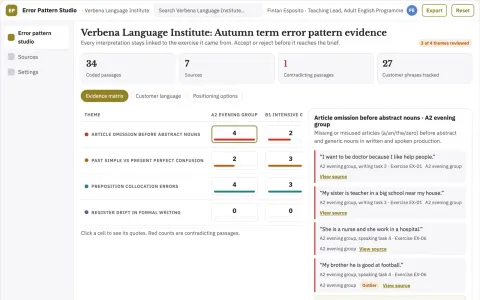
Language classroom error pattern studio
Class-level instruction without learner profiling.
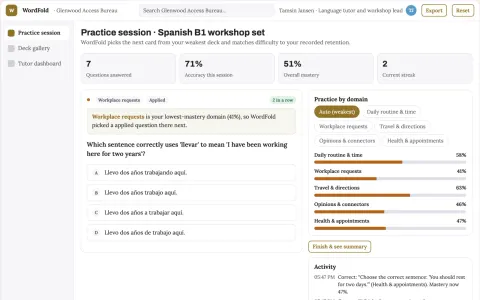
Vocabulary retention practice and workshop platform
Reduce the number of separate vocabulary tools a learner or tutor rents while keeping one owned record of words, reviews and progress.
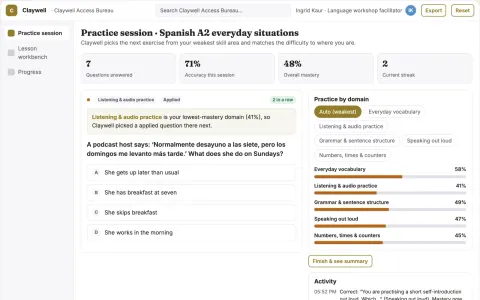
Adaptive language practice and lesson workbench
Reduce tool switching and repeated setup while keeping one learner record.
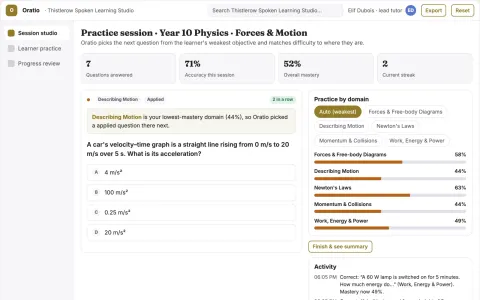
Spoken tutoring and adaptive practice studio
Give learners spoken tutoring and adaptive practice in one owned environment while keeping teachers in control of content and review.
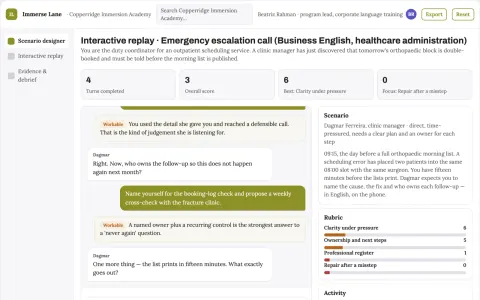
Language immersion roleplay exchange
Provide more relevant speaking practice between lessons.

































































































About this learning path
6 topicsAI Skills for Language Teachers, Step by Step
You teach people to speak, listen, read, and write in a new language. AI can help you prepare lessons, build materials, and give feedback, while you keep the human parts of teaching.
This path starts with simple setup questions, then shows how to connect your AI and use prompts made for language teaching. It also points to video courses picked for your job and the certificates those courses offer.
Why AI Matters for Language Teachers
Students come with different levels, goals, and learning styles, and you need to keep everyone speaking. AI can help you prepare examples, conversation prompts, and practice materials faster, so you can spend more time on the human parts of teaching.
It also helps with paperwork: grading, progress notes, emails home, and small lesson changes for different learners.
What This Path Includes
You start with setup questions about your language, level, class size, and goals. Then you connect your AI, learn job specific skills inside it, and work through the prompt course.
The path also includes video courses chosen for language teachers, with the certificates those courses provide, so you can show what you learned.
How the Path Saves You Time
Use AI to draft lesson plans, vocabulary exercises, reading passages, quizzes, and feedback comments. You review and adjust, which is much faster than starting from a blank page.
The prompts are short and reusable, so a Tuesday lesson can become a Thursday lesson with a few changes.
How the Path Protects Your Career
AI will not replace the teacher who knows students, sets the tone, and builds trust. This path helps you use AI as a teaching assistant, not a replacement.
You learn safe habits for student data, clear ways to check AI output, and how to keep your professional judgment at the center.
How to Start
Begin with the setup questions, then connect one AI tool you already use or can try for free. Pick one lesson you teach this week and use one prompt from the course.
After that, choose a video course that fits your grade level or language, and keep the certificate for your records.
Frequently asked questions
Do I need to be technical?
No. The path uses plain language and short prompts you can copy and adjust. If you can write an email, you can use these steps.Will AI write my lessons for me?
AI can create a first draft, but you decide what fits your students. You still choose the examples, correct mistakes, and set the classroom tone.Is student information safe?
You should avoid putting names, grades, or private details into AI tools. Use general examples, follow your school rules, and keep sensitive information in approved systems.Do I get certificates?
The video courses in this path come with certificates you can keep or share. They show you completed training in AI skills for language teaching.