
Video course · 15 chapters · 257 min · certificate
Claude Code Complete Guide: From Setup to Advanced Workflows
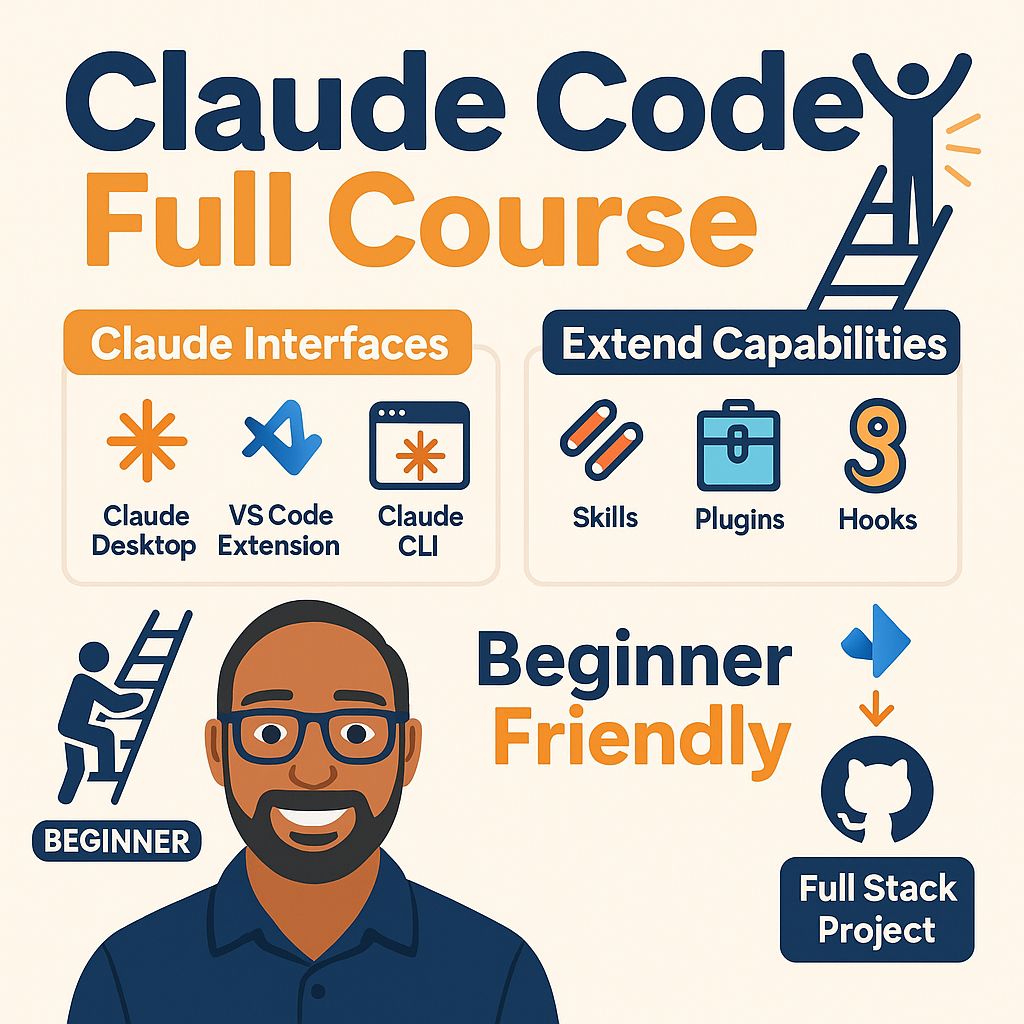
Claude Code from setup to advanced workflows: interfaces and ecosystem, first apps, tokens and context, CLAUDE.md and AGENTS.md, the CLI, MCP servers, skills, plugins and hooks, then an end-to-end project with GitHub and Jira.
What you'll learn
- Compare Claude Code with Codex, Gemini and Cursor
- Set up Claude Code in desktop, VS Code and CLI
- Manage tokens and the context window
- Configure CLAUDE.md, AGENTS.md and scopes
- Use MCP servers, skills, plugins and hooks
- Build an end-to-end project with GitHub and Jira
Chapters
15 chapters · 256:37-
 19:28
01Intro Free preview
What Claude Code is
Claude Code's features, how it compares with Codex, Gemini and Cursor, and its interfaces.
19:28
01Intro Free preview
What Claude Code is
Claude Code's features, how it compares with Codex, Gemini and Cursor, and its interfaces.
-
 21:02
02Setup Members
Ecosystem and setup
The Claude ecosystem and models, desktop setup with a snake game, and the VS Code extension.
21:02
02Setup Members
Ecosystem and setup
The Claude ecosystem and models, desktop setup with a snake game, and the VS Code extension.
-
 12:42
03Build Members
Build a weather app
Creating a weather app with the extension, granting permissions and handling Python setup.
12:42
03Build Members
Build a weather app
Creating a weather app with the extension, granting permissions and handling Python setup.
-
 19:16
04Concepts Members
Tokens and context window
Tokens as the basic unit of input and output, and managing the context window.
19:16
04Concepts Members
Tokens and context window
Tokens as the basic unit of input and output, and managing the context window.
-
 12:11
05Config Members
AGENTS.md and CLAUDE.md
Project instruction files and undoing changes.
12:11
05Config Members
AGENTS.md and CLAUDE.md
Project instruction files and undoing changes.
-
 14:03
06CLI Members
The Claude CLI
Installing and getting started with the command-line interface.
14:03
06CLI Members
The Claude CLI
Installing and getting started with the command-line interface.
-
 25:05
07MCP Members
MCP servers and scopes
MCP as a universal connector, hands-on setup, and user, project and local scopes.
25:05
07MCP Members
MCP servers and scopes
MCP as a universal connector, hands-on setup, and user, project and local scopes.
-
 20:59
08Skills Members
Skills
Creating your own skill, e.g. for standard code review.
20:59
08Skills Members
Skills
Creating your own skill, e.g. for standard code review.
-
 14:23
09Plugins Members
Plugins and comparisons
Plugins that bundle capabilities, and MCP versus skill versus plugin.
14:23
09Plugins Members
Plugins and comparisons
Plugins that bundle capabilities, and MCP versus skill versus plugin.
-
 13:30
10Hooks Members
Hooks
Hooks make behaviour deterministic where model instructions alone aren't guaranteed.
13:30
10Hooks Members
Hooks
Hooks make behaviour deterministic where model instructions alone aren't guaranteed.
-
 16:03
11Project Members
End-to-end project: GitHub
Overview of a resume analyzer project and setting up the GitHub MCP server.
16:03
11Project Members
End-to-end project: GitHub
Overview of a resume analyzer project and setting up the GitHub MCP server.
-
 15:20
12Project Members
Jira, plugins and setup
Setting up the Jira MCP, feature-dev and frontend design plugins, and project instructions.
15:20
12Project Members
Jira, plugins and setup
Setting up the Jira MCP, feature-dev and frontend design plugins, and project instructions.
-
 20:00
13Build Members
Task 1: frontend and backend
Claude reads the Jira issue and sets up the frontend and backend.
20:00
13Build Members
Task 1: frontend and backend
Claude reads the Jira issue and sets up the frontend and backend.
-
 20:55
14Build Members
Task 2: core functionality
Implementing the resume analyzer functionality with a plugin workflow.
20:55
14Build Members
Task 2: core functionality
Implementing the resume analyzer functionality with a plugin workflow.
-
 11:40
15Wrap-up Members
Task 3: database and best practices
Adding a database, creating a pull request, and best practices.
11:40
15Wrap-up Members
Task 3: database and best practices
Adding a database, creating a pull request, and best practices.
Jobs this course suits
Our AI checked this course against 500 jobs; these get the most out of it. Each job links to its learning path.