
Video course · 8 chapters · 21 min · certificate
Create Consistent Character Videos in VEO 3: Step-by-Step Guide
Make long Veo 3 videos with a consistent character: accessing Veo 3, optimised prompts, the first scene with frames to video, keeping the character consistent, first-frame background changes, generating clips and assembling the long video.
What you'll learn
- Access Veo 3
- Write optimised video prompts
- Create a first scene with frames to video
- Keep a character consistent across clips
- Change backgrounds professionally
- Assemble a long video from short clips
Chapters
8 chapters · 20:46-
 1:51
01Intro Free preview
Long videos and accessing Veo 3
Everything changes except the character.
1:51
01Intro Free preview
Long videos and accessing Veo 3
Everything changes except the character.
-
 1:58
02Prompting Members
Optimising the prompt
A specific prompt type.
1:58
02Prompting Members
Optimising the prompt
A specific prompt type.
-
 4:25
03Scene Members
Creating the first scene
Frames to video.
4:25
03Scene Members
Creating the first scene
Frames to video.
-
 5:58
04Consistency Members
Creating character consistency
The core trick.
5:58
04Consistency Members
Creating character consistency
The core trick.
-
 2:12
05Backgrounds Members
First-frame background changes
The professional way.
2:12
05Backgrounds Members
First-frame background changes
The professional way.
-
 1:10
06Generate Members
Generating videos
Running the clips.
1:10
06Generate Members
Generating videos
Running the clips.
-
 2:06
07Assembly Members
Creating the long video
Short clips, not one long generation.
2:06
07Assembly Members
Creating the long video
Short clips, not one long generation.
-
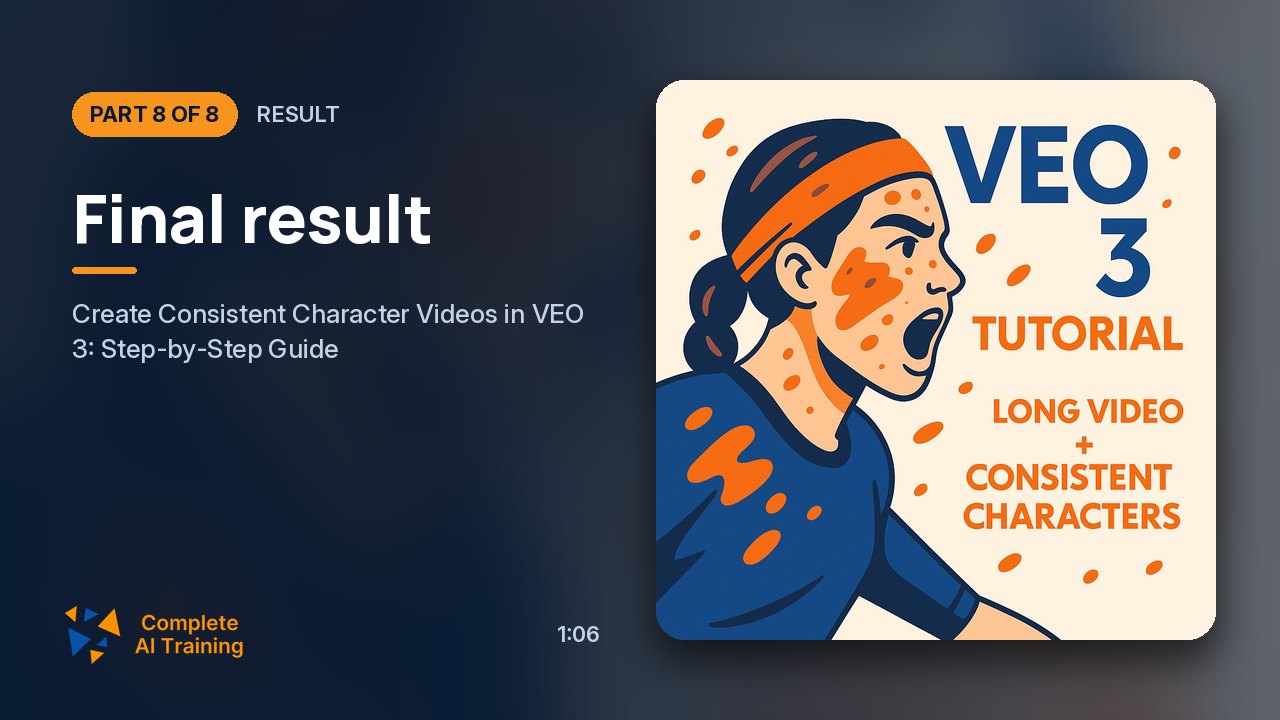 1:06
08Result Members
Final result
The finished video.
1:06
08Result Members
Final result
The finished video.
Jobs this course suits
Our AI checked this course against 500 jobs; these get the most out of it. Each job links to its learning path.