
Video course · 7 chapters · 20 min · certificate
Kling 3.0 Text-to-Video for Beginners: Elements & Multi-Shot
A beginner's guide to Kling 3.0: character consistency with Elements, multi-shot generations, starting and ending frames, realism, emotion and native audio, working around limitations, and a recap workflow.
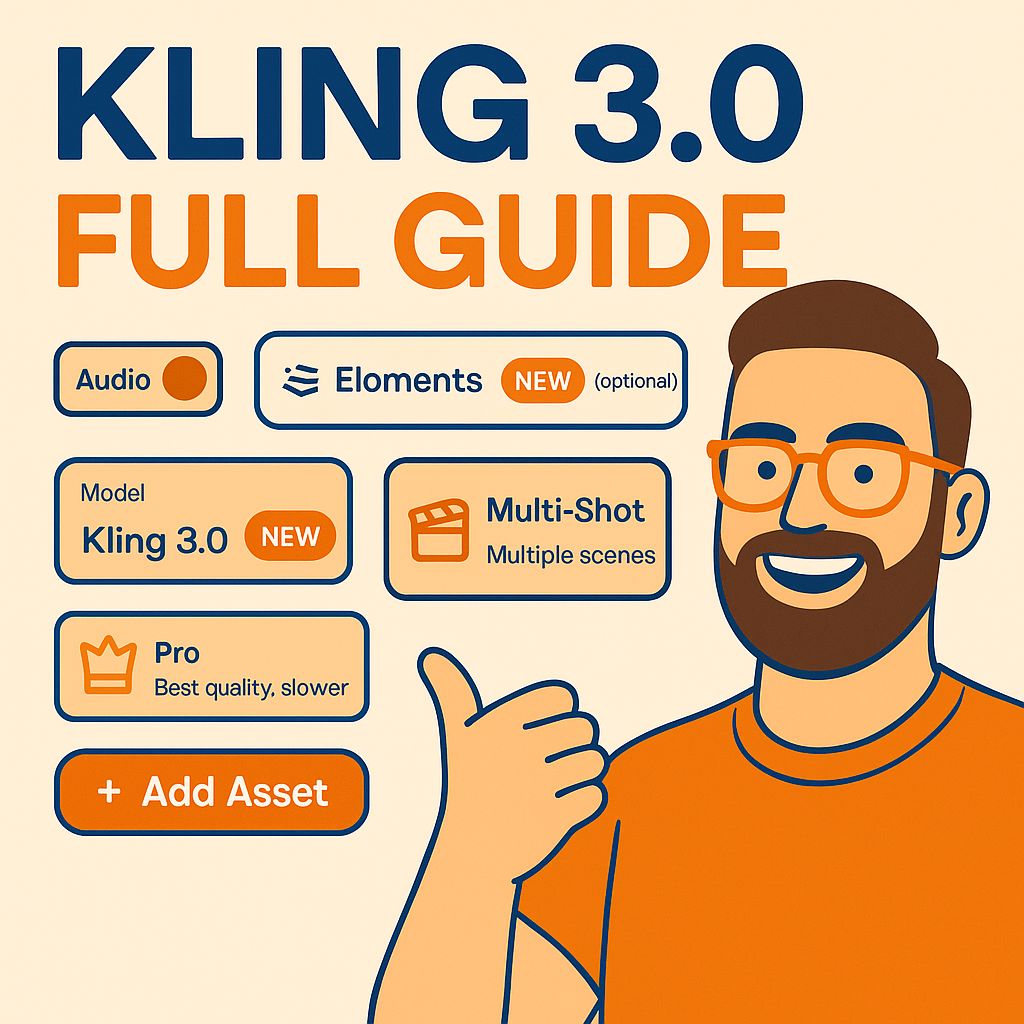
What you'll learn
- Access Kling 3.0 and understand what's new
- Keep characters consistent with Elements
- Create multi-shot sequences
- Control shots with start and end frames
- Use native audio and emotional performance
- Work around Kling's limitations
Chapters
7 chapters · 20:14-
 2:08
01Intro Free preview
The biggest AI video update
What's new in Kling 3.0 and how to access it.
2:08
01Intro Free preview
The biggest AI video update
What's new in Kling 3.0 and how to access it.
-
 4:27
02Elements Members
Elements: character consistency
The Elements tab: upload references so characters stay the same across clips.
4:27
02Elements Members
Elements: character consistency
The Elements tab: upload references so characters stay the same across clips.
-
 5:47
03Multi-shot Members
Multi-shot generations
Generating multiple shots in one generation for filmmaking.
5:47
03Multi-shot Members
Multi-shot generations
Generating multiple shots in one generation for filmmaking.
-
 2:54
04Frames Members
Starting and ending frames
Uploading start and end frames to control a shot.
2:54
04Frames Members
Starting and ending frames
Uploading start and end frames to control a shot.
-
 1:49
05Audio Members
Realism, emotion and native audio
Improved realism and emotional performance, and native audio in multi-shot scenes.
1:49
05Audio Members
Realism, emotion and native audio
Improved realism and emotional performance, and native audio in multi-shot scenes.
-
 1:36
06Limits Members
Working with limitations
Where Kling 3.0 struggles and how to work around it.
1:36
06Limits Members
Working with limitations
Where Kling 3.0 struggles and how to work around it.
-
 1:33
07Recap Members
Final thoughts and workflow recap
A recap of the full Kling 3.0 workflow.
1:33
07Recap Members
Final thoughts and workflow recap
A recap of the full Kling 3.0 workflow.
Jobs this course suits
Our AI checked this course against 500 jobs; these get the most out of it. Each job links to its learning path.