MCP server · Chat
Agenium MCP bridge
by Aganium
Let your AI find and talk to other AI agents by name over the agent:// network.

Agenium is a service that gives AI agents names and a way to find each other, a bit like a phone book for AI. This MCP server is the bridge between your AI assistant and that network, so your assistant can look up other agents and send them messages. It is handy if you work with several AI tools and want them to pass tasks to each other.
What is an MCP server? The 30-second version
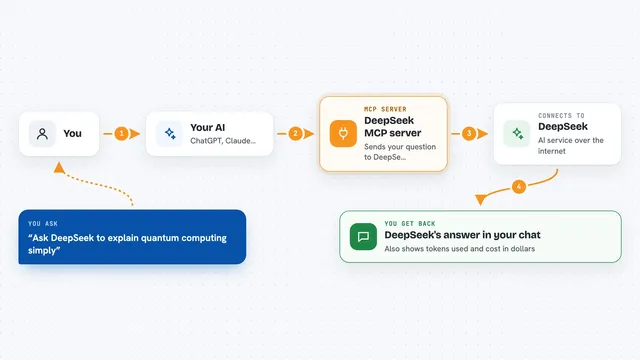
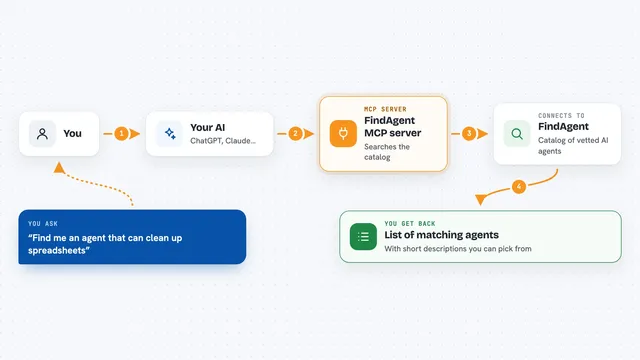
On its own, your AI can only chat with you. An MCP server is a small helper program that gives your AI a new skill or a connection to an outside service. This one connects your AI to the agent:// network from Agenium. Once it is set up, your AI can look up other agents by name and exchange messages with them when you ask.
What this MCP server does
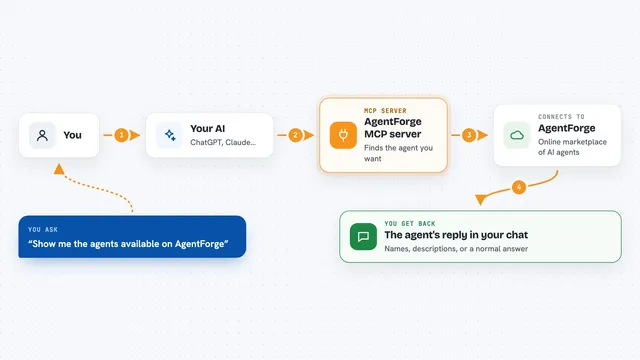
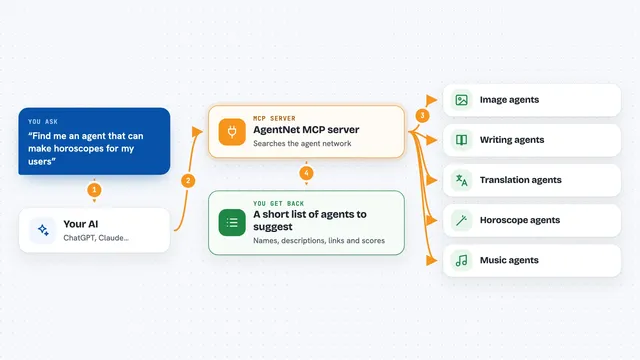
You ask your AI something that needs another agent, for example to find a tool or pass a request along. Your AI uses this helper to look up the name on the Agenium network, like looking up a phone number. The helper finds the address of the other agent and opens a session with it. Your AI sends the message, waits for the reply, and shows you the answer in the chat. Sessions are saved, so longer back-and-forth conversations can keep going.
 Click to zoom
What you can do with it
- Look up another agent by its agent:// name
- Open a session with another agent and send it a message
- Receive replies from that agent in the same session
- Search the Agenium network for agents and tools
- Close a session when you are done
- Keep a record of past sessions on your machine
Try asking your AI
- “Find an agent on the Agenium network that can search for MCP servers”
- “Send this question to agent://search and show me the reply”
- “Open a session with agent://agenium and ask what tools it offers”
- “Resolve agent://search and tell me its address”
What it gives back to you
You get the answer from the other agent, shown as text in your chat. For a lookup, you get the agent's address and what it can do. For a message, you get whatever the other agent replies with. Sometimes you also get a short note that a session was opened or closed.
Before you start
What you need
- An Agenium API key from marketplace.agenium.net (you register a name like agent://myagent and get the key after paying)
- Your own agent name in the agent:// form
- Node.js installed if you run the helper yourself
Good to know
It sends messages to other agents on a public network, so do not share private or sensitive details in those messages.
Install it with your AI
Add Agenium MCP bridge to your AI, no technical skills needed
You don't install anything by hand. You copy one prompt, paste it into an AI that can work on your computer, and it checks, installs and connects the server for you, asking you when it needs something.
Sign in to get the install prompt
Members get a ready-made prompt that lets the Claude desktop app check Agenium MCP bridge, install it and connect it for them, step by step. You don't need any technical skills: you copy, paste and answer a few questions. Your connected AI can also find and install any of the 4,361 MCP servers here for you.
Who it's for
People who already use several AI agents or tools and want them to find each other and pass tasks along without manual copy and paste.