MCP server · Chat
DeepSeek MCP server
by arikusi
Lets your AI ask DeepSeek questions, keep a running conversation, and show what each answer cost.
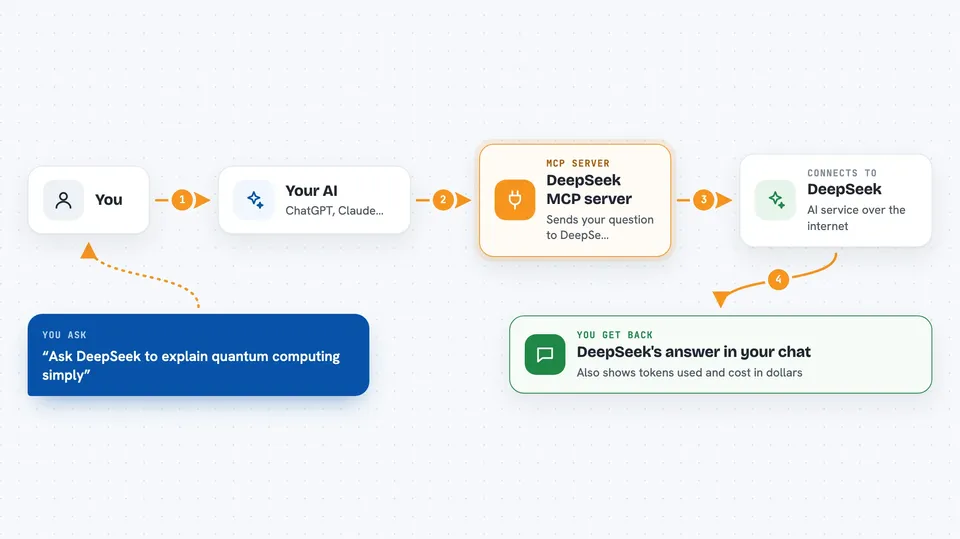
This is a small helper that connects your AI assistant to DeepSeek, another AI service you can ask questions. Once it is set up, you can tell your assistant to send a question to DeepSeek and bring the answer back into your chat. It is handy if you already use DeepSeek and want it inside the tool you work in every day.
What is an MCP server? The 30-second version
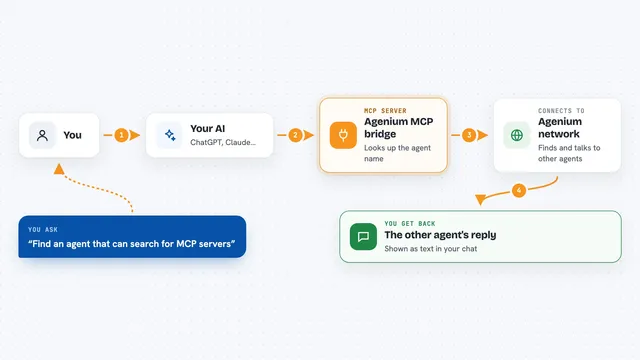
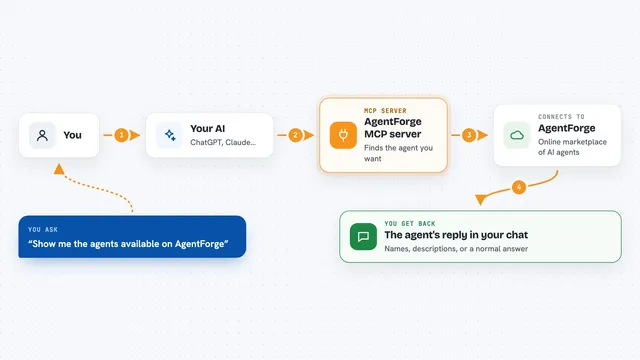
On its own, your AI can only chat with you using what it already knows. An MCP server is a small helper program that gives your AI a new skill or a connection to another service. This one connects your AI to DeepSeek, so your AI can send your question over, wait for DeepSeek's reply, and show it to you. You do not run DeepSeek yourself; the helper does the talking for you.
What this MCP server does
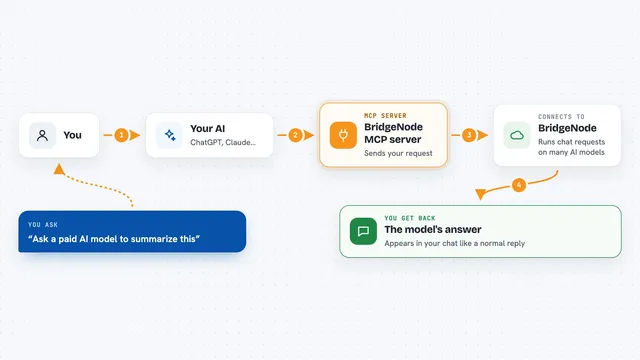
You ask your AI a question and mention DeepSeek, or your AI decides on its own to use this helper. The helper takes your messages, sends them to DeepSeek over the internet, and waits for the answer. DeepSeek writes back, and the helper passes the reply into your chat, along with how many words were used and what it cost. If you keep using the same session name, the helper remembers earlier messages so the conversation flows. You can also ask for a short piece of code or text to be filled in between two parts you provide.
 Click to zoom
What you can do with it
- Ask DeepSeek a question and get the answer in your chat
- Keep a back and forth conversation going using a session name
- Turn on a slower thinking mode for harder questions
- Get answers in a clean structured format when you need one
- See how many tokens were used and what the request cost in dollars
- List, clear, or delete your saved sessions
- Fill in a missing piece of code or text between a start and an end
Try asking your AI
- “Use DeepSeek to explain quantum computing in simple words”
- “Ask DeepSeek to solve: if I have 10 apples and eat 3, then buy 5 more, how many do I have”
- “Use DeepSeek with thinking on to prove that the square root of 2 is irrational”
- “Show me my DeepSeek usage and cost so far”
What it gives back to you
You get DeepSeek's answer written out in your chat, in normal text. Alongside it you see which model answered, how many tokens were used, and the cost in US dollars. If you asked for a structured format, the answer comes back as clean data you can copy. If you turned on thinking mode, you see the reasoning steps first, then the final answer.
Before you start
What you need
- A DeepSeek API key from platform.deepseek.com (a kind of password for apps; the site gives you one)
- Node.js 22 or newer if you install it on your own computer
- An MCP-compatible app such as Claude Code, Gemini CLI, Cursor, or Windsurf
Good to know
Each request costs real money on your DeepSeek account, so keep an eye on the usage and cost figures it reports.
Install it with your AI
Add DeepSeek MCP server to your AI, no technical skills needed
You don't install anything by hand. You copy one prompt, paste it into an AI that can work on your computer, and it checks, installs and connects the server for you, asking you when it needs something.
Sign in to get the install prompt
Members get a ready-made prompt that lets the Claude desktop app check DeepSeek MCP server, install it and connect it for them, step by step. You don't need any technical skills: you copy, paste and answer a few questions. Your connected AI can also find and install any of the 4,361 MCP servers here for you.
Who it's for
People who already use DeepSeek and want to reach it from inside their everyday AI assistant without switching apps.