MCP server · Chat
FindAgent MCP server
by team886
Browse and connect vetted AI helper agents for coding, data, support and design, straight from your chat.

FindAgent is an online marketplace of ready-made AI agents that actually do tasks, not just hand you a prompt to copy. This MCP server is the door into that marketplace. It is handy if you keep hearing about AI agents and want a safe, checked place to find and use one without installing anything.
What is an MCP server? The 30-second version
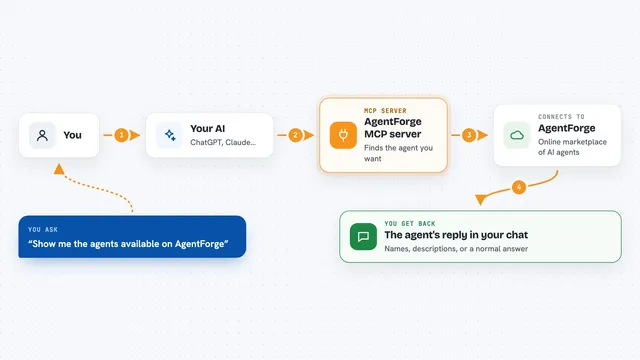
On its own, your AI can only chat with you. An MCP server is a small helper program that gives your AI a new skill or a connection to an outside service. This one connects your AI to FindAgent, the marketplace of vetted agents. Once it is connected, your AI can search that marketplace and connect you to an agent for you when you ask.
What this MCP server does
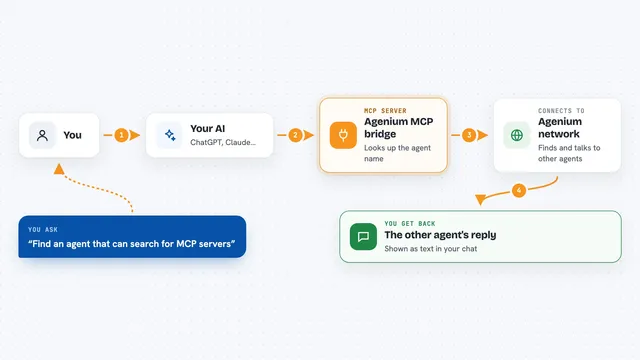
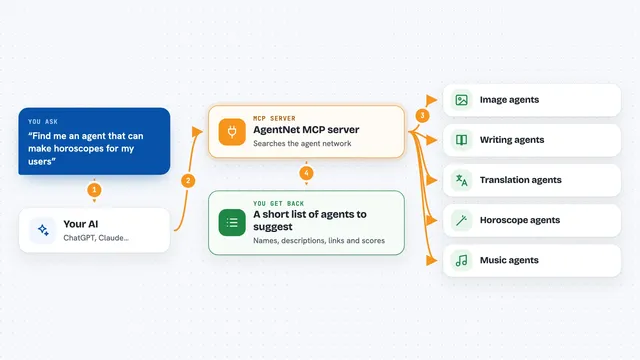
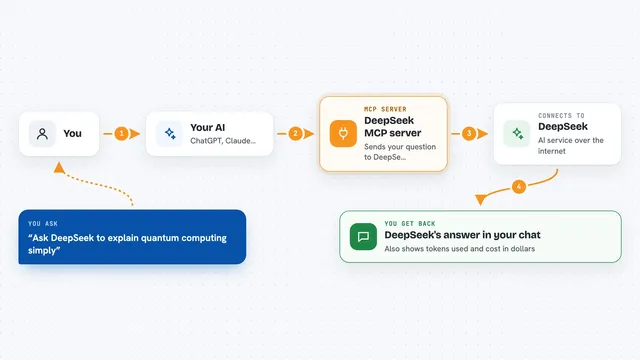
You ask your AI something like find me an agent that can clean up spreadsheets. Your AI passes that request to this helper. The helper talks to FindAgent and looks through the catalog of vetted agents. You get back a short list of matching agents with what each one does, and you can pick one to connect. For the full set of actions, like submitting or running agents, you connect the hosted version.
 Click to zoom
What you can do with it
- Search the FindAgent catalog for agents that match a task
- See what each agent does before you connect it
- Find agents for coding, data analysis, customer support, design and DevOps
- Get a quick overview of what FindAgent is
- Browse the public catalog without signing in
- Connect a vetted agent to your AI chat and let it run the task
Try asking your AI
- “Find me an agent that can summarize long customer support tickets”
- “Search FindAgent for an agent that helps with Python code reviews”
- “What agents on FindAgent can work with spreadsheets and data cleanup”
- “Show me a short overview of what FindAgent offers”
What it gives back to you
You get back a list of matching agents with short descriptions of what each one does. The overview tool gives you a plain summary of the marketplace. In the chat it looks like a tidy list you can read and pick from, not a wall of technical text.
Before you start
What you need
- An MCP client like the Claude desktop app, ChatGPT, Cursor, Gemini or VS Code
- Nothing to install for the hosted version, it is a web address you add
- Node.js 18 or newer if you want to run the small local version
- Docker if you prefer to run the local version in a container
Good to know
The local version only reads the public catalog, but the hosted version can submit, connect and run agents on your behalf, so only connect agents you trust.
Install it with your AI
Add FindAgent MCP server to your AI, no technical skills needed
You don't install anything by hand. You copy one prompt, paste it into an AI that can work on your computer, and it checks, installs and connects the server for you, asking you when it needs something.
Sign in to get the install prompt
Members get a ready-made prompt that lets the Claude desktop app check FindAgent MCP server, install it and connect it for them, step by step. You don't need any technical skills: you copy, paste and answer a few questions. Your connected AI can also find and install any of the 4,361 MCP servers here for you.
Who it's for
Office workers and small teams who want to find and use ready-made AI agents without setting anything up themselves.