MCP server · Chat
BridgeNode MCP server
Let your AI run chat requests on many models and pay per request with Solana USDC, no API key needed.
BridgeNode is a helper that lets your AI assistant send chat requests to a range of AI models and pay for them one at a time, using Solana USDC. It is handy if you want to try different models without signing up for each one or managing API keys. There are free models and a couple of free tries on paid models, so you can test it before spending anything.
What is an MCP server? The 30-second version
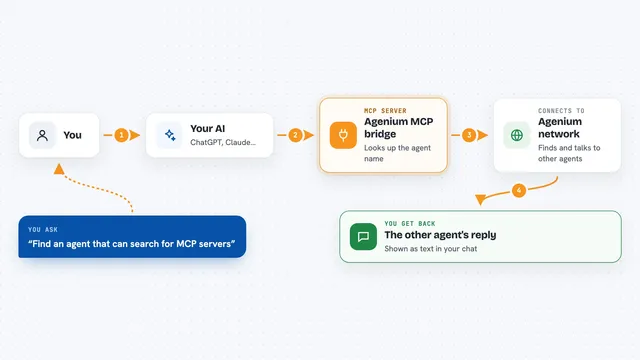
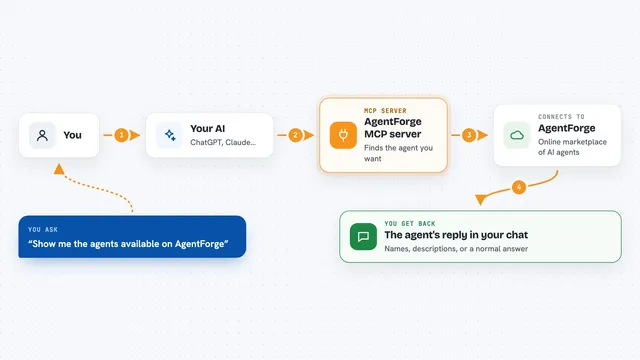
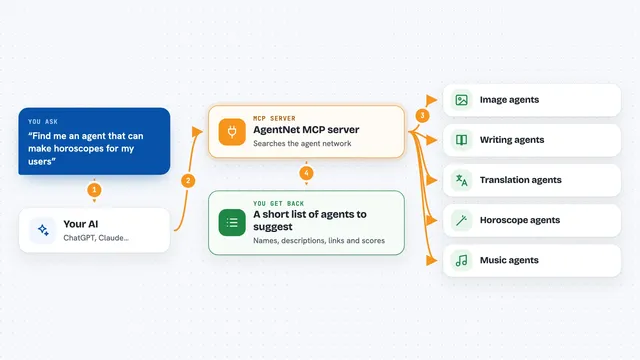
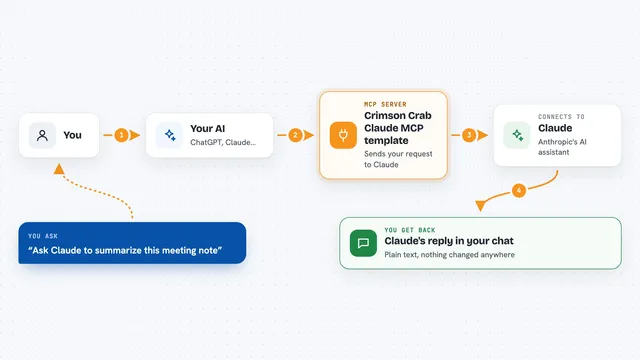
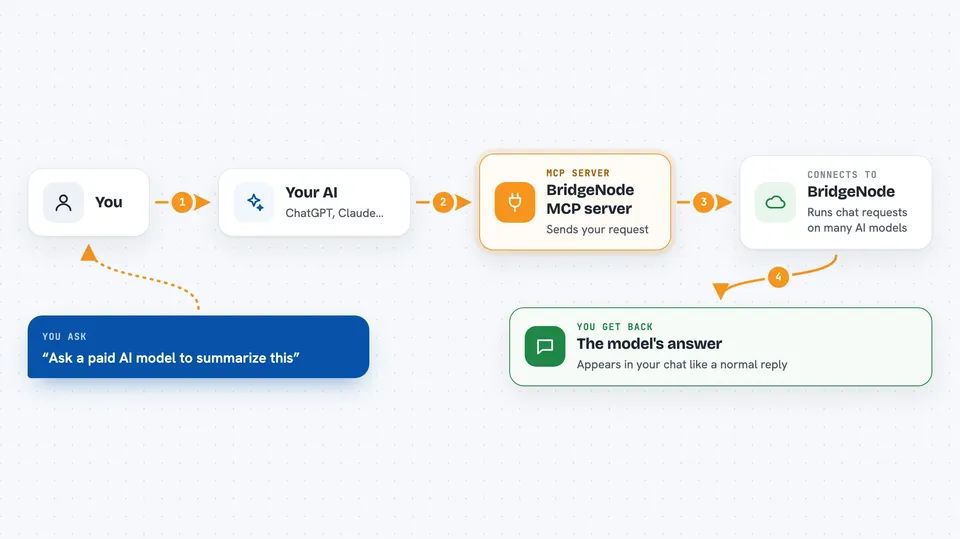
On its own, your AI can only chat with you. An MCP server is a small helper program that gives your AI a new skill or a connection to another service. This one connects your AI to BridgeNode, a service that runs chat requests on many AI models and charges per request. When you ask for something, your AI uses this helper to reach BridgeNode, and BridgeNode handles the request and the payment for you.
What this MCP server does
You ask your AI a question or a task in your normal chat. Your AI passes that request to this helper, which sends it to BridgeNode over the internet. BridgeNode runs it on the model you picked and, if it is a paid model, asks for a small payment in Solana USDC. The helper signs that payment automatically from a wallet you set up, but only after checking it is within your spending limits. Then the answer comes back and appears in your chat like a normal reply.
 Click to zoom
What you can do with it
- Send a chat request to a chosen AI model and get the answer back
- See the list of models BridgeNode supports
- Get a cost estimate for a request before you run it
- Use free models without setting up a wallet
- Try a paid model a couple of times for free
- Set a maximum price per call and a daily spending cap
- Let the model call tools you describe, OpenAI style
Try asking your AI
- “List the models available on BridgeNode”
- “How much would it cost to send this prompt to a paid model?”
- “Ask a free model to summarize this paragraph for me”
- “Send this question to a paid model and show me the answer”
What it gives back to you
You get the model's answer as text in your chat, just like a normal reply. When you ask for the model list, you get a list of model names. When you ask for a price estimate, you get a number for the expected cost. If a payment was made, the helper handles it quietly in the background.
Before you start
What you need
- The Claude desktop app or another app that supports MCP servers
- Node.js installed on your computer (the helper runs through npx)
- A Solana wallet private key, only if you want to use paid models beyond the free tries
Good to know
Paid requests spend real Solana USDC from your wallet, so set your per-call and daily caps carefully and keep your wallet key safe.
Install it with your AI
Add BridgeNode MCP server to your AI, no technical skills needed
You don't install anything by hand. You copy one prompt, paste it into an AI that can work on your computer, and it checks, installs and connects the server for you, asking you when it needs something.
Sign in to get the install prompt
Members get a ready-made prompt that lets the Claude desktop app check BridgeNode MCP server, install it and connect it for them, step by step. You don't need any technical skills: you copy, paste and answer a few questions. Your connected AI can also find and install any of the 4,361 MCP servers here for you.
Who it's for
People who want to try or use several AI models from one chat without signing up for each provider or managing API keys.