MCP server · Email
AgenticMail MCP server
by agenticmail
Give your AI its own email address and phone number so it can send, receive, and read codes for you.

AgenticMail is a helper that gives your AI assistant a real email address and phone number of its own. It runs on your own computer, so nothing goes through a stranger's website. It is handy if you want your AI to sign up for things, receive confirmation emails, or send messages on your behalf.
What is an MCP server? The 30-second version
On its own, your AI can only chat with you. An MCP server is a small helper program that gives your AI a new skill or a connection to an app or service. This one connects your AI to a local mail server, so it can have its own inbox, send email, and receive text messages. When you ask your AI to do something with email, it quietly uses this helper behind the scenes.
What this MCP server does
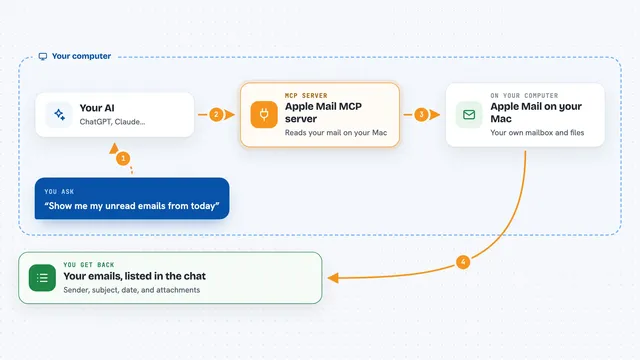
You ask your AI to do something, like check for a new email or send a message. Your AI passes that request to AgenticMail, which runs on your computer. AgenticMail talks to a local mail server and, if you set it up, a phone service. It brings the result back to your AI, which tells you what happened in plain words. It can also watch for verification codes that arrive by email or text and hand them to your AI.
 Click to zoom
What you can do with it
- Create a disposable inbox for your AI
- Send an email from your AI's own address
- Check incoming email and read the messages
- Fetch verification codes that arrive by email or SMS
- Receive and send text messages through a phone number
- Give your AI a memory that lasts between conversations
- Let your AI talk on a live phone call using voice
Try asking your AI
- “Create a new inbox for me and tell me the address”
- “Check if any new email arrived in the last hour”
- “Send an email to my colleague saying the report is ready”
- “Grab the verification code from the latest email and tell me what it is”
What it gives back to you
You get answers in the chat, like the address of a new inbox, a summary of unread emails, or the six-digit code you were waiting for. When it sends a message, it tells you it went out. It can also show lists of messages, folders, and simple status updates about what it is doing.
Before you start
What you need
- Node.js 18 or newer installed on your computer
- The Claude desktop app or another AI tool that supports MCP servers
- A phone service account (like 46elks or Twilio) if you want SMS and calls
Good to know
This helper can send real emails and text messages and may cost money if you use a paid phone service, so keep an eye on what your AI sends.
Install it with your AI
Add AgenticMail MCP server to your AI, no technical skills needed
You don't install anything by hand. You copy one prompt, paste it into an AI that can work on your computer, and it checks, installs and connects the server for you, asking you when it needs something.
Sign in to get the install prompt
Members get a ready-made prompt that lets the Claude desktop app check AgenticMail MCP server, install it and connect it for them, step by step. You don't need any technical skills: you copy, paste and answer a few questions. Your connected AI can also find and install any of the 4,361 MCP servers here for you.
Who it's for
Anyone who wants their AI to handle email sign-ups, receive codes, or send messages without giving out their own personal address.