MCP server · Email · official
MailProbe MCP server
by jamalofski · official
Your AI can check whether email addresses are real and can receive mail, without sending anything.
MailProbe is a service that checks if an email address actually exists. This MCP server connects your AI assistant to MailProbe, so you can ask in plain words and get a clear answer. It is handy for anyone who sends newsletters, invites people, or cleans up a contact list.
What is an MCP server? The 30-second version
On its own, your AI can only chat with you. An MCP server is a small helper program that gives your AI a new skill or a connection to an app or service. This one connects your AI to MailProbe, an email checking service. Once it is set up, you ask your AI a question about an email address, and the AI quietly asks MailProbe for you and tells you what it found.
What this MCP server does
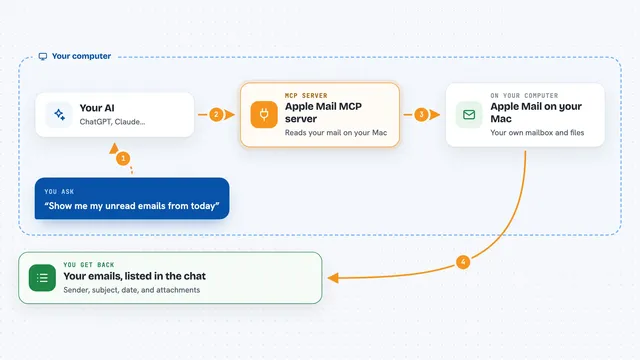
You ask your AI something like whether an address exists. The AI sends that address to MailProbe through this helper. MailProbe checks the spelling, looks at the mail servers of the domain, and asks the mail server whether the mailbox is there. It stops there and never sends an actual email. Then your AI shows you the result in the chat, with a status and a score.
What you can do with it
- Check whether a single email address is real
- Check a list of up to 20 addresses in one go
- Spot disposable or temporary email addresses
- Spot role-based addresses like info@ or sales@
- Get a suggestion when an address looks like a typo
- See how many credits are left on your account
Try asking your AI
- “Does jane@example.com exist?”
- “Check these addresses before I send the newsletter: anna@company.com, bob@company.com”
- “Which of these sign-ups are disposable?”
- “How many MailProbe credits do I have left?”
What it gives back to you
For each address you get a status: valid, invalid, risky or unknown. You also get a score from 0 to 100, and flags that tell you if it is disposable, role-based, a free provider, or a catch-all domain. If the address looks like a typo, you get a suggestion. Your AI shows all of this in the chat as a short list or summary.
Before you start
What you need
- A MailProbe account (free to create, comes with 100 free credits)
- An API key from MailProbe (a kind of password for apps; it starts with mp_live_ and is shown only once)
- For the local server: Node.js 22 or newer
Good to know
Each address you check uses one credit from your MailProbe account, so keep an eye on your balance.
Install it with your AI
Add MailProbe MCP server to your AI, no technical skills needed
You don't install anything by hand. You copy one prompt, paste it into an AI that can work on your computer, and it checks, installs and connects the server for you, asking you when it needs something.
Sign in to get the install prompt
Members get a ready-made prompt that lets the Claude desktop app check MailProbe MCP server, install it and connect it for them, step by step. You don't need any technical skills: you copy, paste and answer a few questions. Your connected AI can also find and install any of the 4,609 MCP servers here for you.
Who it's for
People who send emails to lists, like marketers, recruiters, event organisers, and anyone cleaning up a contact list.