MCP server · Research
AI Architect Blog MCP server
Lets your AI search and read 96 Korean tech blog articles about AI agents, MCP, security and architecture.
This is a small helper that connects your AI to a Korean tech blog called AI Architect. Once it is set up, your AI can look through the blog's articles and pull out the ones that match what you are asking about. It is handy if you read or write about AI agents, MCP, security, or enterprise architecture and want answers with real sources.
What is an MCP server? The 30-second version
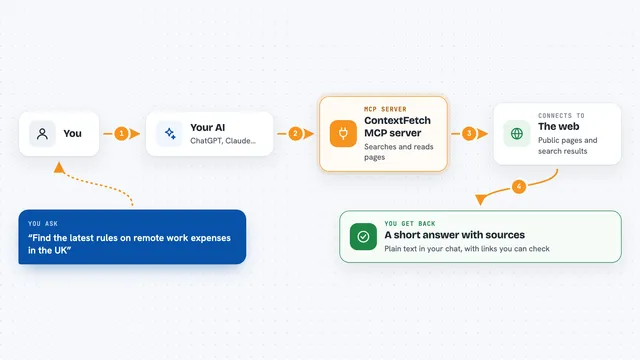
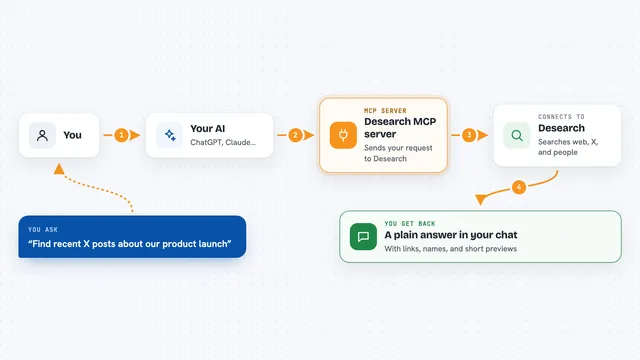
On its own, your AI can only chat with what it already knows. An MCP server is a small helper program that gives your AI a new skill or a connection to something outside the chat. This one connects your AI to the AI Architect blog, so when you ask a question it can search those articles and read them for you. You do not need to know how it works under the hood. You just ask, and the AI uses this helper behind the scenes.
What this MCP server does
You ask your AI something like what does this blog say about agent observability. The AI sends your question to this helper. The helper looks through a local copy of the blog's articles and finds the best matches. It sends back short snippets, and if you want, the full text of an article plus a link to the original post. Your AI then writes an answer for you using what it found.
What you can do with it
- Search the blog for articles about a topic you name
- Read the full text of a specific article
- List all articles in one category
- See which categories exist and how many articles each has
- Get the original link for any article so you can cite it
- Ask in English and still find articles written in Korean
Try asking your AI
- “Search the AI Architect blog for articles about MCP security”
- “Find posts about RAG and LLM evaluation”
- “Show me the full article on agent observability”
- “List all articles in the security category”
What it gives back to you
You get back a list of matching articles with short snippets, or the full text of one article if you asked for a specific one. Each result includes a link to the original post on the blog, so you can check the source yourself. Your AI then turns that into a normal answer in the chat, often with the links included.
Before you start
What you need
- The uv tool installed on your computer (a small free installer for Python programs)
- An MCP client such as Claude Desktop, Claude Code, or Cursor
Good to know
It only reads a fixed copy of the blog that ships with the tool, so it will not see brand new posts until the package is updated.
Install it with your AI
Add AI Architect Blog MCP server to your AI, no technical skills needed
You don't install anything by hand. You copy one prompt, paste it into an AI that can work on your computer, and it checks, installs and connects the server for you, asking you when it needs something.
Sign in to get the install prompt
Members get a ready-made prompt that lets the Claude desktop app check AI Architect Blog MCP server, install it and connect it for them, step by step. You don't need any technical skills: you copy, paste and answer a few questions. Your connected AI can also find and install any of the 4,960 MCP servers here for you.
Who it's for
People who read or write about AI agents, MCP, security, or enterprise architecture and want their AI to pull answers from this Korean tech blog with real source links.