MCP server · Apple, iOS and Mac
iOS Simulator MCP server
by ambar
Your AI can start, control and inspect iPhone and iPad simulators on your Mac for you.

This is a small helper that lets your AI assistant work with the iOS Simulator on your Mac. Instead of clicking around in Xcode yourself, you can just ask in plain words. It is handy if you test iPhone or iPad apps and want the boring setup steps done for you.
What is an MCP server? The 30-second version
On its own, your AI can only chat. An MCP server is a small helper program that gives your AI a new skill or a connection to an app. This helper connects your AI to the iOS Simulator on your computer, so it can look things up and do things there when you ask. You stay in the chat, and the helper does the clicking behind the scenes.
What this MCP server does
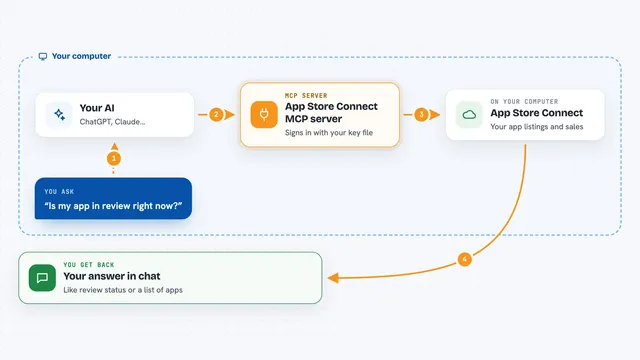
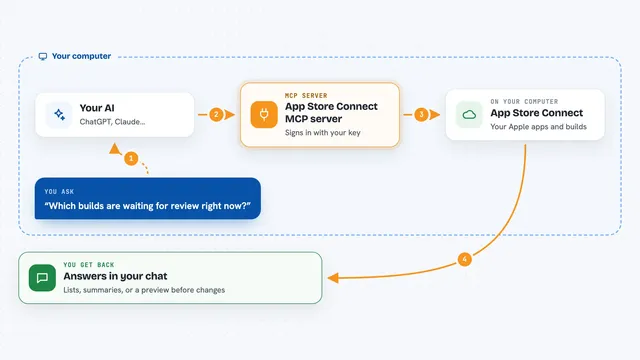
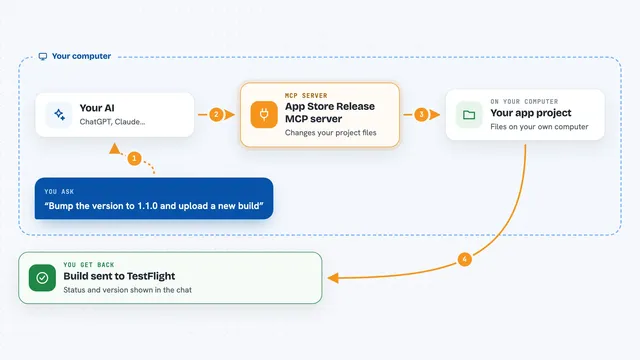
You ask your AI something about the iOS Simulator. The AI passes your request to this helper program running on your Mac. The helper talks to Apple's simulator tools, which control the fake iPhone or iPad on your screen. It then sends the answer back, and your AI explains it to you in the chat. So you get results like a list of devices, a screenshot, or a small change made in the simulator.
 Click to zoom
What you can do with it
- List all simulator devices on your Mac
- Boot a simulator or shut one down
- Create a new simulator device or delete one
- Install, launch or stop an app in the simulator
- Take a screenshot of the simulator screen
- Open a web link inside the simulator
- Set the clipboard text in the simulator
Try asking your AI
- “List all my iOS simulators and tell me which ones are running”
- “Boot the iPhone 15 simulator”
- “Take a screenshot of the simulator and show it to me”
- “What is the bundle ID of the Settings app”
What it gives back to you
You get answers in the chat, like a list of devices with their names and states, or the version of the simulator software. It can also hand back a screenshot image, or confirm that it opened a link or changed the clipboard. For actions like installing or launching an app, it tells you whether it worked.
Before you start
What you need
- A Mac with Xcode and the iOS Simulator installed
- Node.js installed on your Mac
- The Claude desktop app or another AI tool that supports MCP servers
Good to know
It can delete simulator devices and apps, so check before you say yes to anything that removes data.
Install it with your AI
Add iOS Simulator MCP server to your AI, no technical skills needed
You don't install anything by hand. You copy one prompt, paste it into an AI that can work on your computer, and it checks, installs and connects the server for you, asking you when it needs something.
Sign in to get the install prompt
Members get a ready-made prompt that lets the Claude desktop app check iOS Simulator MCP server, install it and connect it for them, step by step. You don't need any technical skills: you copy, paste and answer a few questions. Your connected AI can also find and install any of the 4,361 MCP servers here for you.
Who it's for
iPhone and iPad app testers, developers and anyone who uses the iOS Simulator and wants less manual clicking.