MCP server · Research
Russian Public Procurement MCP server
by atomno-mcp
Let your AI search Russian public tenders and contracts on zakupki.gov.ru for you.
This is a small helper that connects your AI assistant to zakupki.gov.ru, the official Russian government procurement site. Once it is set up, you can ask your AI in plain words to find tenders, look up a specific tender, or check a customer, and it will go and fetch the details for you. It is handy for anyone who has to keep an eye on public tenders without clicking through the site by hand every morning.
What is an MCP server? The 30-second version
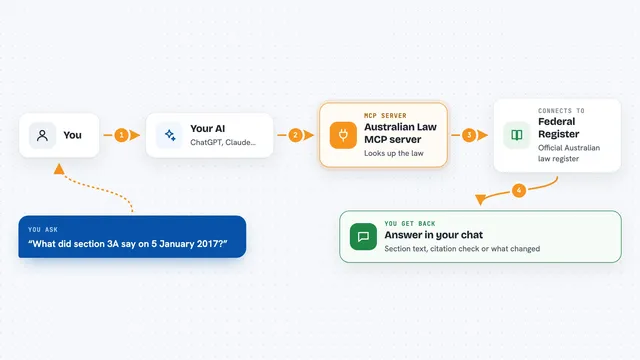
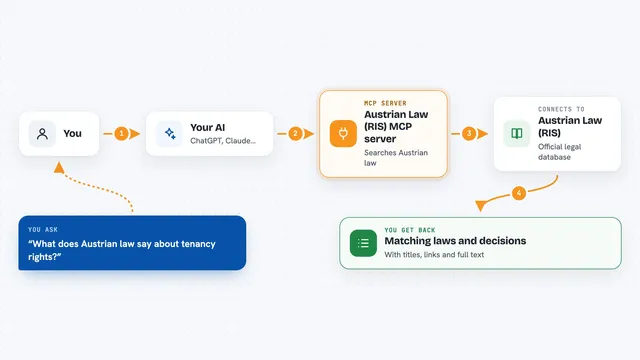
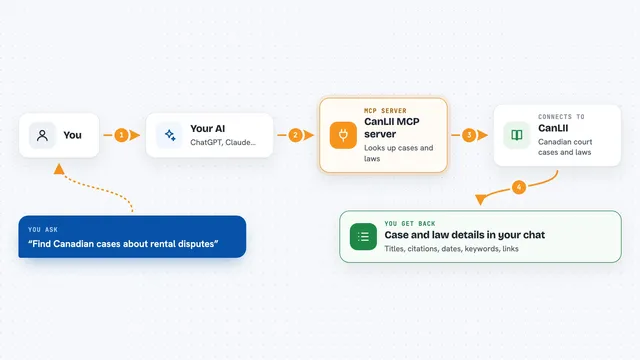
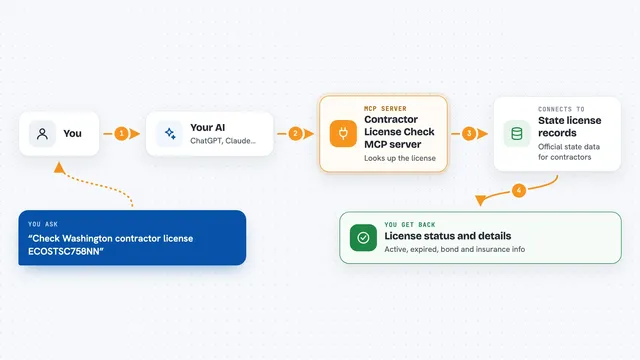
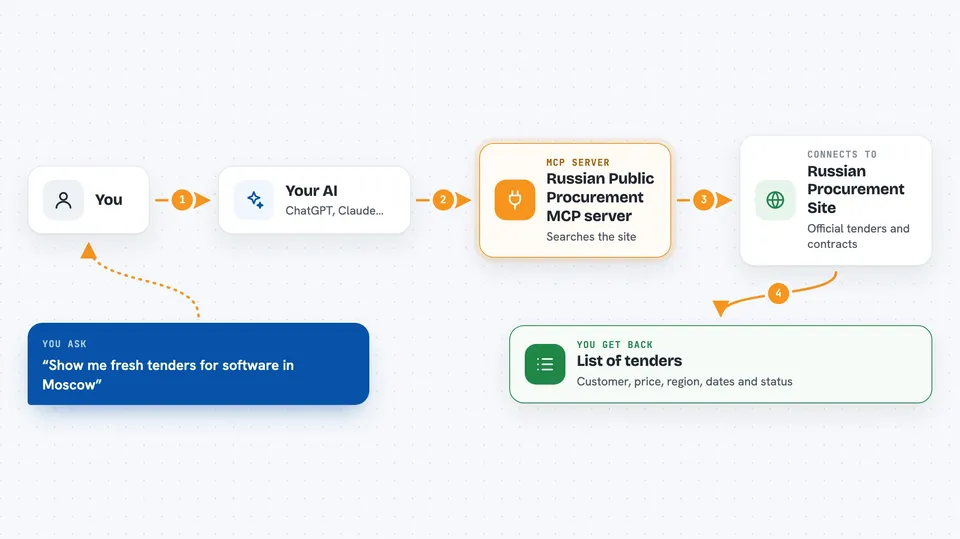
On its own, your AI can only chat with you. It cannot open websites or look things up in other apps. An MCP server is a small helper program that gives your AI a new skill or a connection to a service, and in this case the service is zakupki.gov.ru. When you ask a question about tenders, your AI passes it to this helper, the helper talks to the procurement site, and the answer comes back into your chat.
What this MCP server does
You type a request in your AI chat, for example asking for fresh tenders in a certain region or for a specific tender number. Your AI sends that request to this helper program running on your computer. The helper goes to the official procurement site, searches or opens the right page, and tidies up the result. Then your AI shows you the list or the details in the chat, in a form you can read and use. It can also look up OKPD2 codes offline from a built-in list.
 Click to zoom
What you can do with it
- Search tenders on zakupki.gov.ru by region, price range, date or OKPD2 code
- Open the full card of a tender by its registry number
- Look up OKPD2 or KTRU codes by describing what you sell or buy
- Check a customer by their tax number and see if they are on the bad-faith list
- Filter results for small businesses only
- Ask for tenders published today or in a chosen period
Try asking your AI
- “Show me fresh tenders published today for software services in Moscow with a starting price under 5 million rubles”
- “Tell me everything about tender number 0173100007426000018, including the documents”
- “What OKPD2 code fits web portal development?”
- “Which tenders in the Urals region are open for small businesses only, priced between 500 thousand and 3 million rubles?”
What it gives back to you
You get back a clean list of tenders with the key facts: customer, starting price, region, dates and status. For a single tender you get the full card, including the customer, the price, the deadlines and links to documents. For OKPD2 lookups you get a short list of matching codes with names and a match score. If a source is unavailable, you get a clear error message instead of an empty list.
Before you start
What you need
- Python installed on your computer (the helper runs as a Python program)
- An MCP client such as Cursor, Claude Desktop or Cline
- No key needed for basic search and tender cards
- An API key only if you want the paid Pro features like customer history or supplier stats
Good to know
It only reads public data from zakupki.gov.ru, but decisions about bidding on tenders are entirely your own responsibility, and the paid Pro features need a key that may cost money.
Install it with your AI
Add Russian Public Procurement MCP server to your AI, no technical skills needed
You don't install anything by hand. You copy one prompt, paste it into an AI that can work on your computer, and it checks, installs and connects the server for you, asking you when it needs something.
Sign in to get the install prompt
Members get a ready-made prompt that lets the Claude desktop app check Russian Public Procurement MCP server, install it and connect it for them, step by step. You don't need any technical skills: you copy, paste and answer a few questions. Your connected AI can also find and install any of the 4,361 MCP servers here for you.
Who it's for
People who work with Russian public tenders, such as sales managers, bid specialists and small business owners who follow 44-FZ, 223-FZ or 615-PP opportunities.