MCP server · Research · official
Bounce Watch MCP server
by bouncewatch · official
Ask your AI what changed at a company, and when, using dated signals from Bounce Watch.

Bounce Watch keeps track of what happens at companies: funding rounds, senior hires, partnerships, new offices, and more. This MCP server connects your AI assistant to that information, so you can just ask questions in plain language. It is handy if you work in sales, recruiting, or research and want to know what is going on at a company right now.
What is an MCP server? The 30-second version
On its own, your AI can only chat with you using what it already learned. An MCP server is a small helper that gives your AI a new skill or a connection to another service. This one connects your AI to Bounce Watch, a service that tracks company events. Once it is connected, your AI can look up companies and their recent news for you when you ask.
What this MCP server does
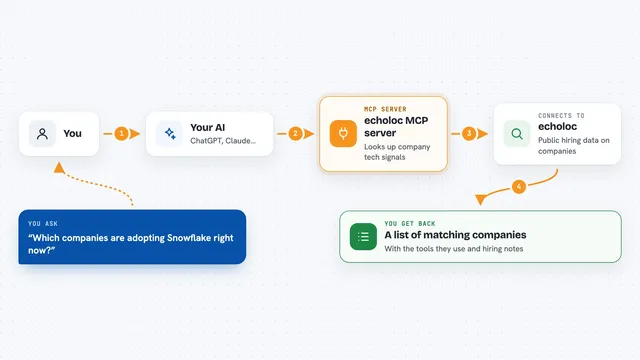
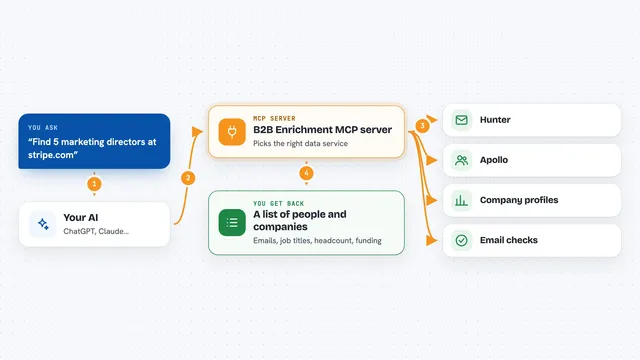
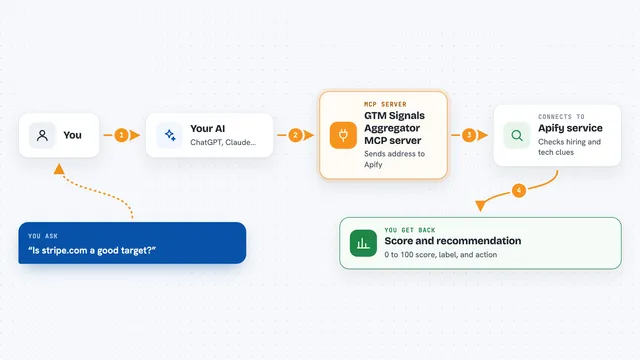
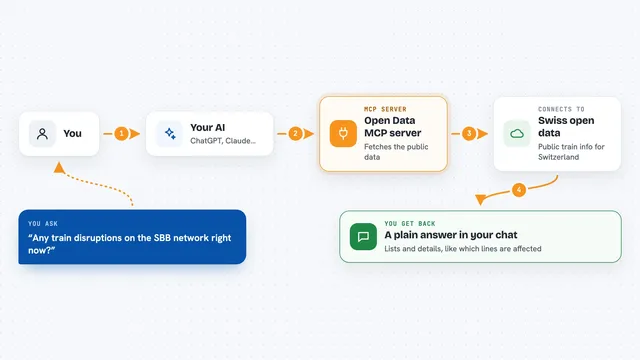
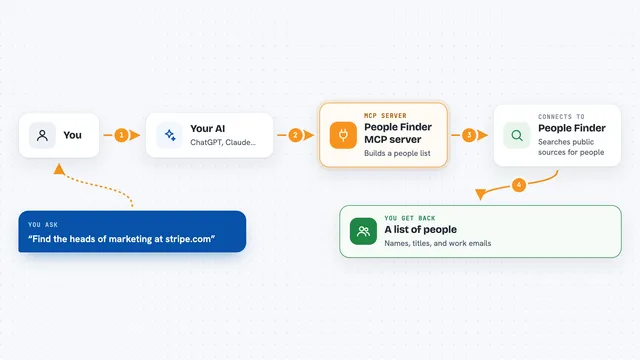
You type a question, like which companies raised money last month. Your AI sends that question to the Bounce Watch server. The server searches its index of company events, each one dated and scored for how important it is. Then it sends back real company names, what happened, and when, and your AI shows you the answer in the chat.
 Click to zoom
What you can do with it
- Search recent signals across all tracked companies
- Find companies by country, headcount, and funding stage
- Look up one company and see its event timeline
- Ask for a fresh scan of a company you care about
- Put a standing watch on a company so you hear about changes
- Check what happened at the companies you already watch
- See every signal type grouped by category
Try asking your AI
- “Which Dutch companies under 50 people raised money in the last month?”
- “What has been happening at stripe.com?”
- “Which companies in Belgium announced a partnership in the last two weeks?”
- “Tell me the next time something happens at these twelve accounts.”
What it gives back to you
You get back a written answer with real company names, the events themselves, and the date each one happened. Signals also come with a weight from 1 to 10, so you can tell important news from background noise. If a company has not been looked at recently, the answer says so instead of pretending nothing happened.
Before you start
What you need
- A Bounce Watch account (new accounts get 2,500 free credits, no card needed)
- An API key from your Bounce Watch API panel, or you can sign in with OAuth instead
- For Claude Desktop: add it under Settings, Connectors, Add custom connector
Good to know
Questions use credits from your Bounce Watch account (about 50 per question), and the refresh_company and watch_company tools change things on your account.
Install it with your AI
Add Bounce Watch MCP server to your AI, no technical skills needed
You don't install anything by hand. You copy one prompt, paste it into an AI that can work on your computer, and it checks, installs and connects the server for you, asking you when it needs something.
Sign in to get the install prompt
Members get a ready-made prompt that lets the Claude desktop app check Bounce Watch MCP server, install it and connect it for them, step by step. You don't need any technical skills: you copy, paste and answer a few questions. Your connected AI can also find and install any of the 4,361 MCP servers here for you.
Who it's for
Sales, recruiting, and research people who need to know what changed at a company and when.