MCP server · Research · official
Rivalize MCP server
by Downshift · official
Lets your AI pull sourced, dated competitor research from Rivalize, like pricing, ads, reviews and momentum.
This is a small helper that connects your AI assistant to Rivalize, a service that tracks what your competitors are doing. Once it is set up, you can ask your AI about a rival's pricing, ads, reviews or hiring and get answers with dates and sources. It is handy for marketers, founders and sales people who keep an eye on other companies.
What is an MCP server? The 30-second version
On its own, your AI can only chat with what it already knows, which may be old or made up. An MCP server is a small helper program that gives your AI a new skill or a connection to an app or service. This one connects your AI to Rivalize, so when you ask about a competitor, the AI can look that up in Rivalize and bring the answer back to you. You do not need to understand how it works under the hood, you just add it once and then talk to your AI like normal.
What this MCP server does
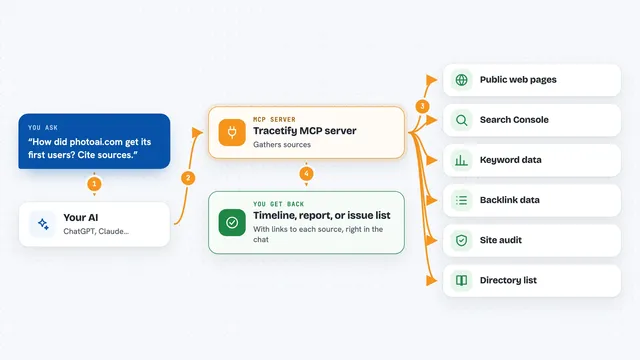
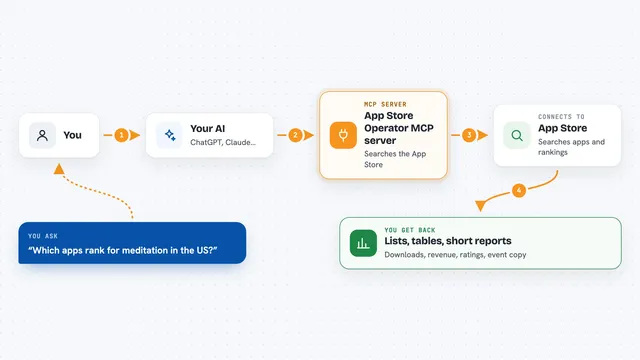
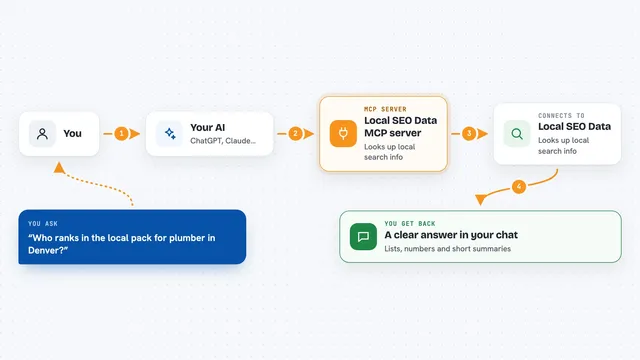
You ask your AI a question about a competitor, like what they charge or what ads they run. The AI sends that request to this helper, which talks to Rivalize over the internet using your Rivalize account. Rivalize returns what it has collected, with dates and sources attached. The AI then writes that back to you in the chat, as a summary, a list or a full report. Nothing is invented from the AI's memory, it all comes from Rivalize's data.
What you can do with it
- Tear down a competitor's positioning, pricing, ads, social and hiring in one request
- Search Rivalize's universe of tracked companies by name or category
- Read your own Rivalize reports, projects and battlecards
- See which competitors moved most this quarter and what they did
- Check where a pricing claim came from and how fresh it is
- Get sales talking points against your top competitor
- Add new competitor URLs to a project, if you turn writes on
Try asking your AI
- “Tear down linear.app for me”
- “Who are the players in AI developer tools?”
- “Summarize my latest report, then show me what my competitors charge”
- “Which of my competitors moved most this quarter, and what did they do?”
What it gives back to you
You get answers in the chat, written in plain language. Depending on what you asked, that can be a short summary, a list of companies or competitors, a full report in Markdown, a timeline of moves, or a battlecard. Long answers are split into pages so nothing gets cut off, and each page tells you how to ask for the next part. Every fact comes with a date and a source you can check.
Before you start
What you need
- A Rivalize account (the free plan works, with rate-limited reads)
- A Rivalize API key from Dashboard, Settings, API Keys (it starts with rk_live_)
- Node.js 22 or newer installed on your computer
- An MCP client like Claude Desktop, Claude Code, Cursor or Cline
Good to know
It is read-only by default, but if you turn on writes, the add_competitor tool spends credits and queues analysis, so use it on purpose.
Install it with your AI
Add Rivalize MCP server to your AI, no technical skills needed
You don't install anything by hand. You copy one prompt, paste it into an AI that can work on your computer, and it checks, installs and connects the server for you, asking you when it needs something.
Sign in to get the install prompt
Members get a ready-made prompt that lets the Claude desktop app check Rivalize MCP server, install it and connect it for them, step by step. You don't need any technical skills: you copy, paste and answer a few questions. Your connected AI can also find and install any of the 4,609 MCP servers here for you.
Who it's for
Marketers, founders, product managers and sales teams who need quick, sourced competitor research without digging through tabs themselves.