MCP server · Design tools
Autodesk Inventor MCP server
by effectustasi
Let your AI look inside the Inventor model you have open and check things like tiny sliver faces.
This is a small helper that connects your AI assistant to a running Autodesk Inventor session on your Windows PC. You keep Inventor open with your part loaded, and the AI can read details from it, like body sizes and face areas. It is handy if you work with imported STEP files, 3D printing, or sheet metal and want quick answers without clicking through the model tree.
What is an MCP server? The 30-second version
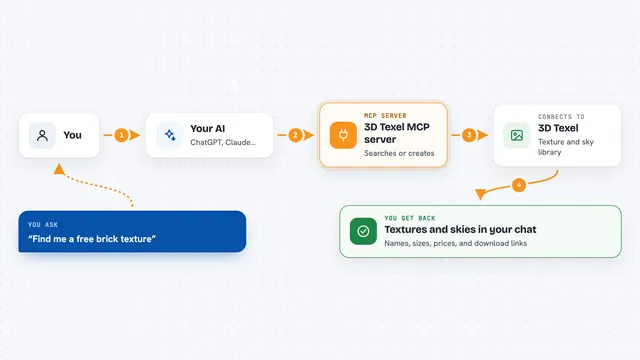
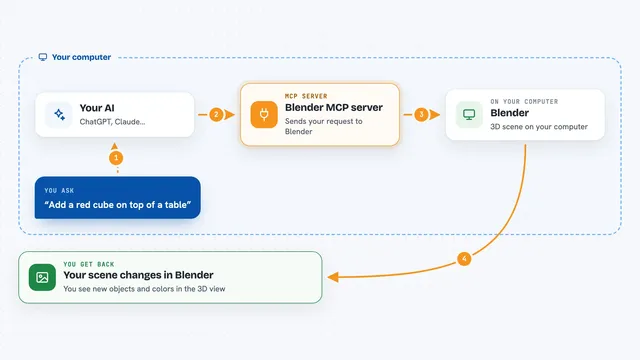
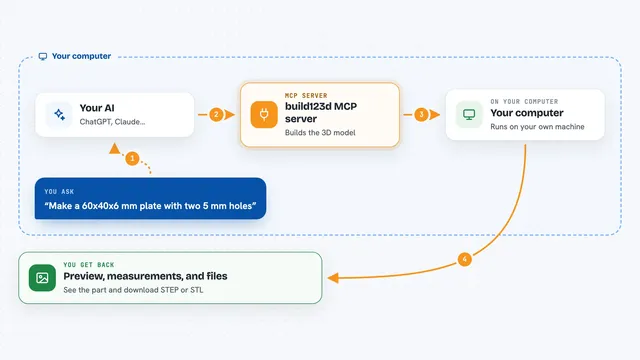
On its own, your AI can only chat. An MCP server is a small helper program that gives your AI a new skill or a connection to an app, in this case to Autodesk Inventor. Once it is set up, the AI can ask Inventor questions for you and get real answers from the model you have open. You just type your question in plain words, and the helper does the back and forth.
What this MCP server does
You ask your AI something about the model open in Inventor, like which faces are the smallest. The AI sends that request to this helper, which talks to Inventor through a built-in Windows connection. Inventor sends back the details, such as face areas and positions, and the helper hands them to the AI. The AI then explains the answer to you in the chat. Some actions, like trying an Unwrap, are done and then undone so your model stays the way it was.
What you can do with it
- Check which Inventor version is running and which documents are open
- List the bodies in a part with face, edge and vertex counts and a bounding box in mm
- Find the smallest faces in an imported model to spot sliver defects
- See which faces share an edge with a given face
- Try an Unwrap on a set of faces and get the result area and timing
- Run a custom PowerShell command against Inventor's own scripting interface
What it gives back to you
You get answers in the chat, in plain words, based on what is actually in the open model. That can be a list of bodies with counts and sizes, a ranked list of small faces with their areas and positions, or a yes/no on whether Unwrap worked, with area and timing. If you ask it to try Unwrap and do not tell it to keep the result, it undoes the change, so your model is left alone.
Before you start
What you need
- A Windows PC with Autodesk Inventor installed and running
- Python 3.9 or newer
- The server.py file from the project page
- An MCP client like Claude Desktop, Claude Code or Cursor set up to use it
Good to know
The script tool runs any PowerShell your AI writes with your own Windows permissions, so keep your AI client's approval prompts switched on for it, or remove that tool if you do not want it.
Install it with your AI
Add Autodesk Inventor MCP server to your AI, no technical skills needed
You don't install anything by hand. You copy one prompt, paste it into an AI that can work on your computer, and it checks, installs and connects the server for you, asking you when it needs something.
Sign in to get the install prompt
Members get a ready-made prompt that lets the Claude desktop app check Autodesk Inventor MCP server, install it and connect it for them, step by step. You don't need any technical skills: you copy, paste and answer a few questions. Your connected AI can also find and install any of the 4,361 MCP servers here for you.
Who it's for
People who work with Autodesk Inventor daily, especially those dealing with imported STEP files, sheet metal, or 3D printing prep.