MCP server · Research · official
CivicDataForge MCP server
by equinoxaifinance-rgb · official
Look up US government records like rental permits, property violations, and healthcare exclusions from your AI chat.

CivicDataForge is an official connector that lets your AI look up public government records, things like short-term rental permits, property code violations, restaurant inspection scores, and healthcare exclusion lists. It also covers Norwegian company information. It is handy if you check properties, licenses, or companies as part of your work and want answers without hopping between government websites.
What is an MCP server? The 30-second version
On its own, your AI can only chat with you using what it already knows. An MCP server is a small helper program that gives your AI a new skill or a connection to an outside service. This one connects your AI to CivicDataForge, which pulls official government records from sources like US city permit offices and Norway's company registry. Once it is connected, you just ask a question in plain words and the AI goes and fetches the record for you.
What this MCP server does
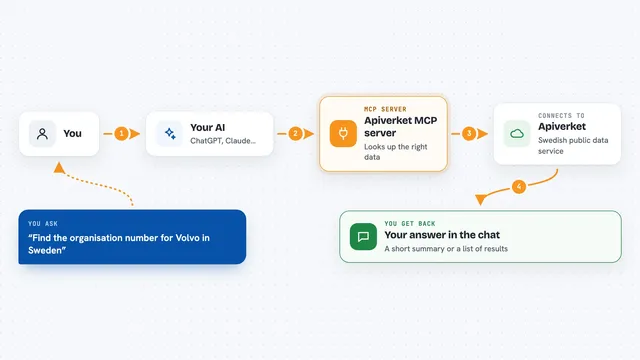
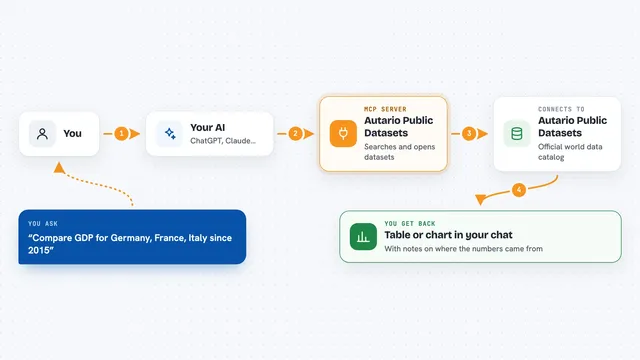
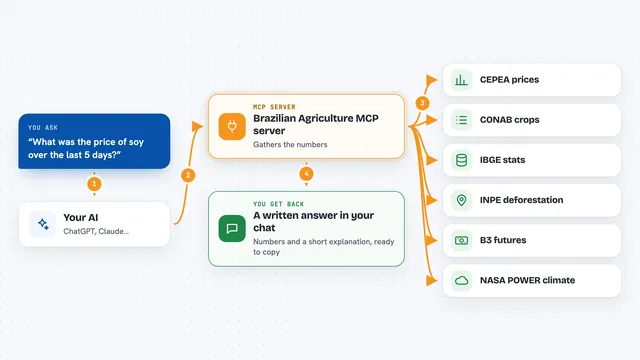
You ask your AI something like whether a specific address has a short-term rental permit. The AI passes your question to this helper, which sends it to CivicDataForge. CivicDataForge looks up the official record in the right government source and sends back the details, like permit numbers, dates, and a link to the original source. Your AI then shows you a clean answer in the chat, with the source link so you can check it yourself.
 Click to zoom
What you can do with it
- Check if an address holds a short-term rental permit in supported US jurisdictions
- Look up Florida lodging licenses for a property
- Find property code and building violations from city records
- Screen a name against the HHS-OIG healthcare exclusion list
- Pull restaurant inspection scores and violation notes
- Check childcare licensing and inspection records in supported states
- Look up a Norwegian company by its nine-digit organisation number
Try asking your AI
- “Does 123 Main St in Orlando have a short-term rental permit?”
- “Show me any property violations for this address in Austin.”
- “Is Dr. Jane Smith on the HHS-OIG exclusion list?”
- “Look up Norwegian company 974760673 and tell me what the registry shows.”
What it gives back to you
You get back a short answer in the chat with the key facts, like permit numbers, dates, license status, violation descriptions, or company details. Each result usually includes a link to the official government source so you can verify it. Some tools also return a receipt or hash so you can show where the data came from. If nothing matches, the AI will tell you that too.
Before you start
What you need
- An MCP-compatible AI client, like the Claude desktop app or another tool that supports MCP
- An Apify account and an Apify token (a kind of password for apps; Apify gives you one when you sign up)
- For the hosted remote option, a CivicDataForge key from their website
Good to know
These records are for research and compliance support only and must not be the sole basis for credit, insurance, employment, housing, or other eligibility decisions, so always check the original government source.
Install it with your AI
Add CivicDataForge MCP server to your AI, no technical skills needed
You don't install anything by hand. You copy one prompt, paste it into an AI that can work on your computer, and it checks, installs and connects the server for you, asking you when it needs something.
Sign in to get the install prompt
Members get a ready-made prompt that lets the Claude desktop app check CivicDataForge MCP server, install it and connect it for them, step by step. You don't need any technical skills: you copy, paste and answer a few questions. Your connected AI can also find and install any of the 4,361 MCP servers here for you.
Who it's for
People who do property research, compliance checks, licensing verification, or supplier due diligence and want quick access to official public records from their AI chat.