MCP server · Analytics · official
Sugra API MCP server
by Sugra-Systems · official
Lets your AI pull real-world data on markets, economies, companies, climate and more, with sources.

This is an official helper that connects your AI assistant to the Sugra API, a service that gathers data from primary sources like statistics agencies, central banks and government bodies. It is handy if you need quick facts and figures for research, reports or decisions, without hunting through dozens of websites. You just ask your AI a question, and it fetches the data for you.
What is an MCP server? The 30-second version
On its own, your AI can only chat with you using what it already learned. An MCP server is a small helper program that gives your AI a new skill or a connection to an outside service. This one connects your AI to the Sugra API, which holds data from over 160 primary sources. So when you ask about inflation, a company's stock price or shipping conditions, your AI can look it up through Sugra and bring back the answer with a source.
What this MCP server does
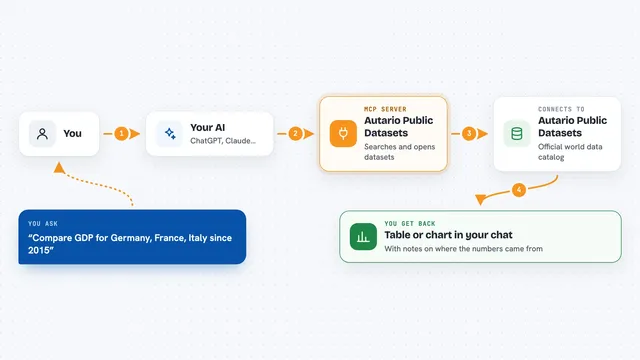
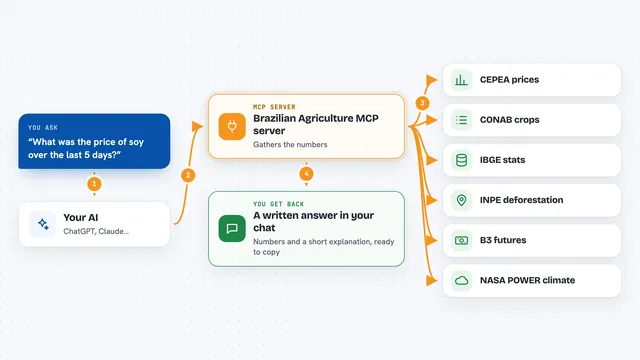
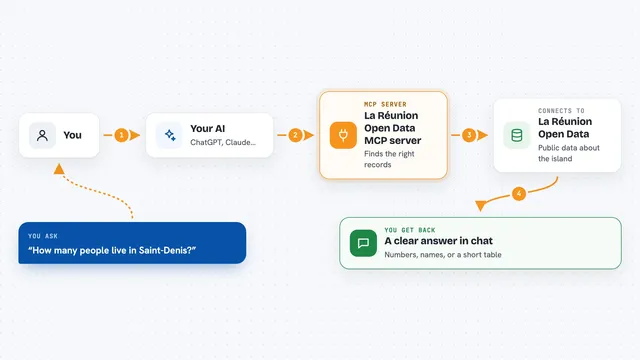
You ask your AI a question in plain words, like what US inflation is right now. The AI uses this helper to search Sugra's catalog of over 1,600 data endpoints and picks the best match. The helper then calls the Sugra API, which pulls the latest numbers from sources like the Bureau of Labor Statistics. The result comes back to your AI with the source name and how fresh the data is. Your AI then explains it to you in the chat, often with a table or a short summary.
 Click to zoom
What you can do with it
- Look up current and historical economic indicators like inflation or interest rates
- Get stock prices, company profiles and market snapshots
- Screen a company or person against sanctions and watchlists
- Check weather, maritime conditions and trade route information
- Compare sectors, countries or regions side by side
- Find which institutions provide data on a topic like fixed income
- Pull government data such as statistics or policy rates
Try asking your AI
- “Where does US inflation stand, and how has it trended over the past year?”
- “What is AAPL trading at right now?”
- “Screen this supplier name against sanctions lists and find its LEI.”
- “Compare inflation and central bank policy rates across the G7.”
What it gives back to you
You get back answers in the chat, often with numbers, short tables or bullet points. Each figure comes with a note about where it came from and when it was last updated. If some data is not available, the AI will say so instead of making something up. You can also ask for a specific number of results or only certain fields, and the AI will shape the response accordingly.
Before you start
What you need
- A Sugra account (free tier gives 50 requests per day)
- A Sugra API key if you install the local package (get one free at app.sugra.ai/settings/billing)
- Python 3.10 or newer if you install the local package
- An MCP-compatible AI client like Claude, ChatGPT, Gemini or Cursor
Good to know
Some data requests count against your daily quota, so keep an eye on usage if you are on the free tier.
Install it with your AI
Add Sugra API MCP server to your AI, no technical skills needed
You don't install anything by hand. You copy one prompt, paste it into an AI that can work on your computer, and it checks, installs and connects the server for you, asking you when it needs something.
Sign in to get the install prompt
Members get a ready-made prompt that lets the Claude desktop app check Sugra API MCP server, install it and connect it for them, step by step. You don't need any technical skills: you copy, paste and answer a few questions. Your connected AI can also find and install any of the 4,361 MCP servers here for you.
Who it's for
Anyone who needs reliable, sourced data for research, analysis or reporting, such as analysts, journalists, students, consultants and operations teams.