MCP server · Apple, iOS and Mac
Icon Composer MCP server
by ethbak
Your AI can build and tune Apple app icons with Liquid Glass effects and export them for the App Store.

This is a helper for making Apple app icons, the kind with the new Liquid Glass look on iOS 26 and later. It lets your AI create the icon files, adjust the glass effects, and export the finished images for you. It is handy if you make apps and need icons but do not want to click through a design tool.
What is an MCP server? The 30-second version
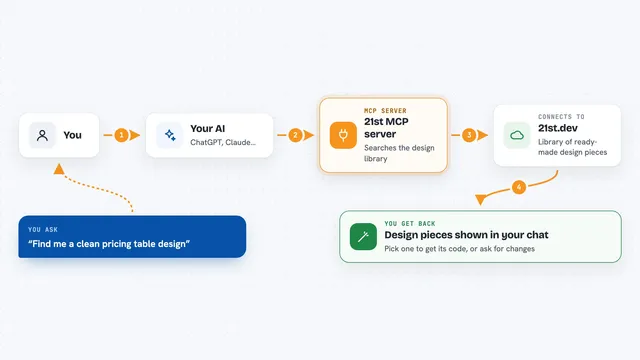
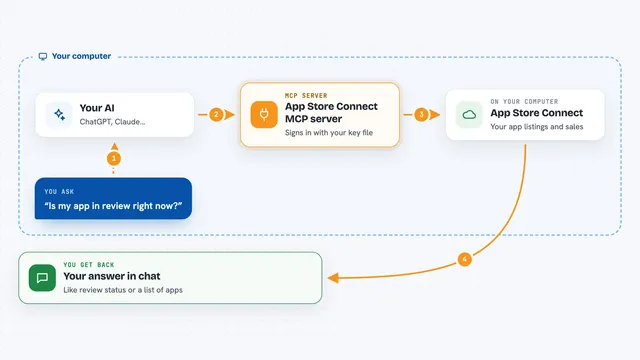
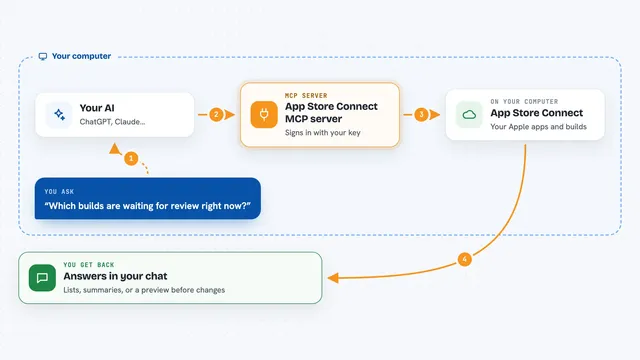
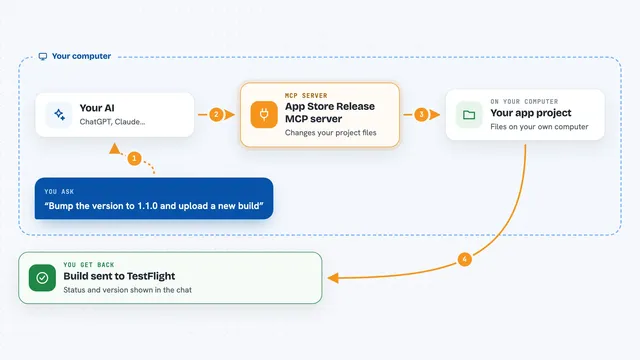
On its own, your AI can only chat. An MCP server is a small helper program that gives your AI a new skill or a connection to an app or service. This one connects your AI to Apple's icon-making tools, so it can create and change icon files for you. You just ask in plain words, and the helper does the work behind the scenes.
What this MCP server does
You ask your AI to make an icon, and it uses this helper to do it. The helper takes your logo or image and builds an Apple icon bundle, which is a folder with the icon settings and artwork inside. It can set the background color, add layers, and turn on glass effects like highlights and shadows. Then it can export a preview image or the final icon for the App Store. You get the files back, ready to use.
 Click to zoom
What you can do with it
- Create a new Apple icon bundle from a PNG or SVG logo
- Add or remove layers inside an icon
- Turn Liquid Glass effects on or off and tune them
- Set a different look for dark mode
- Export a preview image to see how it looks
- Export a flat 1024x1024 image for the App Store
- Check your computer setup to make sure everything works
Try asking your AI
- “Make an app icon from my logo.png with a blue background”
- “Turn on the glass highlight and add a soft shadow to my icon”
- “Show me a preview of my icon in dark mode”
- “Export my icon as a 1024x1024 image for the App Store”
What it gives back to you
You get files and short answers in the chat. It can give you a new icon bundle folder, a preview PNG image, or a flat image ready for the App Store. It also tells you what it did, like which settings it changed or where it saved the file.
Before you start
What you need
- Node.js 18 or newer
- A Mac with Icon Composer installed for the glass effects (flat previews and bundle editing work on any computer)
- An image or logo to use as the icon
Good to know
It can change or delete layers inside your icon bundles, so keep a backup of any icon you care about.
Install it with your AI
Add Icon Composer MCP server to your AI, no technical skills needed
You don't install anything by hand. You copy one prompt, paste it into an AI that can work on your computer, and it checks, installs and connects the server for you, asking you when it needs something.
Sign in to get the install prompt
Members get a ready-made prompt that lets the Claude desktop app check Icon Composer MCP server, install it and connect it for them, step by step. You don't need any technical skills: you copy, paste and answer a few questions. Your connected AI can also find and install any of the 4,361 MCP servers here for you.
Who it's for
App developers and designers who make Apple apps and want to create icons without opening a design tool.