MCP server · Developer tools
Django ORM Lens MCP server
by FROWNINGdev
Lets your AI read your Django project's models, relationships and migration risks without running the app.

Django ORM Lens is a helper that reads your Django project's code and explains how your data is structured. It works by looking at the files directly, so it does not need a database or a running server. It is handy for developers who work with Django and want quick answers about models and relationships.
What is an MCP server? The 30-second version
On its own, your AI can only chat. An MCP server is a small helper program that gives your AI a new skill or a connection to an app or service. Here, it connects your AI to your Django project's code, so the AI can look up models, fields and relationships for you when you ask. You do not need to install anything extra on your side beyond the helper itself.
What this MCP server does
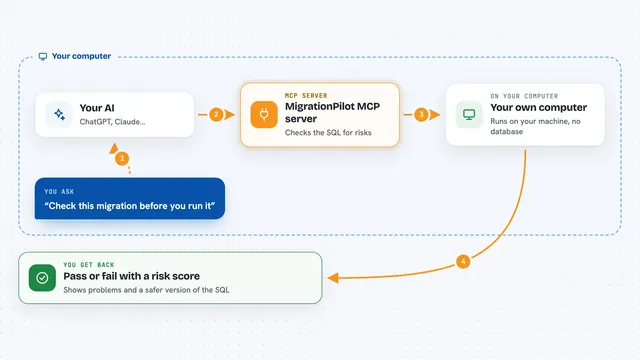
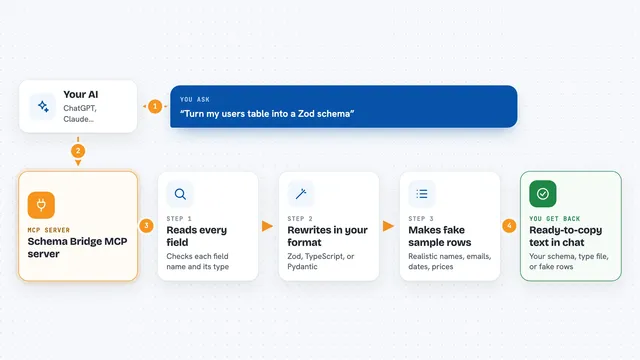
You ask your AI a question about your Django project, like which app owns a model or how two models are linked. The AI uses this helper to read your project files. The helper parses the models and migrations without starting Django. Then it sends back a clear answer, often as a list or a diagram description. You get the information in the chat, ready to use.
 Click to zoom
What you can do with it
- List every app and model in your project
- Describe one model with its fields and relations
- Show an entity-relationship diagram of your schema
- Find N+1 query loops and suggest fixes
- Check which migrations might lock tables or fail
- Suggest missing database indexes
- Show how signals are connected to models
Try asking your AI
- “Which app owns the Order model and how is it connected to User?”
- “Show me the fields of the blog.Post model.”
- “Are there any N+1 query problems in my project?”
- “What risky migrations do I have?”
What it gives back to you
It gives back lists of apps and models, descriptions of single models, Mermaid or DBML diagrams, and findings about N+1 loops or migration risks. In the chat, you see this as text, tables or code blocks you can copy. For diagrams, you get the diagram code you can paste into a viewer. It does not change your files; it only reads and reports.
Before you start
What you need
- Python 3.9 or newer
- Your Django project files on the same computer
- The django-orm-lens package installed with the MCP extra
Good to know
This tool only reads your project files and does not change anything, so it is safe to use. Just make sure you point it at the right folder.
Install it with your AI
Add Django ORM Lens MCP server to your AI, no technical skills needed
You don't install anything by hand. You copy one prompt, paste it into an AI that can work on your computer, and it checks, installs and connects the server for you, asking you when it needs something.
Sign in to get the install prompt
Members get a ready-made prompt that lets the Claude desktop app check Django ORM Lens MCP server, install it and connect it for them, step by step. You don't need any technical skills: you copy, paste and answer a few questions. Your connected AI can also find and install any of the 4,361 MCP servers here for you.
Who it's for
Django developers and teams who want to understand or review their database schema quickly, especially when working with AI coding assistants.