MCP server · Research · official
AnyAPI MCP server
by getanyapi-com · official
Let your AI search, price and run scraping and data APIs for social media, maps, search and web data.

AnyAPI is a service that gathers data from many places on the web, like social media, search results, Google Maps and online shops. This MCP server connects your AI assistant to that service, so you can ask for data in plain words instead of visiting lots of websites yourself. It is handy if you often need quick facts, listings or prices from around the web.
What is an MCP server? The 30-second version
On its own, your AI can only chat with you using what it already knows. An MCP server is a small helper program that gives your AI a new skill or a connection to an app or service. This one connects your AI to AnyAPI, a gateway to hundreds of data-gathering APIs. Once it is set up, your AI can look things up and fetch data from AnyAPI for you when you ask.
What this MCP server does
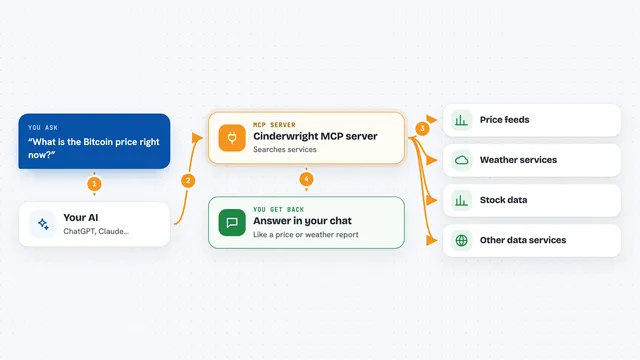
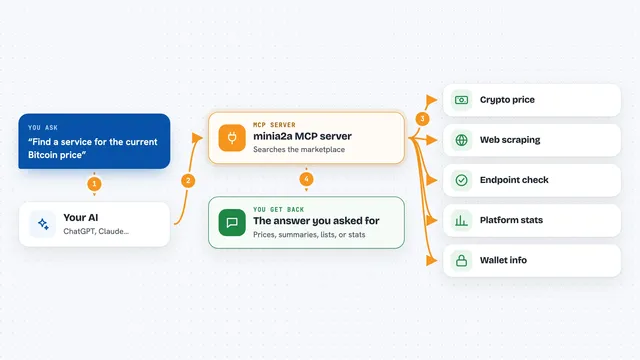
You ask your AI a question that needs outside data, like prices from a shop or places on a map. Your AI uses this helper to search the AnyAPI catalog and find a suitable API. The helper then sends your request to AnyAPI, which runs the API and returns the data. Your AI shows you the result in the chat, along with the cost in US dollars for that call. You can also ask for a price first before running anything.
 Click to zoom
What you can do with it
- Search the AnyAPI catalog by keyword or category
- Browse available APIs with their names and prices
- Read the full details of one API, including what inputs it needs
- Get an exact price quote before running an API
- Run an API and get its data back in your chat
- Check your remaining wallet balance
- Report a bug or send feedback about missing data
Try asking your AI
- “Find an API that can get Google Maps reviews for a restaurant”
- “How much would it cost to run a search for recent tweets about a brand?”
- “Run the cheapest API that can give me product prices from an online store”
- “What is my current AnyAPI balance?”
What it gives back to you
You get answers in your chat: lists of APIs, details about one API, a price in US dollars, or the actual data you asked for, like reviews, search results or product listings. Each run also tells you how much it cost. If something goes wrong, you can see the error and report it for free.
Before you start
What you need
- An AnyAPI key from getanyapi.com (a kind of password for the service; you can get a free trial key without an account)
- Node.js if you use the npx install, or Docker if you use the Docker install
- An AI app that can launch MCP servers, like Claude Desktop
Good to know
Running an API costs money from your AnyAPI wallet, so check the price with a quote first if you are unsure.
Install it with your AI
Add AnyAPI MCP server to your AI, no technical skills needed
You don't install anything by hand. You copy one prompt, paste it into an AI that can work on your computer, and it checks, installs and connects the server for you, asking you when it needs something.
Sign in to get the install prompt
Members get a ready-made prompt that lets the Claude desktop app check AnyAPI MCP server, install it and connect it for them, step by step. You don't need any technical skills: you copy, paste and answer a few questions. Your connected AI can also find and install any of the 4,361 MCP servers here for you.
Who it's for
People who often need quick data from the web, like marketers, researchers, analysts and small business owners.