MCP server · Social media
Facebook MCP server
by HasData
Lets your AI look up public Facebook pages and pull their post feeds, likes and contact details.

This is a helper that connects your AI assistant to public Facebook pages. You give it a page name, and it brings back the page details and recent posts. It is handy if you check on brands, competitors or public figures and want the numbers without clicking around Facebook yourself.
What is an MCP server? The 30-second version
On its own, your AI can only chat with you using what it already knows. An MCP server is a small helper program that gives your AI a new skill or a connection to an app or service. This one connects your AI to public Facebook pages, so it can look up a page and read its posts for you when you ask. You do not need a Facebook account or any developer setup, just a key from HasData.
What this MCP server does
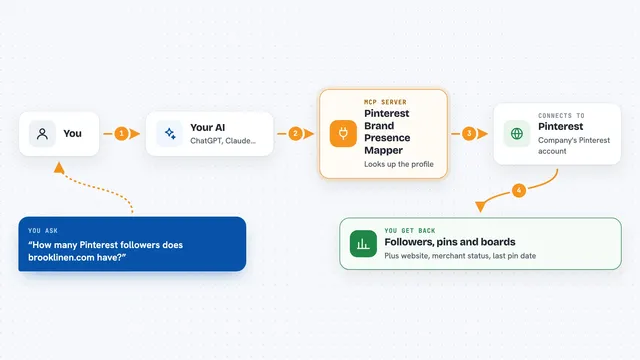
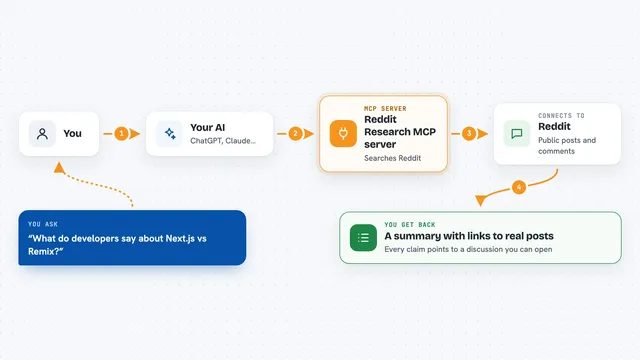
You ask your AI something about a public Facebook page, like how many likes it has or what it posted recently. Your AI passes that request to this helper. The helper talks to Facebook, reads the public page, and sends the details back. Your AI then shows you the answer in the chat, in plain words. If you want more posts, the helper keeps going back for the next few at a time.
 Click to zoom
What you can do with it
- Look up a public Facebook page by its username
- See the exact number of likes and how many people are talking about it
- Read the newest posts with reactions, comments and shares
- Get contact details like phone number and website
- Check whether a page is verified and who owns it
- Walk back through a page's feed a few posts at a time
- Compare the reaction mix between two pages
Try asking your AI
- “How many people like the Nike Facebook page, and how many are talking about it this week?”
- “Pull the contact details and the confirmed owner of this Facebook page.”
- “Read the last ten posts on this page and tell me which got the most shares.”
- “Is this Facebook page verified, and what category does it list?”
What it gives back to you
You get back a page record with the name, category, bio, exact like count, follower count, contact details and owner. Alongside it comes the newest post with its reactions, comments and shares, plus a strip of recent photos. If you ask for more, you get three more posts each time until the feed ends. Your AI can then summarise it or compare numbers for you in the chat.
Before you start
What you need
- An MCP client like Claude Desktop, Cursor or Windsurf
- A HasData API key (a kind of password for apps; you get one free from the HasData dashboard, no card needed)
Good to know
It only reads public pages, so private accounts and groups will not work, and each call costs credits from your HasData account even when the page is not found.
Install it with your AI
Add Facebook MCP server to your AI, no technical skills needed
You don't install anything by hand. You copy one prompt, paste it into an AI that can work on your computer, and it checks, installs and connects the server for you, asking you when it needs something.
Sign in to get the install prompt
Members get a ready-made prompt that lets the Claude desktop app check Facebook MCP server, install it and connect it for them, step by step. You don't need any technical skills: you copy, paste and answer a few questions. Your connected AI can also find and install any of the 4,361 MCP servers here for you.
Who it's for
Anyone who checks public Facebook pages for work, like marketers, social media managers, researchers or journalists.