MCP server · Apple, iOS and Mac
iOS Simulator MCP server
by InditexTech
Control iPhone and iPad simulators on your Mac with plain English commands through your AI assistant.

This is a helper that lets your AI assistant drive iPhone and iPad simulators on a Mac. You type things like "launch app com.example.myapp" or "tap at 100, 200" and the simulator reacts. It is handy for app testers, developers, and anyone who wants to poke at an iOS app without clicking around manually.
What is an MCP server? The 30-second version
On its own, your AI can only chat. An MCP server is a small helper program that gives your AI a new skill or a connection to something else. This one connects your AI to iOS simulators on your Mac, so the AI can start a simulator, install an app, tap the screen, or take a screenshot when you ask. You stay in the chat, and the AI does the clicking for you.
What this MCP server does
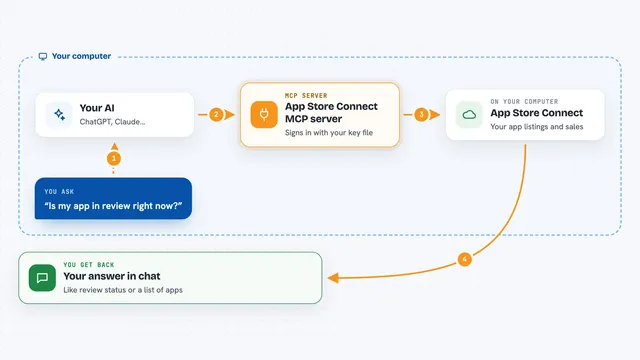
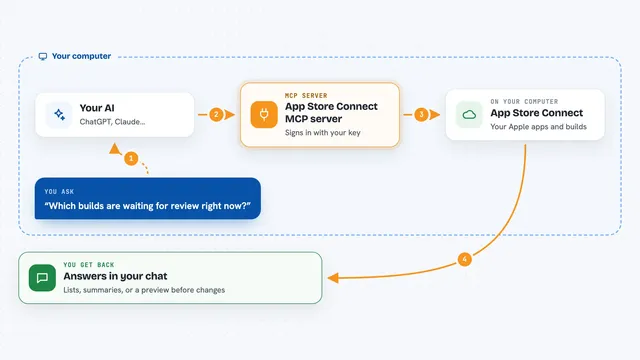
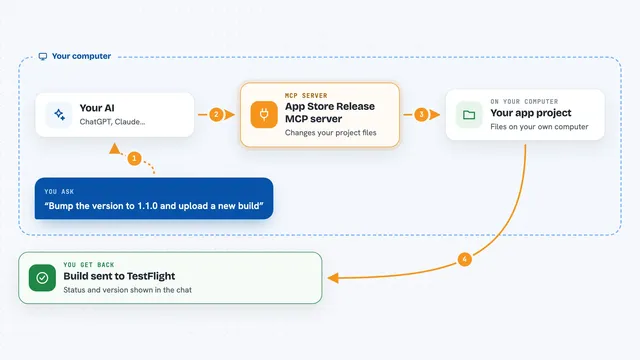
You ask your AI something like "create a simulator session with iPhone 14" or "install app /path/to/my-app.ipa". The AI passes your words to this helper program. The helper talks to a tool called idb, which actually controls the iOS simulator on your Mac. Then the result, like a screenshot, a list of apps, or a confirmation, comes back into your chat.
 Click to zoom
What you can do with it
- Start and stop iPhone or iPad simulator sessions
- Install, launch, and uninstall apps on the simulator
- Tap, swipe, type text, and press device buttons
- Take screenshots and record videos of what happens on screen
- Read system and app logs, and check crash logs
- Set the simulator location, add photos to the camera roll, or open a URL
- List accessibility elements so you can see what is on screen
Try asking your AI
- “Create a simulator session with iPhone 14”
- “Install app /path/to/my-app.ipa and launch it”
- “Tap at 100, 200 and then take a screenshot”
- “Show me the crash logs and the last system logs”
What it gives back to you
You get answers right in the chat: lists of simulators or apps, short confirmations that a tap or install worked, screenshots saved as files, video recordings, and log text. If something fails, you usually see an error message explaining what went wrong. Everything happens on your Mac, not on a remote server.
Before you start
What you need
- A Mac running macOS (iOS simulators only work there)
- Node.js version 20 or newer
- Homebrew installed (used to install a helper tool)
- Xcode installed with iOS simulators downloaded
Good to know
It can install and uninstall apps, clear the keychain, and delete crash logs on your simulators, so double check commands that remove or change things.
Install it with your AI
Add iOS Simulator MCP server to your AI, no technical skills needed
You don't install anything by hand. You copy one prompt, paste it into an AI that can work on your computer, and it checks, installs and connects the server for you, asking you when it needs something.
Sign in to get the install prompt
Members get a ready-made prompt that lets the Claude desktop app check iOS Simulator MCP server, install it and connect it for them, step by step. You don't need any technical skills: you copy, paste and answer a few questions. Your connected AI can also find and install any of the 4,361 MCP servers here for you.
Who it's for
iOS app developers, QA testers, and anyone who wants to try out an iPhone or iPad app on a Mac without clicking everything by hand.