MCP server · Analytics
TokenChit MCP server
by iyashjayesh
Ask your AI about your Claude Code, Codex or OpenCode token usage, straight from your own logs.

TokenChit is a small tool that reads the usage logs your AI coding agents leave on your computer. This MCP server connects those logs to your AI chat, so you can just ask questions about your token use instead of digging through files. It is handy if you use Claude Code, Codex or OpenCode and want to know how much you have been using them.
What is an MCP server? The 30-second version
On its own, your AI can only chat with you. An MCP server is a small helper program that gives your AI a new skill or a connection to something outside the chat. This one connects your AI to TokenChit, which reads the usage logs on your own machine. So when you ask about your token totals, your AI can look them up for you and answer in plain words.
What this MCP server does
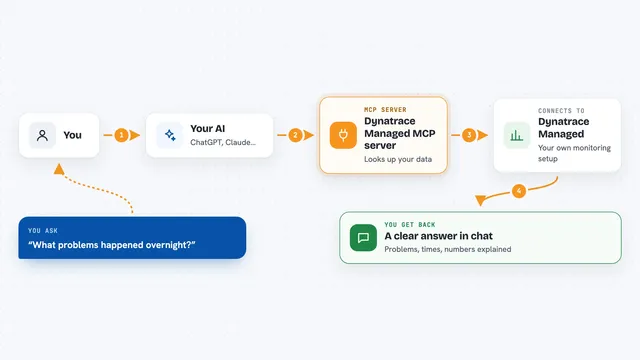
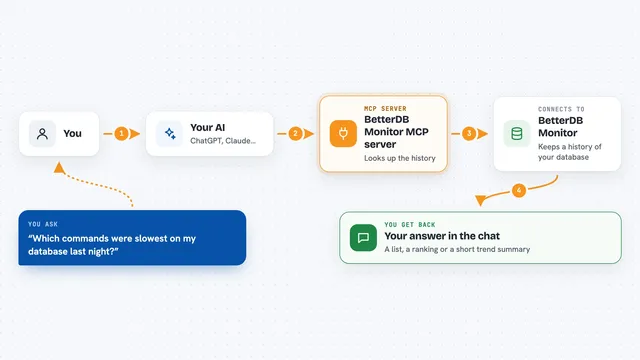
You ask your AI a question about your usage, like how many tokens you used this week. The AI passes that question to this helper program. The helper reads the log files that Claude Code, Codex, OpenCode and Gemini CLI leave on your computer. It adds up the numbers and sends them back to your AI. Your AI then tells you the answer in the chat, in normal sentences.
 Click to zoom
What you can do with it
- See your total tokens used across your coding agents
- Check your daily usage and how many days in a row you have been active
- Break your usage down by agent and by model
- Get a year-in-review recap of your activity
- Find out which agents are installed on your machine
- Ask follow-up questions about your numbers without opening any files
Try asking your AI
- “How many tokens have I used this week?”
- “Which of my coding agents did I use the most this month?”
- “Show me my daily token usage for the last 30 days.”
- “Give me a recap of my AI usage this year.”
What it gives back to you
You get answers in the chat, in normal sentences and small tables. That can be token totals, daily or hourly activity, a breakdown by agent or model, or a year-in-review summary. Every number comes with a short note about its limits, so your AI does not mistake an estimate for real money you spent. Nothing is changed on your computer; it only reads.
Before you start
What you need
- The Claude desktop app or another app that can use MCP servers
- Node.js installed on your computer
- At least one of Claude Code, Codex, OpenCode or Gemini CLI used on this machine, so there are logs to read
Good to know
It reads your local usage logs, which can include model names and daily totals, so only connect it on a machine whose logs you are comfortable sharing with your AI app.
Install it with your AI
Add TokenChit MCP server to your AI, no technical skills needed
You don't install anything by hand. You copy one prompt, paste it into an AI that can work on your computer, and it checks, installs and connects the server for you, asking you when it needs something.
Sign in to get the install prompt
Members get a ready-made prompt that lets the Claude desktop app check TokenChit MCP server, install it and connect it for them, step by step. You don't need any technical skills: you copy, paste and answer a few questions. Your connected AI can also find and install any of the 4,609 MCP servers here for you.
Who it's for
Developers and anyone who uses AI coding agents daily and wants a quick, honest picture of their token usage.