MCP server · Music
Kodi MCP server
by laszlopere
Let your AI control your Kodi player: play, pause, search your library, and manage the queue.

This is a small helper program that connects your AI assistant to your Kodi media player. Once it is set up, you can just tell your AI what you want to watch or listen to, and it will work the player for you. It is handy if you run Kodi on a TV or a box at home and would rather talk than hunt through menus.
What is an MCP server? The 30-second version
On its own, your AI can only chat. An MCP server is a small helper program that gives your AI a new skill or a connection to an app. This one connects your AI to Kodi, your media player. So when you ask your AI to play something or turn the volume down, it can actually do it on your Kodi box instead of just talking about it.
What this MCP server does
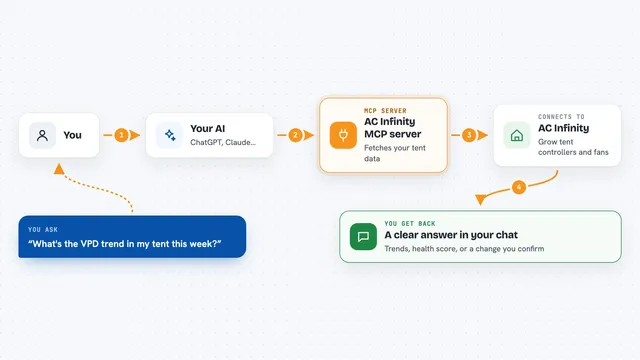
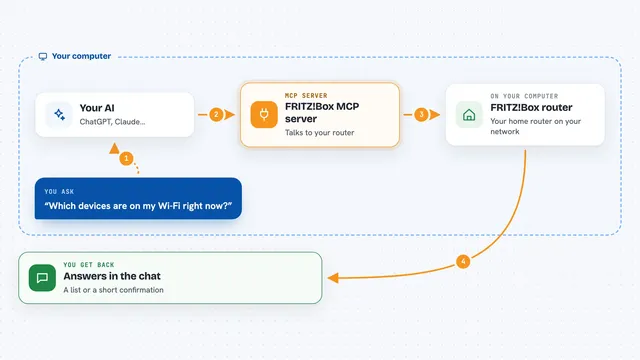
You ask your AI something like play the next episode or find Pink Floyd. The AI uses this helper, and the helper talks to your Kodi player over your home network. Kodi does the thing, and the helper sends back what happened, like what is playing now or a list of matching files. You see the result right in the chat.
 Click to zoom
What you can do with it
- Play, pause, stop, and skip tracks or episodes
- Turn the volume up or down, or mute and unmute
- Search your Kodi library for music, movies, and TV shows
- Add something to the queue or see what is queued up
- Check what is playing right now on any of your Kodi boxes
- Look at your recent playback history
- Switch audio tracks or subtitles on the video that is playing
Try asking your AI
- “What is playing in the living room right now?”
- “Find the movie Alien and play it”
- “Turn the bedroom volume down a bit”
- “What did I watch last night?”
What it gives back to you
You get answers in plain chat: what is playing, a list of search results, or a short status like playing or paused with the time position. When you change something, like skipping a track or adjusting the volume, the AI tells you the new state. Search results come back as a list of items with titles and details you can act on.
Before you start
What you need
- A Kodi media player set up on your home network
- Remote control turned on in Kodi (Settings, Services, Control) with a username and password
- The mcp-kodi program installed on the same computer as your AI assistant
- A config file or environment settings telling the helper where your Kodi box is
Good to know
It can change what is playing and clear your queue, so be careful with commands like stop or dropplaylists if you have things lined up.
Install it with your AI
Add Kodi MCP server to your AI, no technical skills needed
You don't install anything by hand. You copy one prompt, paste it into an AI that can work on your computer, and it checks, installs and connects the server for you, asking you when it needs something.
Sign in to get the install prompt
Members get a ready-made prompt that lets the Claude desktop app check Kodi MCP server, install it and connect it for them, step by step. You don't need any technical skills: you copy, paste and answer a few questions. Your connected AI can also find and install any of the 4,361 MCP servers here for you.
Who it's for
People who run Kodi at home and want to control it by talking to their AI instead of using a remote.