MCP server · Finance and crypto
Public Company Reporting Window Finder MCP server
by mambalabsdev
Lets your AI look up when a public company reports next and whether now is a good time to reach out.
This is a small helper that connects your AI to a service called Reporting Window Finder. You give it something that identifies a public company, like a web address, a stock ticker, or an official company number, and it tells you when that company reports its results and when the outreach window around that date opens and closes. It is handy for sales, marketing, investor relations, and research people who plan their emails around earnings season.
What is an MCP server? The 30-second version
On its own, your AI can only chat with you. An MCP server is a small helper program that gives your AI a new skill or a connection to an app or service. This one connects your AI to the Reporting Window Finder service, which knows about public company reporting dates. Once it is connected, you can just ask your AI in normal words, and it will go and look up the answer for you.
What this MCP server does
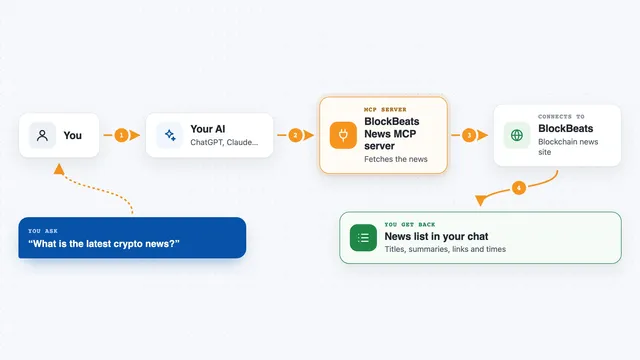
You ask your AI something like when a company reports next. Your AI passes that request to this helper. The helper talks to the Reporting Window Finder service, which looks up the company and works out its fiscal year end, how often it reports, and the next reporting date. You get a short answer back in the chat, including how many days are left and whether the outreach window is open, not yet open, or already closed.
What you can do with it
- Find the next reporting date for a public company
- Check whether the outreach window around that date is open right now
- See how many days are left until the next event
- Look up a company's fiscal year end and reporting cadence
- Check whether a company is publicly listed
- Build a list of companies that match filters like country, sector, or size
- See how many companies report in each week or month of a season
Try asking your AI
- “When does Stripe report next and is now a good time to reach out?”
- “Look up the reporting window for ticker NWLG and tell me the days to event.”
- “Is Apple in an open outreach window right now?”
- “Which US pharmaceutical companies report in the next 60 days?”
What it gives back to you
You get a short answer in the chat, usually a few lines or a small table. It can include the company name, its fiscal year end, how often it reports, the next reporting date, the days left until then, and whether the outreach window is open, not yet open, or already closed. For list requests you get a set of rows, one per company, with the same kind of details.
Before you start
What you need
- An Apify account and an Apify token (a kind of password for apps; Apify gives you one for free at console.apify.com)
- Node.js installed on your computer if you run it locally, or a tool that can run npx commands
- An AI app that supports MCP servers, like the Claude desktop app
Good to know
Each lookup costs a small amount on Apify, and a lookup that finds nothing is still charged, so set limits on list requests and keep an eye on your usage.
Install it with your AI
Add Public Company Reporting Window Finder MCP server to your AI, no technical skills needed
You don't install anything by hand. You copy one prompt, paste it into an AI that can work on your computer, and it checks, installs and connects the server for you, asking you when it needs something.
Sign in to get the install prompt
Members get a ready-made prompt that lets the Claude desktop app check Public Company Reporting Window Finder MCP server, install it and connect it for them, step by step. You don't need any technical skills: you copy, paste and answer a few questions. Your connected AI can also find and install any of the 4,609 MCP servers here for you.
Who it's for
Sales, marketing, investor relations, and research people who plan outreach or campaigns around public company earnings dates.