MCP server · Research
MyMedi-AI MCP server
by MyMedi-AI
Look up medical billing codes, check prior auth rules, and validate claims straight from your AI chat.
This is a helper for medical billing and coding questions. It connects your AI to a large library of healthcare codes and government data, so you can ask about a code, a denial, or a claim and get a real answer instead of a guess. It is handy for billing staff, coders, and anyone who works with claims or prior authorizations.
What is an MCP server? The 30-second version
On its own, your AI can only chat with you. An MCP server is a small helper program that gives your AI a new skill or a connection to an app or service. This one connects your AI to MyMedi-AI, a healthcare billing service with codes, fee schedules, and government lists. Once it is connected, your AI can look things up and run checks there for you when you ask.
What this MCP server does
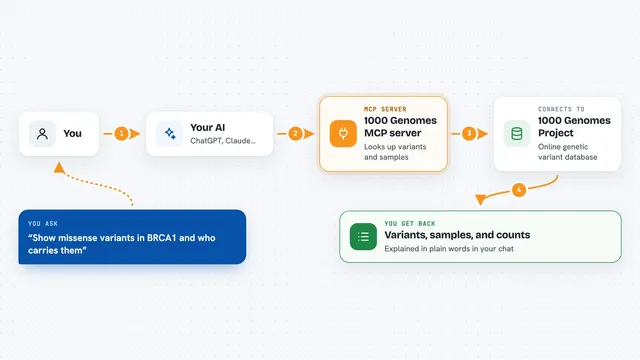
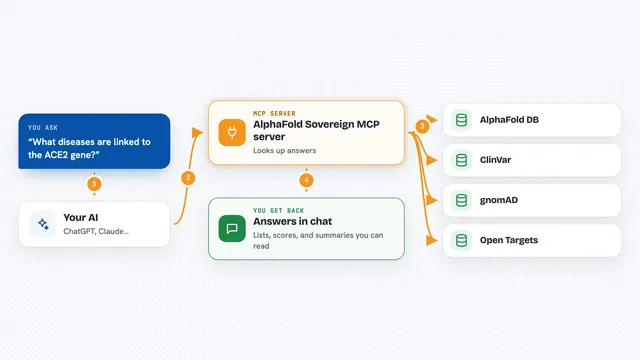
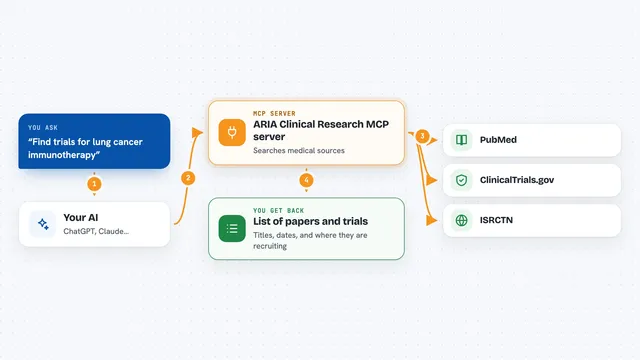
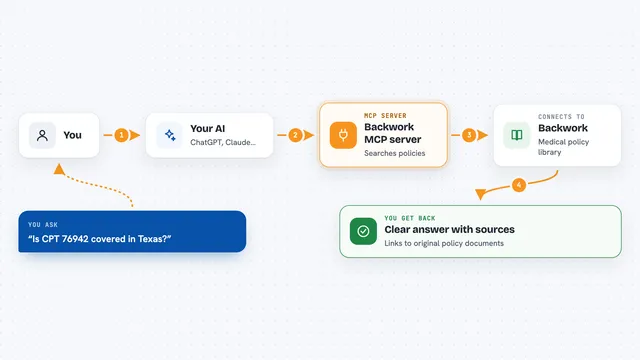
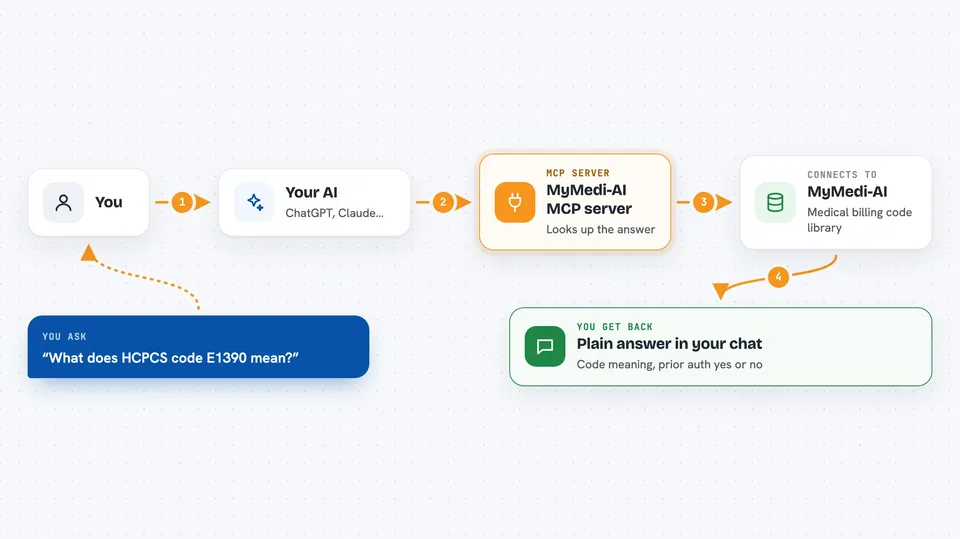
You ask your AI a billing question, like what a code means or whether a prior authorization is needed. Your AI sends that request to this helper, and the helper talks to the MyMedi-AI service. The service looks up the answer in its code library and government data sources, then sends it back. Your AI shows you the result in the chat, often as a short explanation or a small table.
 Click to zoom
What you can do with it
- Look up ICD-10, CPT, and HCPCS codes and see what they mean
- Check whether Medicare requires prior authorization for a piece of equipment
- Explain a denial code and suggest how to fix or appeal it
- Validate a claim before you submit it
- Estimate Medicare reimbursement for a code
- Search for providers by NPI number
- Get a pre-delivery checklist for DMEPOS orders
Try asking your AI
- “What does HCPCS code E1390 mean and is prior authorization required?”
- “Explain denial code CO-50 and what I should do next”
- “Check this claim before I submit it: procedure 99213, diagnosis M79.3”
- “What is the Medicare reimbursement for E0466 in Texas?”
What it gives back to you
You get back plain answers in the chat: code descriptions, yes or no on prior auth, denial explanations, reimbursement ranges, and validation findings. Some tools return short lists or tables, like a batch of codes with their status. For claims, you get a list of issues to fix before submitting. Nothing is changed on your side; everything is read-only.
Before you start
What you need
- The Claude desktop app or another MCP client (Cursor, VS Code, Claude Code)
- Node.js installed on your computer if you run it yourself
- An API key from MyMedi-AI for the paid tools (free starter credits on signup)
- Nothing extra for the six free tools
Good to know
The paid tools cost credits per call, so watch your balance; the service is read-only and does not change anything on your side.
Install it with your AI
Add MyMedi-AI MCP server to your AI, no technical skills needed
You don't install anything by hand. You copy one prompt, paste it into an AI that can work on your computer, and it checks, installs and connects the server for you, asking you when it needs something.
Sign in to get the install prompt
Members get a ready-made prompt that lets the Claude desktop app check MyMedi-AI MCP server, install it and connect it for them, step by step. You don't need any technical skills: you copy, paste and answer a few questions. Your connected AI can also find and install any of the 4,361 MCP servers here for you.
Who it's for
Medical billing specialists, coders, prior authorization staff, and anyone who handles healthcare claims or reimbursement questions.