MCP server · Research · official
OpenGenes MCP server
by longevity-genie · official
Lets your AI look up aging and longevity research data from the OpenGenes database for you.
This is a small helper that connects your AI assistant to the OpenGenes database, a collection of research data about aging and longevity. You ask questions in plain words, and the AI looks up the answers in that database for you. It is handy for researchers, students, and anyone curious about the genetics of aging.
What is an MCP server? The 30-second version
On its own, your AI can only chat with you using what it already knows. An MCP server is a small helper program that gives your AI a new skill or a connection to an app or service. This one connects your AI to the OpenGenes database, so it can look things up there when you ask. You do not need to know how it works inside; you just ask your question.
What this MCP server does
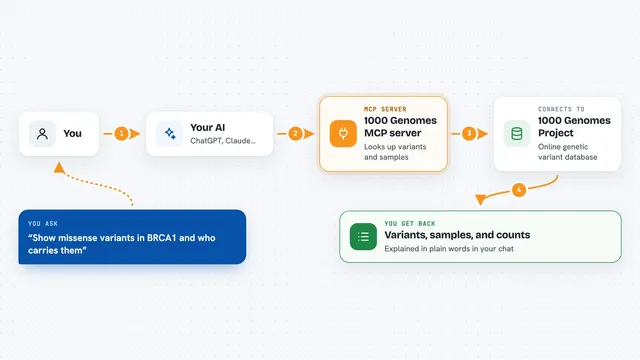
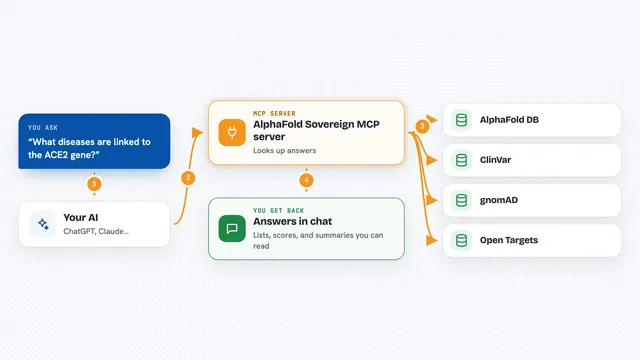
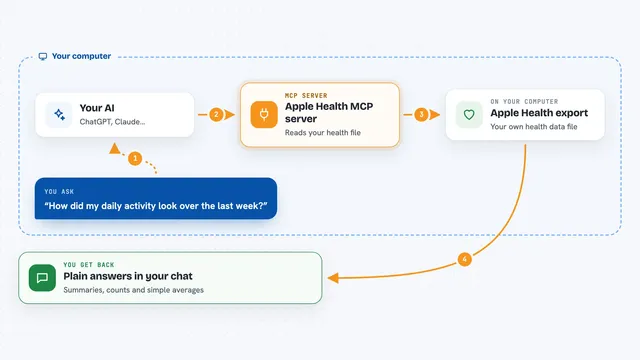
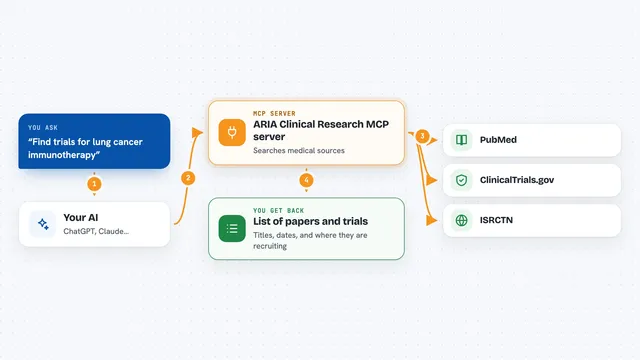
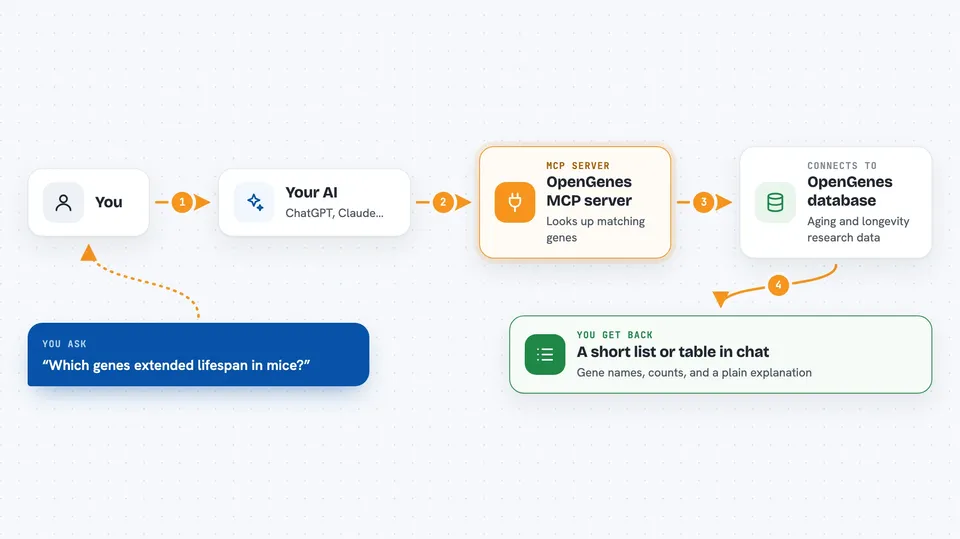
You ask your AI a question about aging or longevity, like which genes extended lifespan in mice. The AI turns your question into a database lookup and sends it through this helper. The helper talks to the OpenGenes database and pulls out the matching rows. Then the AI reads those results and explains them back to you in normal words. You never have to write the database code yourself.
 Click to zoom
What you can do with it
- Find genes that increased or decreased lifespan in mice, flies, or worms
- Look up which aging criteria a gene is classified under
- See which hallmarks of aging are linked to a gene
- Check genetic variants tied to human longevity in population studies
- Compare lifespan effects across different model organisms
- Get a list of genes with the most lifespan experiments
- Ask which gene-longevity links are backed by the most studies
Try asking your AI
- “Which genetic interventions extended lifespan the most in mice?”
- “What hallmarks of aging are linked to the FOXO3 gene?”
- “Which genes increase lifespan in flies and also appear in human longevity studies?”
- “In which ethnic groups was the APOE gene linked to longevity?”
What it gives back to you
You get answers in the chat, usually as short lists, tables, or a few sentences of explanation. For example, it might show a list of gene names with a count of how many experiments each one has. It can also explain what the results mean in plain words. It never changes the database; it only reads from it.
Before you start
What you need
- The uv tool installed on your computer (the README shows a one-line install command)
- An MCP client like Claude Desktop, Cursor, or Windsurf
- An internet connection the first time, so it can download the latest database
Good to know
It only reads data and cannot change anything, but the answers are only as good as the OpenGenes database itself, so double-check anything important.
Install it with your AI
Add OpenGenes MCP server to your AI, no technical skills needed
You don't install anything by hand. You copy one prompt, paste it into an AI that can work on your computer, and it checks, installs and connects the server for you, asking you when it needs something.
Sign in to get the install prompt
Members get a ready-made prompt that lets the Claude desktop app check OpenGenes MCP server, install it and connect it for them, step by step. You don't need any technical skills: you copy, paste and answer a few questions. Your connected AI can also find and install any of the 4,361 MCP servers here for you.
Who it's for
Researchers, students, and anyone curious about the genetics of aging and longevity who wants to explore this data without writing database code.