
Learning path
Learning AI as a Claims Adjuster
A guided path for claims adjusters who want AI to help with policy checks, claimant letters, and file notes. Start with setup, connect your AI, then work through prompts built for the job.

Your path
Everything in the Claims Adjuster AI kit, in the order that makes sense. Members tick off each step and see their progress.
Set up your AI
We guide you through each click.
Let skills do your everyday tasks
Connect your apps and pick your AI apps
Hand whole tasks to AI agents
Build your own tools
Keep growing
Everything for claims adjusters
All the courses, certifications, AI tools, MCP servers and apps for claims adjusters, most relevant first. Open any list to see more.
Take the prompt courses
A short framework course to learn how to ask, then 8 lessons with ready-to-use prompts for claims adjusters.
Start with this framework: how to talk to AI
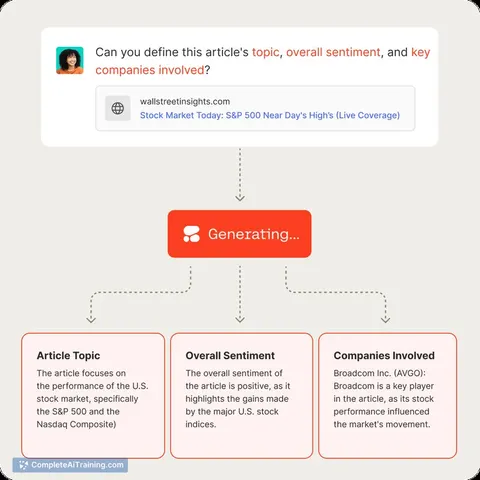
ICIO fits claims adjusting because reusable prompts extract loss dates and classify water or fire damage from each claim.
Then your prompt course for claims adjustersWatch the video courses or add them to your Favorites for later
86 video courses our AI picked for claims adjusters, most useful first. Save the ones you want to watch later with the heart.
Favorites are saved to your account: sign in or get your AI kit first.
Show all 86 video courses
Get certified, or add certifications to your Favorites
Every course ends in an exam and a certificate you can add to LinkedIn. Save the certifications you are aiming for with the heart.
Favorites are saved to your account: sign in or get your AI kit first.
More certifications for claims adjustersShow all 24 certifications
Try the AI tools for claims adjusters
24 AI tools our AI matched to the work of claims adjusters, best fit first. Each review shows what it does, its alternatives and the jobs it suits.
Favorites are saved to your account: sign in or get your AI kit first.
Show all 24 AI tools
Connect your AI to the apps claims adjusters use
MCP servers let ChatGPT, Claude or Copilot look things up and get work done in other apps, like your email, calendar or bookkeeping software. These 12 fit the work of claims adjusters best, well-known apps first.

Box MCP server
by boxLet your AI search your Box files, answer questions about them, and pull out details for you.
Productivity Official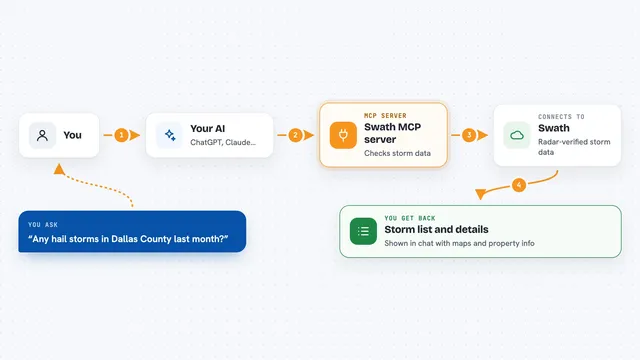
Swath MCP server
by vibecodebeastAsk your AI about radar-verified hail and wind storms, and get storm history for any US address.
Analytics Official
Outlook Attachment Reader MCP server
by ZacccckLet your AI open and read the files attached to your Outlook emails, and send local files as drafts.

OfficeAgent MCP server
by ilia-sokolovLet your AI edit Word, PowerPoint and Excel files, with changes you can review before saving.
Productivity Official
Gmail MCP server
by A1-x-TechLet your AI read, search, draft and send your Gmail, and keep labels and trash tidy, from the chat.

MCP Emails server
by AlbretsenLet your AI read, search, send and organize email in your own mailbox.
EmailNo installShow all 12 MCP servers

ChronoVerify MCP server
by beeswaxpatCheck when a photo was really taken and whether its details have been changed.

Lucairn privacy gateway MCP server
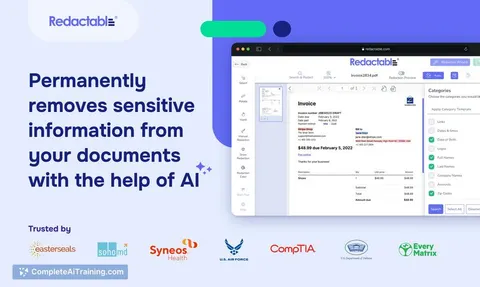
by DecladeLets your AI clean personal data out of your prompts before they reach the model, and hand you a signed proof of what was removed.

Mail MCP server
by tecnologicachileLets your AI read, search, send, reply to and forward email across several accounts for you.
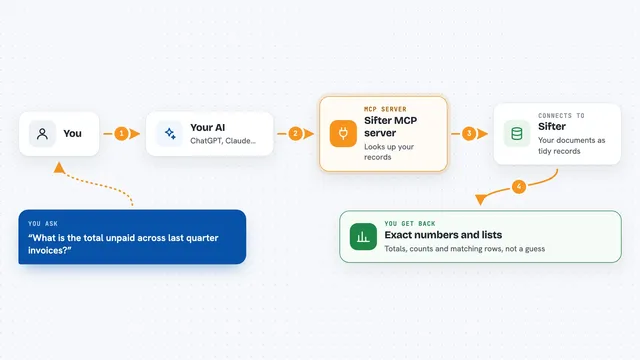
Sifter MCP server
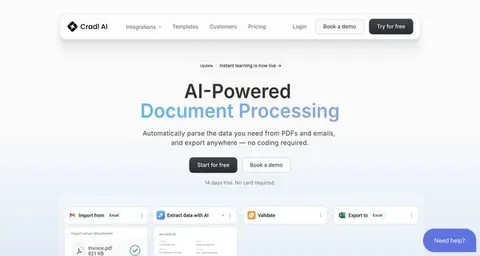
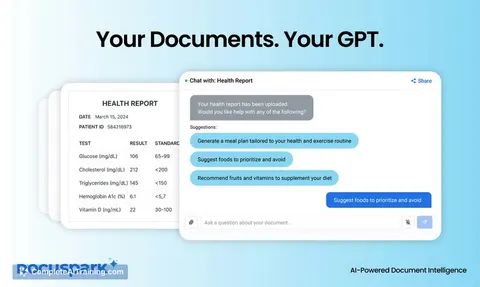
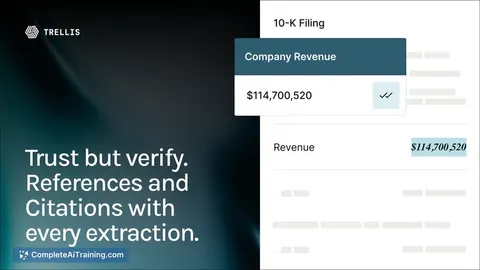
by sifter-aiAsk your AI questions about your documents and get exact numbers, lists and totals back.
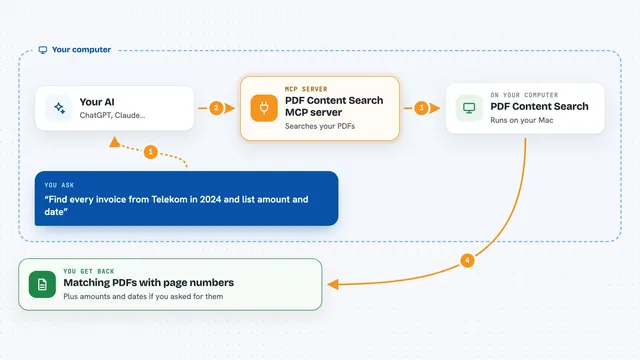
PDF Content Search MCP server
by juergenkoller-softwareLet your AI search all your PDFs, including scanned ones, and pull out dates, senders and amounts.

floodwise MCP server
by qinisolabsLook up the official long-term flood-risk band for any England postcode, straight from your AI chat.
Build your own AI apps for claims adjusters
Apps you build yourself with your own AI, no coding needed and no monthly fee. Our AI picked the 12 that fit the work of claims adjusters.
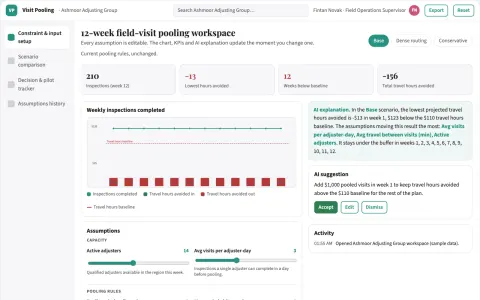
Adjuster field-visit pooling planner
Recover productive capacity through better logistics.
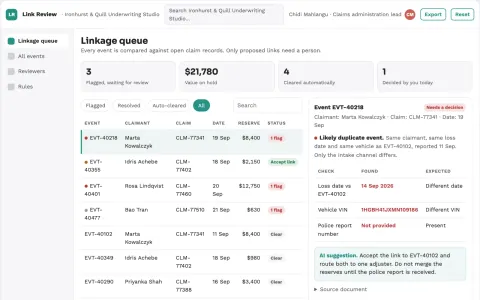
Insurance claim file duplicate-event resolver
Reduce duplicate administrative handling without rejecting valid claims.
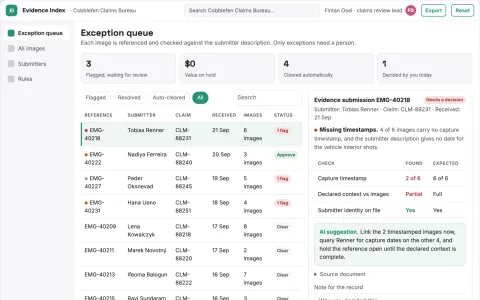
Claims evidence image index
Organize images without inferring damage causation.
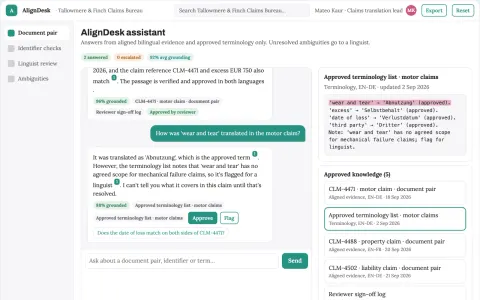
Claims document translation alignment
Bilingual claims evidence with preserved references.
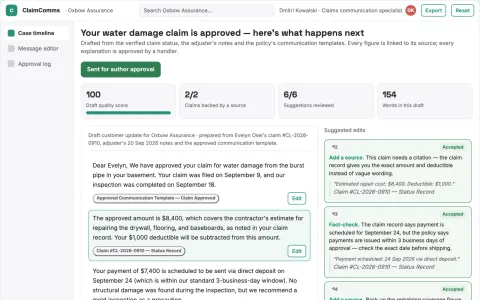
Claims status communication service
Plain-language updates derived from a single verified case status.
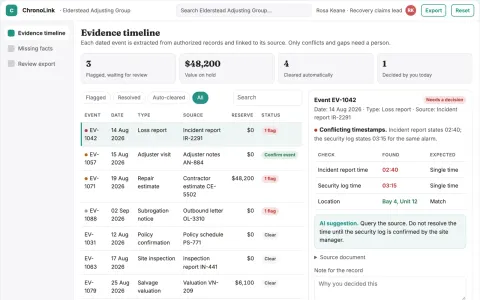
Subrogation evidence chronology
Source-linked recovery chronology with uncertainty preserved.
Show all 12 apps
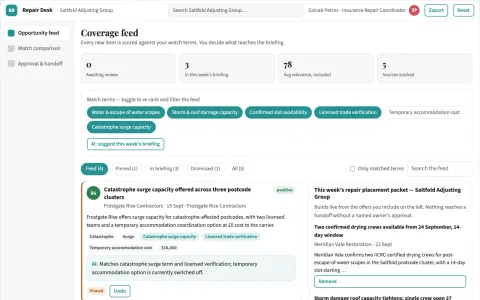
Claim repair availability marketplace
Shorten coordination delay after scope approval.
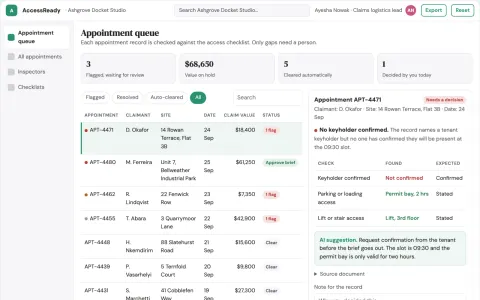
Claims appointment logistics planner
Practical readiness without claim judgments.
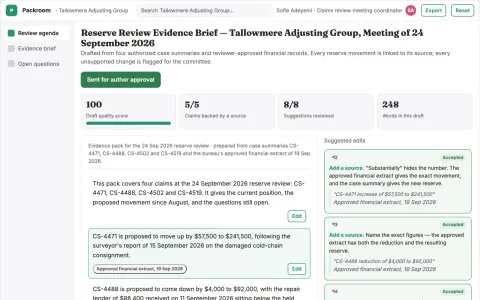
Claims reserve meeting evidence pack
A concise source-linked meeting pack with change history.
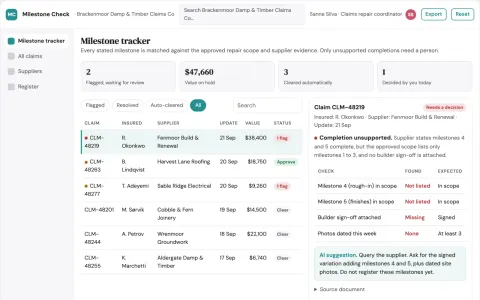
Claims supplier milestone tracker
Evidence behind supplier progress statements.
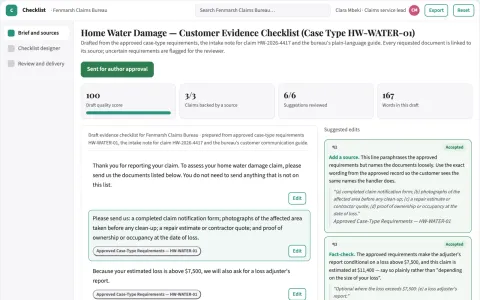
Claims customer-document checklist designer
Relevant preparation instructions without claim decisions.
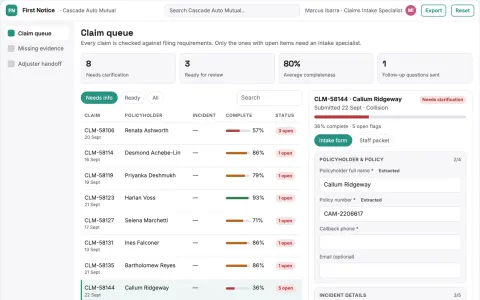
Claims intake assistant
Complete structured intake while coverage decisions remain with authorized staff.





















































































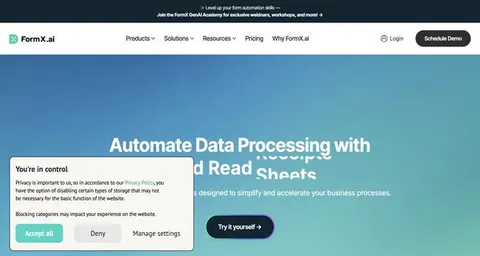
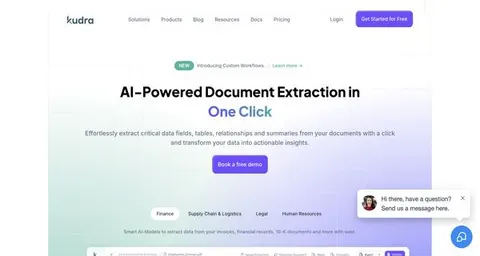
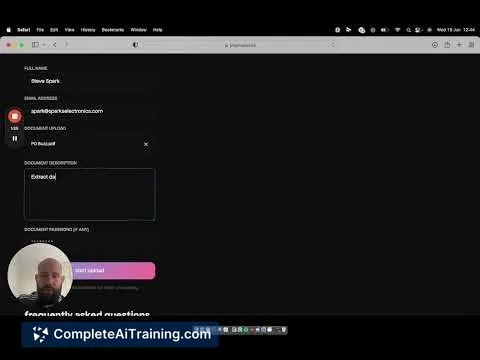
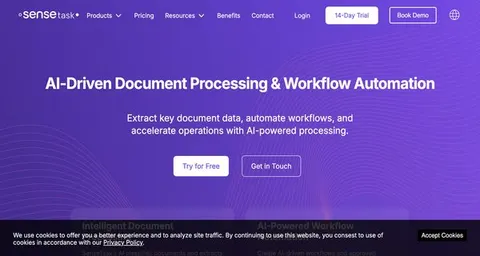
About this learning path
6 topicsAI for Claims Adjusters: A Practical Learning Path
Claims work runs on reading and writing. Policy language, recorded statements, contractor estimates, letters to claimants, and notes for the file. AI will not decide a claim for you, but it can take the blank page out of the way and help you find what matters faster.
This path is built for adjusters who are not technical. You answer a few setup questions, connect the AI assistant you already have, and then practice with prompts written for the claims you handle every week.
Why AI Matters For This Job
Claims volume keeps rising while the time you get per file does not. Most of the pressure lands on reading and writing: matching a loss to policy language, summarizing statements, checking estimates, and keeping the file clean enough to defend later.
AI is good at exactly that kind of first pass. It reads quickly, drafts plainly, and never gets tired of a forty-page policy. Your judgment still decides the claim. The assistant just gets you to the decision sooner.
What The Path Includes
You start with short setup questions so the assistant understands your line of business, your carriers, and the claims you see most. Then you connect your AI tool and learn a few skills for working inside it, such as giving it the right context and asking for answers you can check.
From there you work through this prompt course, lesson by lesson, using your own claims as practice. Alongside it you get video courses picked for claims work, each with the certifications those courses offer, so you can show what you have learned.
How It Saves You Time
The time comes back in small pieces. A policy question answered before you dial the phone. A statement summarized in minutes instead of replayed three times. An estimate checked line by line without a second pass at the kitchen table.
Adjusters who use these prompts well tend to finish file notes the same day, which means fewer late evenings spent rebuilding a claim from memory.
How It Protects Your Career
Carriers are already asking for faster cycle times and cleaner documentation. An adjuster who can move through a file quickly and still write a defensible rationale is the one who keeps the desk and gets the harder, better paying work.
This path also teaches you where AI should stop. You will learn what never goes into a public tool, how to keep claimant details safe, and why the final call on coverage and liability stays with you.
How To Start
Set aside an hour this week. Answer the setup questions, connect your AI, and run one real claim through the first lesson. Pick something small, like a straightforward auto claim or a simple water loss.
Then keep going at your own pace. Most adjusters finish the path over a few weeks, a lesson or two at a time, and start using the prompts the same day they learn them.
Frequently asked questions
Do I need to be technical to follow this path?
No. If you can write an email and paste text into a box, you can do everything here. The setup questions walk you through the rest one step at a time.Will the AI decide coverage or liability for me?
No, and it should not. The assistant helps you read, summarize, and draft. The coverage decision, the liability call, and the settlement you sign off on remain yours.What about claimant privacy and policyholder data?
The course covers this directly, including what to leave out of a public AI tool and how to work with details in a way that respects privacy rules. Your employer's policy always comes first.How long does the path take?
Most people work through it over a few weeks, a lesson or two at a time. You can move faster, but going slowly with your own live claims tends to stick better.