MCP server · Research
Noteboxd Fragrance MCP server
by noteboxd
Ask your AI about perfumes, notes, brands and reviews using real Noteboxd data.
This is a small helper that connects your AI assistant to Noteboxd, an online encyclopedia of fragrances and perfumes. Once it is set up, you can ask your AI about scents, notes, brands and what reviewers think, and it answers from real Noteboxd data instead of making things up. It is handy if you love perfume, collect bottles, or write about fragrance.
What is an MCP server? The 30-second version
On its own, your AI can only chat with you using what it already learned. An MCP server is a small helper program that gives your AI a new skill or a connection to an app or service. This one connects your AI to Noteboxd, the fragrance encyclopedia. So when you ask about a perfume, your AI can look it up there and bring the answer back to you.
What this MCP server does
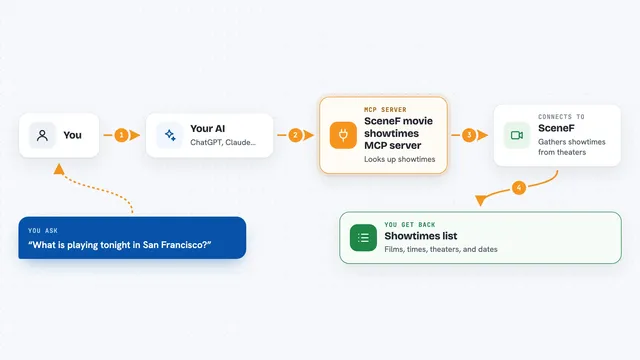
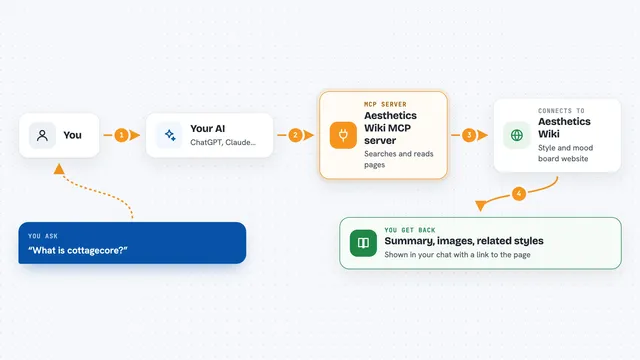
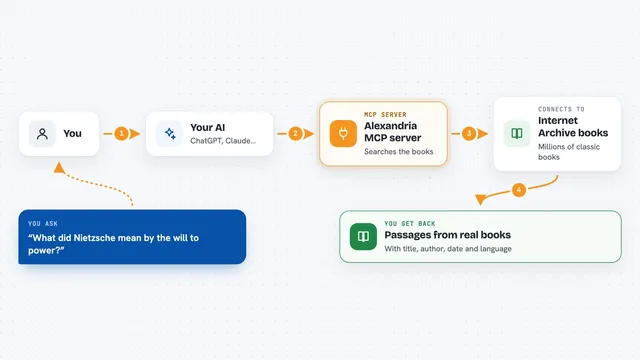
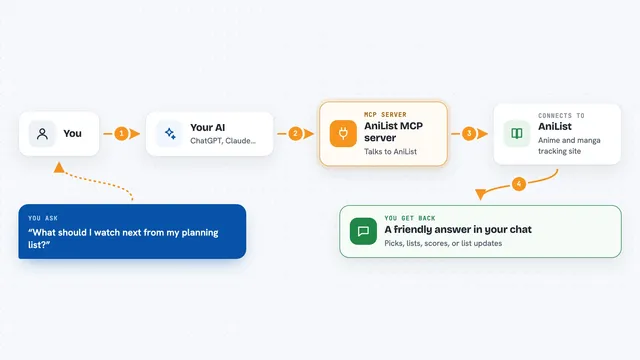
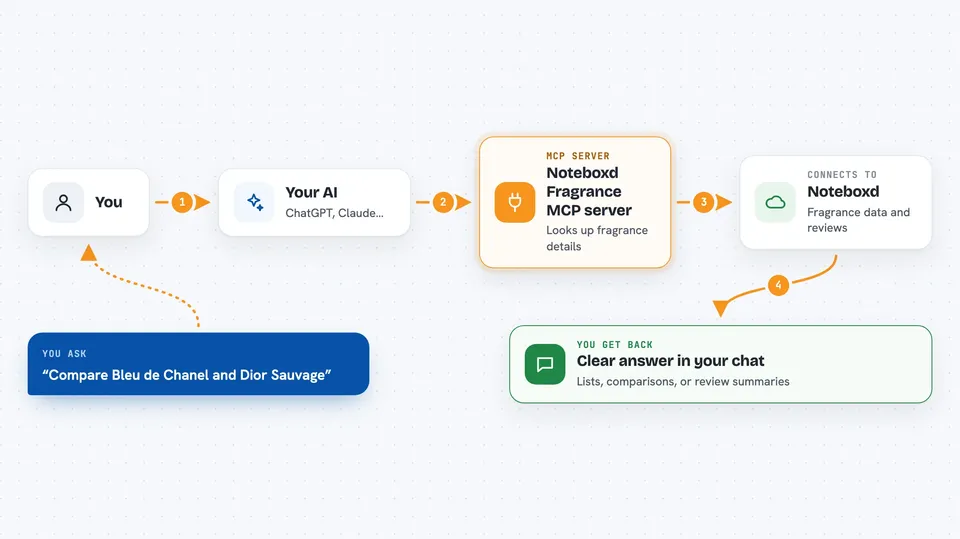
You ask your AI a question about perfume in normal words. Your AI passes that question to this helper, which sends it to Noteboxd using your personal key. Noteboxd looks through its fragrance data and sends back the details. Your AI then turns that into a clear answer in your chat, like a short summary or a comparison. Everything is read-only, so it only looks things up, it never changes anything.
 Click to zoom
What you can do with it
- Search for fragrances, brands, notes, perfumers and collections
- Get a full profile of a perfume, including notes, accords, perfumer and community score
- Compare two fragrances side by side
- Read community reviews and a short summary of them
- Find fragrances similar to one you already like
- See trending searches and most-worn fragrances
- Look up a brand's catalogue or a perfumer's top creations
Try asking your AI
- “I own Oud Wood and Aventus. What else should I try for cold-weather formal wear?”
- “Compare Bleu de Chanel and Dior Sauvage.”
- “What are reviewers saying about Baccarat Rouge 540?”
- “Find me fragrances with vanilla and amber notes under 100 dollars.”
What it gives back to you
You get answers in your chat, written in normal language. Depending on what you asked, that can be a list of perfumes, a short profile, a comparison, a review summary, or a set of numbers like wearing counts. Your AI shows the details it found, so you can read them right there without opening another site.
Before you start
What you need
- An API key from developers.noteboxd.com (a kind of password for apps; the free tier gives you one and needs no card)
- An MCP client like Claude Desktop, Claude Code, Cursor or VS Code
- Node.js installed on your computer (so the npx command can run)
Good to know
Every lookup counts against your Noteboxd plan, so on the free tier you get 50 calls a day, and beyond that each call costs a small amount of money.
Install it with your AI
Add Noteboxd Fragrance MCP server to your AI, no technical skills needed
You don't install anything by hand. You copy one prompt, paste it into an AI that can work on your computer, and it checks, installs and connects the server for you, asking you when it needs something.
Sign in to get the install prompt
Members get a ready-made prompt that lets the Claude desktop app check Noteboxd Fragrance MCP server, install it and connect it for them, step by step. You don't need any technical skills: you copy, paste and answer a few questions. Your connected AI can also find and install any of the 4,361 MCP servers here for you.
Who it's for
Perfume lovers, fragrance reviewers, collectors, and anyone who writes or talks about scents and wants quick, real answers.