MCP server · Research
Aesthetics Wiki MCP server
by leonardoca1
Lets your AI look up visual aesthetics like cottagecore, dark academia and Y2K, with images and related styles.
This is a small helper that connects your AI to the Aesthetics Wiki, a big public website full of visual styles like cottagecore, dark academia, Y2K and goblincore. Once it is set up, you can ask your AI about any of these styles and it will actually read the wiki instead of guessing. It is handy for anyone doing mood boards, creative writing, branding or just curious browsing.
What is an MCP server? The 30-second version
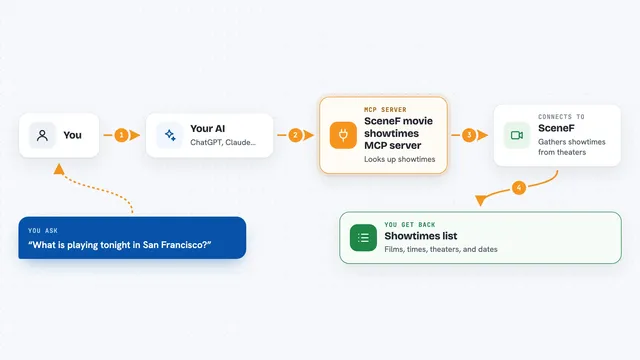
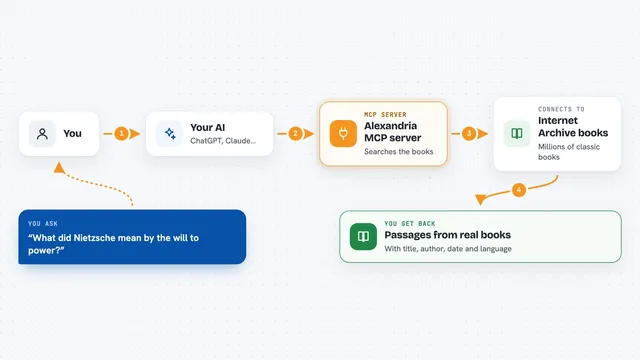
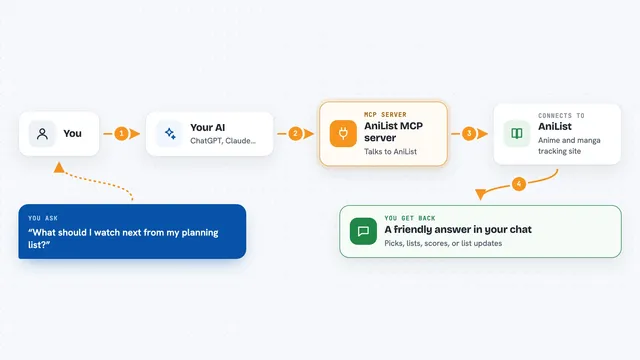
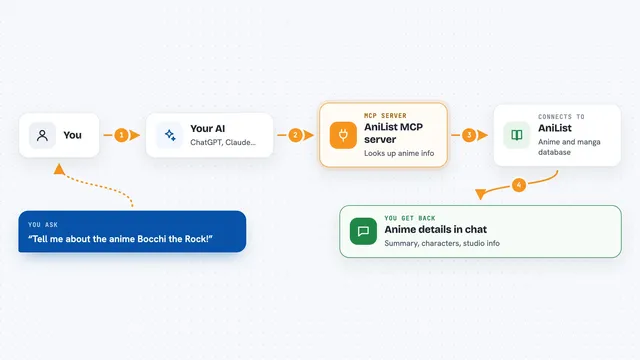
On its own, your AI can only chat with you using what it already learned. An MCP server is a small helper program you add to your AI, and it gives the AI one new skill or connection. This one connects your AI to the Aesthetics Wiki, so when you ask about a style, the AI can look it up on the real site and bring back the text and pictures. You do not need to visit the wiki yourself; the AI does it for you.
What this MCP server does
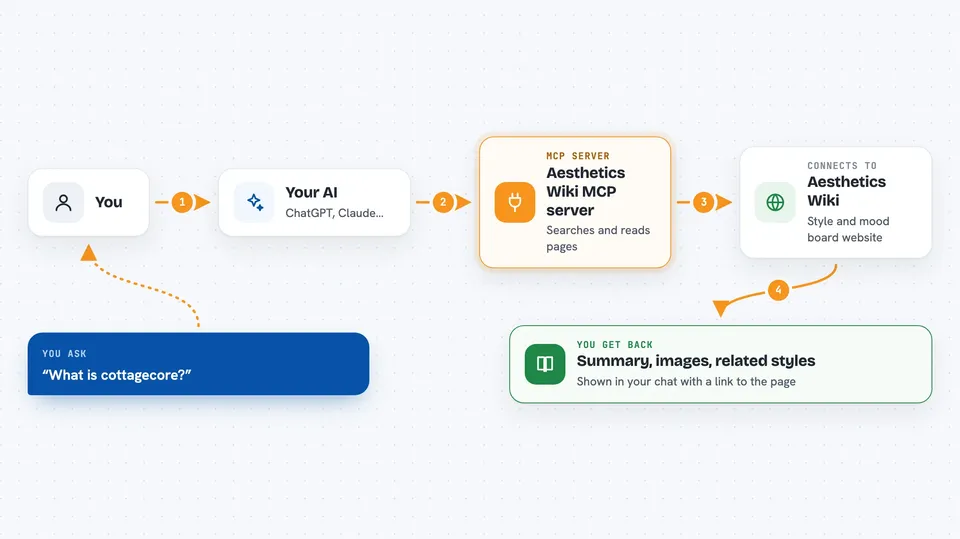
You ask your AI something like what is cottagecore or show me a mood board for dark academia. Your AI passes that request to this helper program. The helper then talks to the Aesthetics Wiki website, searches it, and reads the page you asked about. It brings back a short summary, a main image, a gallery of pictures, or a list of related styles. Your AI then shows you that answer right in the chat.
 Click to zoom
What you can do with it
- Search the Aesthetics Wiki for any style by keyword
- Read a cleaned-up summary of an aesthetic page
- Pull a gallery of reference images for a mood board
- List related or neighbouring aesthetics
- Get a random aesthetic when you need inspiration
- Compare two aesthetics side by side
Try asking your AI
- “What is cottagecore? Give me a short summary and its main image.”
- “Show me a mood board of images for dark academia.”
- “List aesthetics related to goblincore.”
- “Give me 5 random aesthetics with a one-sentence vibe for each.”
What it gives back to you
You get text answers in the chat: a short summary of the aesthetic, a list of related styles, or a set of image links you can open. For a mood board request, your AI will show the image URLs it found. Every answer also includes the link to the wiki page it came from, so you can check the source.
Before you start
What you need
- An AI app that supports MCP servers, such as Claude Desktop or Claude Code
- Python 3.10 or newer
- The uv tool installed (a free helper that runs Python programs; the README shows how)
Good to know
All tools are read-only, so it will not change or delete anything; it just reads public wiki pages.
Install it with your AI
Add Aesthetics Wiki MCP server to your AI, no technical skills needed
You don't install anything by hand. You copy one prompt, paste it into an AI that can work on your computer, and it checks, installs and connects the server for you, asking you when it needs something.
Sign in to get the install prompt
Members get a ready-made prompt that lets the Claude desktop app check Aesthetics Wiki MCP server, install it and connect it for them, step by step. You don't need any technical skills: you copy, paste and answer a few questions. Your connected AI can also find and install any of the 4,361 MCP servers here for you.
Who it's for
Writers, designers, mood board makers, brand and creative teams, and anyone curious about internet aesthetics.