MCP server · Health and learning
Mi Fitness MCP server
by shkyyy18
Lets your AI look up your Mi Fitness sleep, steps, workouts and heart rate from a copy saved on your own computer.

This is a small helper that copies your Xiaomi Mi Fitness data (steps, sleep, workouts, weight, heart rate) onto your own computer and lets your AI read it. It is handy if you want to ask questions about your own activity and sleep without scrolling through the phone app. It is an unofficial, experimental project, so it may stop working when Xiaomi changes things.
What is an MCP server? The 30-second version
On its own, your AI can only chat. An MCP server is a small helper program that gives your AI a new skill or a connection to an app. This one connects your AI to your own saved Mi Fitness data on your computer. Once it is running, you can ask your AI about your sleep or steps, and it will look up the answer for you.
What this MCP server does
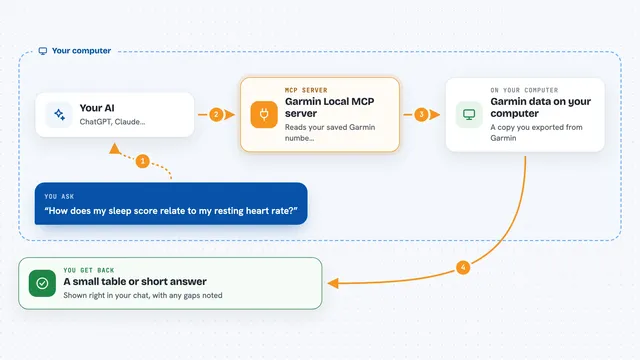
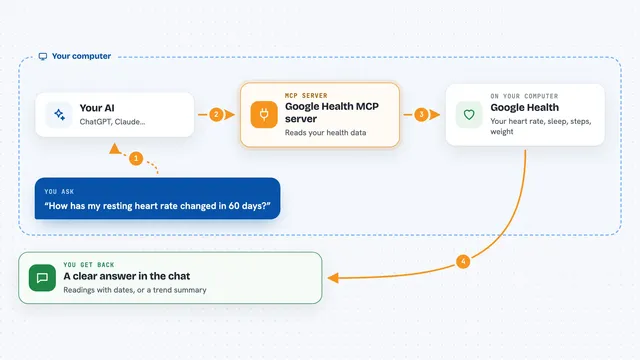
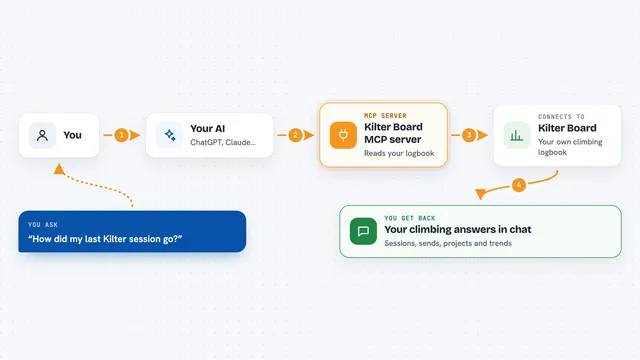
First you connect your Mi Fitness account once and sync a date range, which saves your records into a small database file on your computer. Then you start this helper, and your AI client can ask it questions. When you ask something like how you slept last week, the AI sends that request to the helper, the helper reads your local database, and sends the numbers back. Your AI then turns those numbers into a normal answer in the chat. It never connects to Xiaomi unless you run a sync or a status check.
 Click to zoom
What you can do with it
- Ask about your steps, distance and active minutes for a day or a week
- Look up your sleep sessions and sleep stages
- Check your weight and body measurements over time
- Review your workout records and heart rate during a workout
- See your heart rate, blood oxygen and stress samples
- Check when your data was last synced and what date range it covers
- Export your records to CSV or JSON files for backup
Try asking your AI
- “How many steps did I walk last week?”
- “Show me my sleep for the past 7 days and tell me if it looks steady.”
- “What was my average resting heart rate this month?”
- “List my workouts in June and how long each one was.”
What it gives back to you
You get normal chat answers built from your own records: totals, averages, short lists and simple summaries. For example, your AI might reply with your daily step counts for a week or a table of your last few workouts. You can also ask it to export the data, and you get a CSV or JSON file saved on your computer. It does not give medical advice, just your numbers.
Before you start
What you need
- Python 3.11 or newer installed on your computer
- Your Mi Fitness user_id and passToken (a kind of login token from your account)
- An MCP client that can start local programs, such as the Claude desktop app
- A folder on your computer where the database and exports can be saved
Good to know
Your exported files and database hold private health data and may include your plain user_id, so keep them safe and never paste your passToken into chats, logs or screenshots.
Install it with your AI
Add Mi Fitness MCP server to your AI, no technical skills needed
You don't install anything by hand. You copy one prompt, paste it into an AI that can work on your computer, and it checks, installs and connects the server for you, asking you when it needs something.
Sign in to get the install prompt
Members get a ready-made prompt that lets the Claude desktop app check Mi Fitness MCP server, install it and connect it for them, step by step. You don't need any technical skills: you copy, paste and answer a few questions. Your connected AI can also find and install any of the 4,361 MCP servers here for you.
Who it's for
People who track their own fitness with a Xiaomi band or watch and want to ask their AI simple questions about their own data.