MCP server · Health and learning · official
Wellness Project MCP server
by turnnoblindeye · official
Ask your AI about your workouts, sleep, food and recovery, and let it log new entries for you.
Wellness Project is a service that pulls your health and fitness data into one account. This MCP server is the bridge that lets your AI assistant read that data and add to it when you ask. It is handy if you already track workouts, sleep or meals and want to talk about them in plain English instead of clicking through apps.
What is an MCP server? The 30-second version
On its own, your AI can only chat with you. An MCP server is a small helper that gives your AI a new skill or a connection to an app. This one connects your AI to Wellness Project, which is where your health data lives. Once connected, your AI can look things up there or make changes for you when you ask.
What this MCP server does
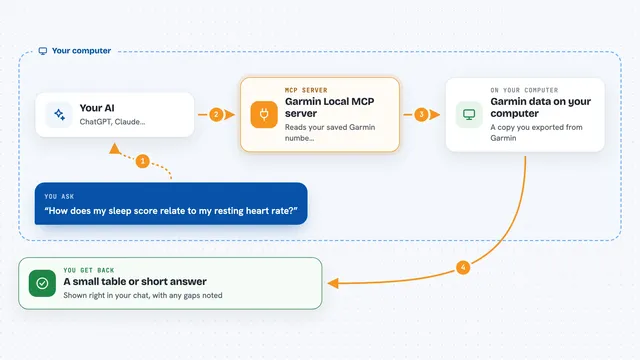
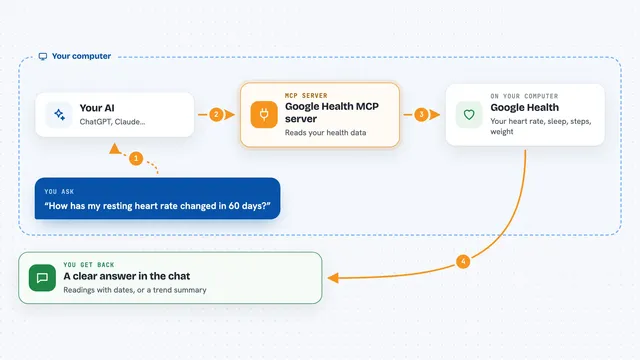
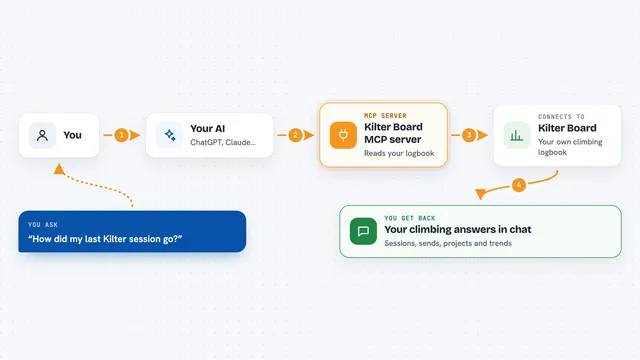
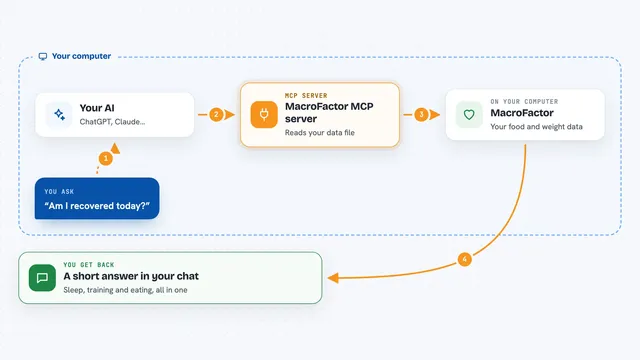
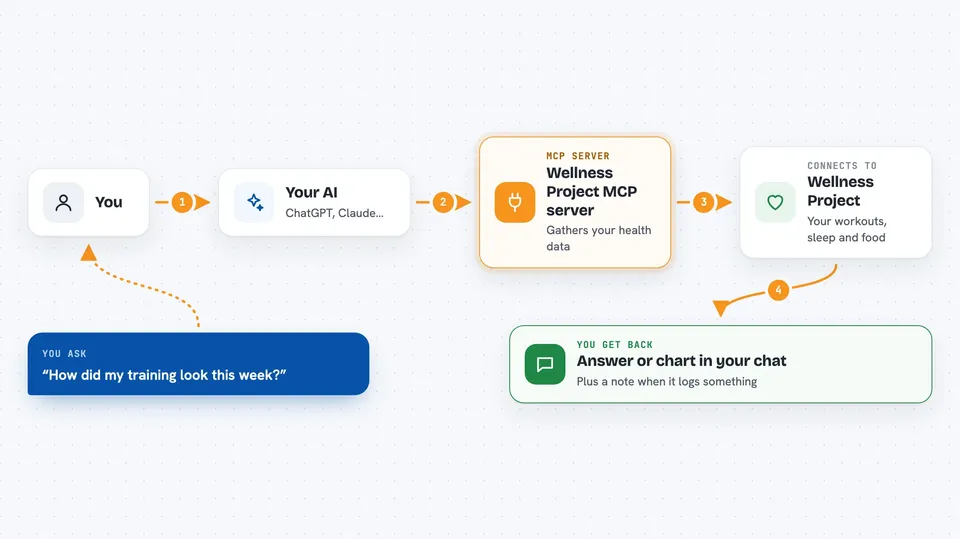
You ask your AI a question in normal words, like how your training looked this week. Your AI passes that request to this helper, which talks to your Wellness Project account. Wellness Project gathers the matching data from your connected devices and logs, then sends it back. Your AI turns it into an answer or a small chart right in the chat. If you ask it to log something, like a meal or some water, it can add that entry for you too.
 Click to zoom
What you can do with it
- Review your workouts and training from the past week or month
- Check your sleep, resting heart rate and recovery trends
- See your nutrition and macros for a day or a week
- Track your weight and body composition over time
- Log a meal, a drink of water, or a workout by just saying it
- Check how you are doing against your goals
- View interactive charts inside the chat in supported apps
Try asking your AI
- “How did my training look this week?”
- “Show my sleep for the last month.”
- “Log today's lunch: chicken burrito bowl, about 700 calories.”
- “What was my resting heart rate trend vs my HRV this quarter?”
What it gives back to you
You get back a written answer in the chat, often with numbers and short summaries. In supported apps, some answers come as interactive charts or cards instead of a wall of numbers. If you asked it to log something, it confirms the entry it added. You can also ask follow-up questions and it will keep pulling from the same data.
Before you start
What you need
- A Wellness Project account (free Basic is available)
- Your health sources connected under Settings then Devices
- An AI app that supports remote MCP servers, like Claude, ChatGPT, Gemini Spark, Grok or Mistral Le Chat
Good to know
It can add, change or delete entries in your Wellness Project account when you ask, so check what it says it did. It is informational software, not a medical product.
Install it with your AI
Add Wellness Project MCP server to your AI, no technical skills needed
You don't install anything by hand. You copy one prompt, paste it into an AI that can work on your computer, and it checks, installs and connects the server for you, asking you when it needs something.
Sign in to get the install prompt
Members get a ready-made prompt that lets the Claude desktop app check Wellness Project MCP server, install it and connect it for them, step by step. You don't need any technical skills: you copy, paste and answer a few questions. Your connected AI can also find and install any of the 4,609 MCP servers here for you.
Who it's for
Anyone who already tracks workouts, sleep or food and wants to chat about that data with an AI instead of digging through apps.